User's Manual
5-4
THE KEYBOARD
Hotkeys
Hotkeys (Fn + another key) let you enable or disable certain features of the
computers.
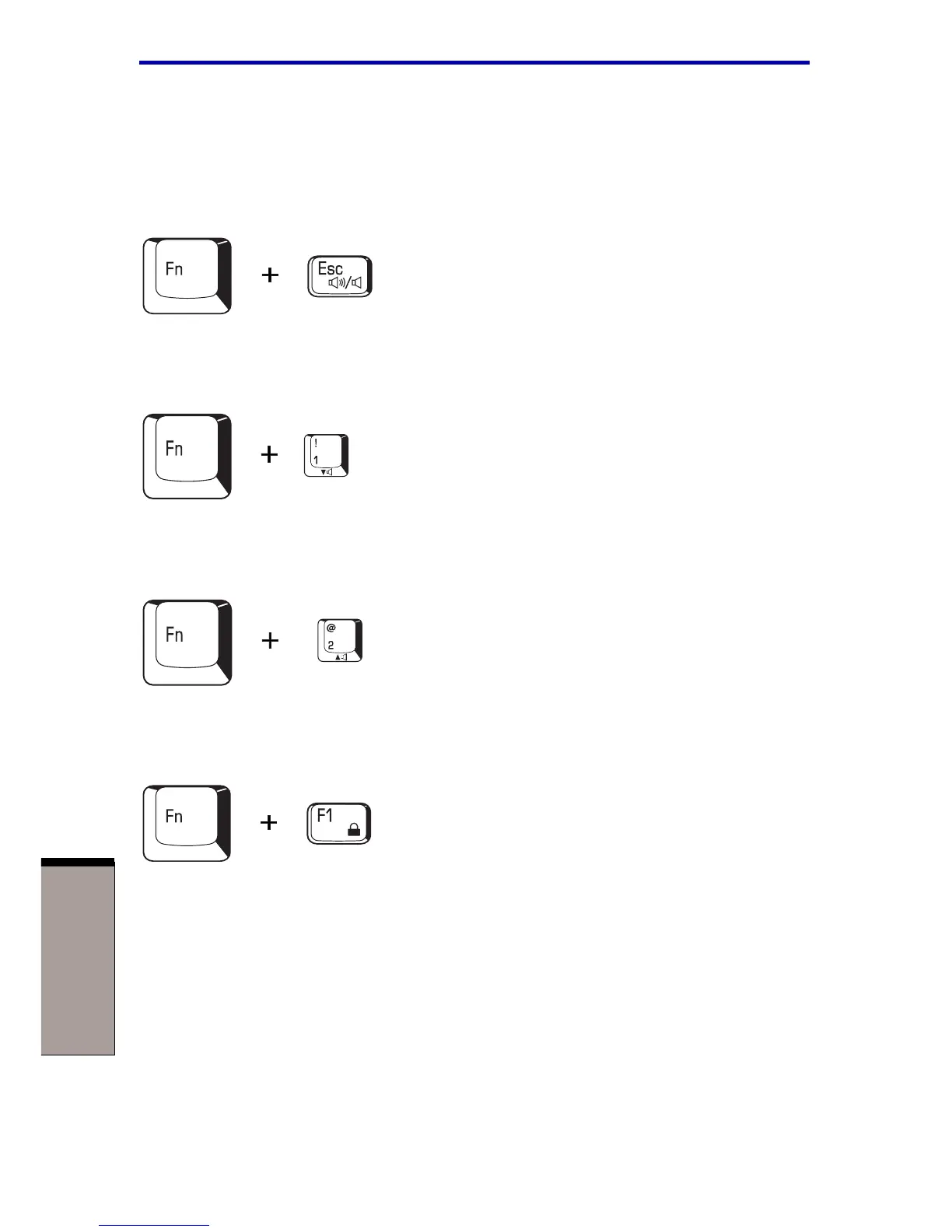
Sound mute: Pressing Fn + Esc in a Windows environment turns sound on or
off. When you press these hotkeys, the current setting will be displayed as an icon.
Volume decrease: Press Fn + 1 to decrease the sound volume. After you press
this hotkey, an icon showing the new setting will be displayed for two seconds.
Volume increase: Press Fn + 2 to increase the sound volume. After you press
this hotkey, an icon showing the new setting will be displayed for two seconds.
Instant security: Press Fn + F1 to blank the screen to prevent others from
accessing your data. To restore the screen and original settings, press any key or
press the TouchPad. If a screensaver password is registered, a dialog box will
appear. Enter the screensaver password and click OK. If no password is set, the
screen will be restored when you press any key or press the TouchPad.



 To Next Page
 Loading...



