6-3
POWER AND
P
OWER-UP MODES
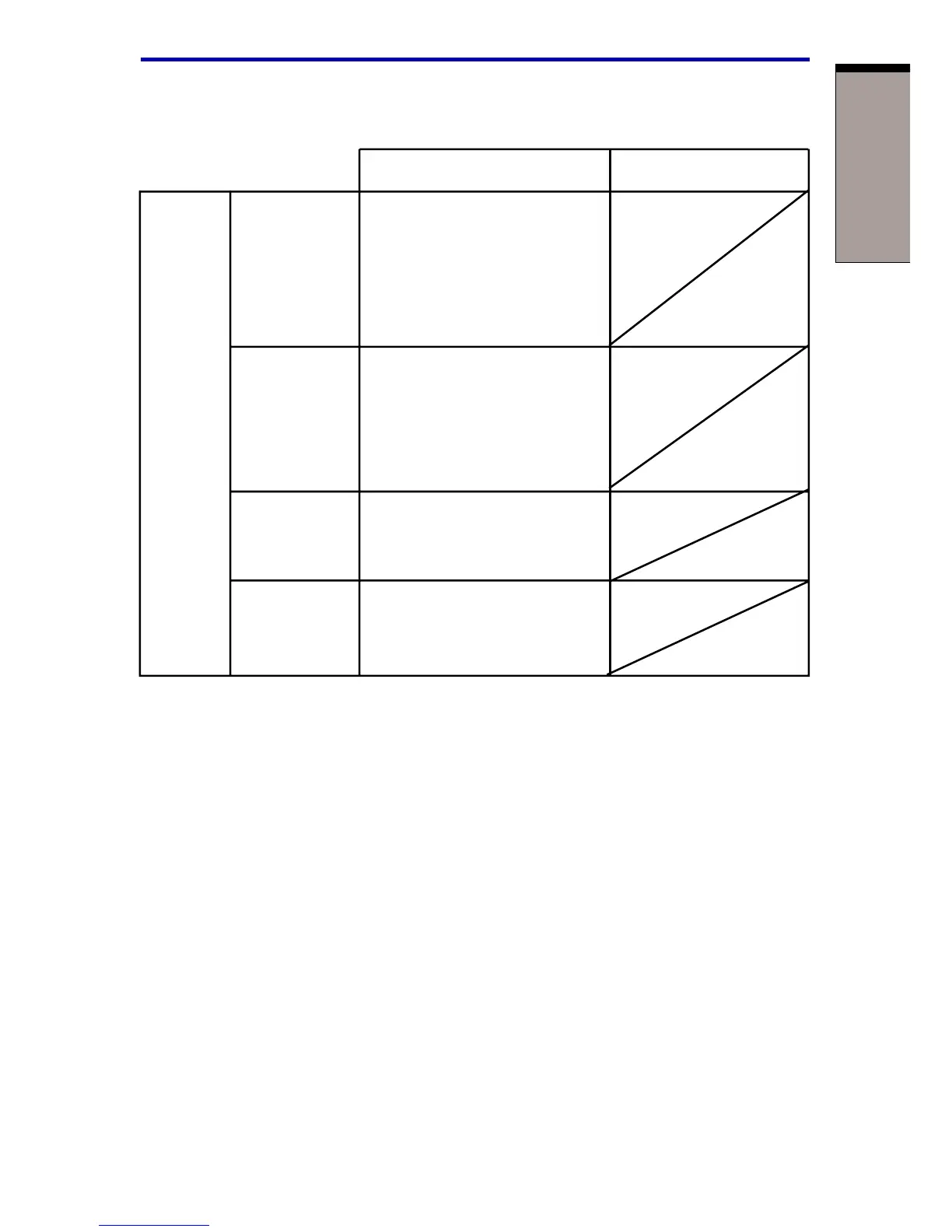
Table 6-1 Power conditions continued
Power on Power off (no operation)
AC 2nd battery • Operates
adaptor charge • LED: 2nd battery off
not is above DC IN off
connected low battery
trigger point
2nd battery • Operates
charge • LED: 2nd battery
is below flash orange
low battery DC IN off
trigger point
2nd battery Computer goes
charge is into Standby mode
exhausted and shuts down *
3
No • No operation *
5
2nd battery • LED: 2nd battery off
is installed DC IN off
NOTE: 2nd battery indicator refers to the Secondary battery
indicator when a secondary battery is installed.
*
1
When the secondary battery is not charging.
*
2
When the main battery is not charging
*
3
If a main battery and a secondary battery are installed, the computer does
not enter Standby mode until the charge in both batteries is exhausted.
*
4
When no secondary battery is installed
*
5
When no main battery is installed
NOTE: When batteries are charged, the main battery is charged first.
When it is fully charged, the secondary battery is charged.
Power conditions



 To Next Page
 Loading...



