tousek / EN_PULL-T8-T10-T15-M-S_02 / 25. 03. 2020 - 13 -
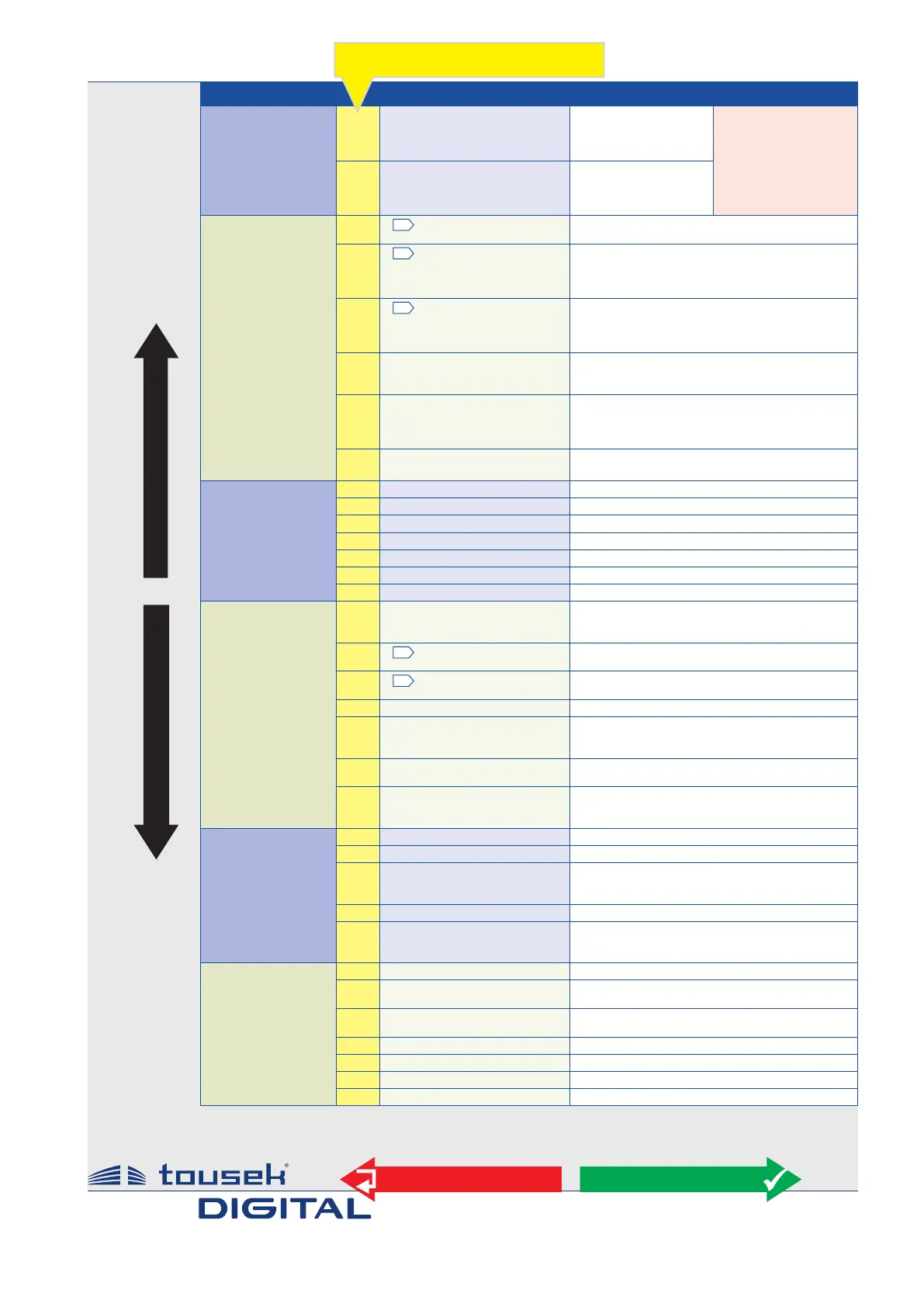
Main layer Sub layer Settings/adjustments
Button/Switch
see page14
M
impulste switch
OPEN/STOP/CLOSE
OPEN/CLOSE/ OPEN
OPEN
DEAD MAN
*) if impulse button is
set to DEADMAN, then
the pedestrian and
close button are also
set automatically to
DEADMAN mode.
(not selectable under
„pedest.- button“)
M
pedestrian button
OPEN/STOP/CLOSE
OPEN/CLOSE/ OPEN
OPEN
DEAD MAN
*)
Safety
see page 16
M
G
photocell
activ
not activ
M/S
G
Main safety sensing edge
activ
not activ
radio edge TX
TX 400
M/S
G
Side safety sensing edge
activ
not activ
radio edge TX
TX 400
M
photocell funtion
reverse when closing
stop, after release open
during closing stop, then close
M
photocell pause time
no inuence
abort pause ttime
re-start pause time
after opening close immediately
M
photocell test
activ
not activ
Motor
see page 20
M/S
max. force
25...100% [ increment 5] = 70%
M/S
ARS-response time
0,15...0,95s [ increment 0,05] = 0,50s
M/S
speed
65...100% [ increment 5 ] = 100%
M/S
soft stop distance
0...2m [ increment 0,1] = 0,5m
M/S
soft stop spped
30...60% [ increment 5 ] = 50%
M/S
end position OPEN
0...-30 [ increment 1] = -5
M/S
end position CLOSED
0...-30 [ increment 1] = -5
Operating mode
siee page 21
M
impulse logic
Stop, Start of pause
impulse elimination during opening
pause time extension
M/S
G
opening direction
<<<
–
left
–
>>> right
M
G
operating mode
impulse mode
automatic 1...255s [ increment 1]
M
partial opening
10...100% [ increment 1] = 30%
M
automatic mode
complete/partial opening
only complete opening
only partial opening
M
pause time logic
no inuence
constant open in automatic mode
M
motor partial opening
Master
Slave
Master and Slave
Lights/Lamps
siee page 22
M
prewarning OPEN
OFF, 1...30s = OFF
M
prewarning CLOSE
OFF, 1...30s = OFF
M
additional module
courtyard lamp/control lamp
gate status1
gate status 2
M
courtyard lamp
1)
OFF 5...950s = OFF
M
control lamp
1)
on at opening and closing
ashes slowly/illuminates/ashes faster
illuminaTES IN OPENNG POSITION
Diagnosis
see page 24
M/S
status disply
status display of all inputs
M
delete positions
NO
YES
M
factory settings
NO
YES
M/S
software version
show software version
M/S
serial number
show serial number
M/S
protocol
show protocol notes
M/S
status sensor
show sensor
1)
The menu points courtyard lamp and control lamp will only appear on display if in menu
„Additional module“ courtyard lamp/control lamp is selected.
Menu structure Adjustments/overwiev
+
–
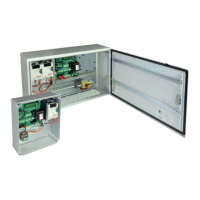
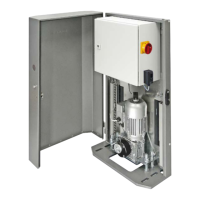
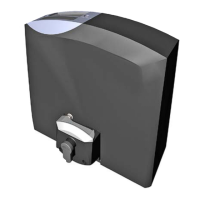
control board PULL T8, -T10, -T15 / Master-Slave
ESC
ENTER
Note: some adjustments regarding function or operating logic can only be executed if gate is closed and if the display shows „ready“.
M selectable in Master control unit
M/S
selectable in Master- und Slave control unit


 To Next Page