- 95 -
4.19 IPv6
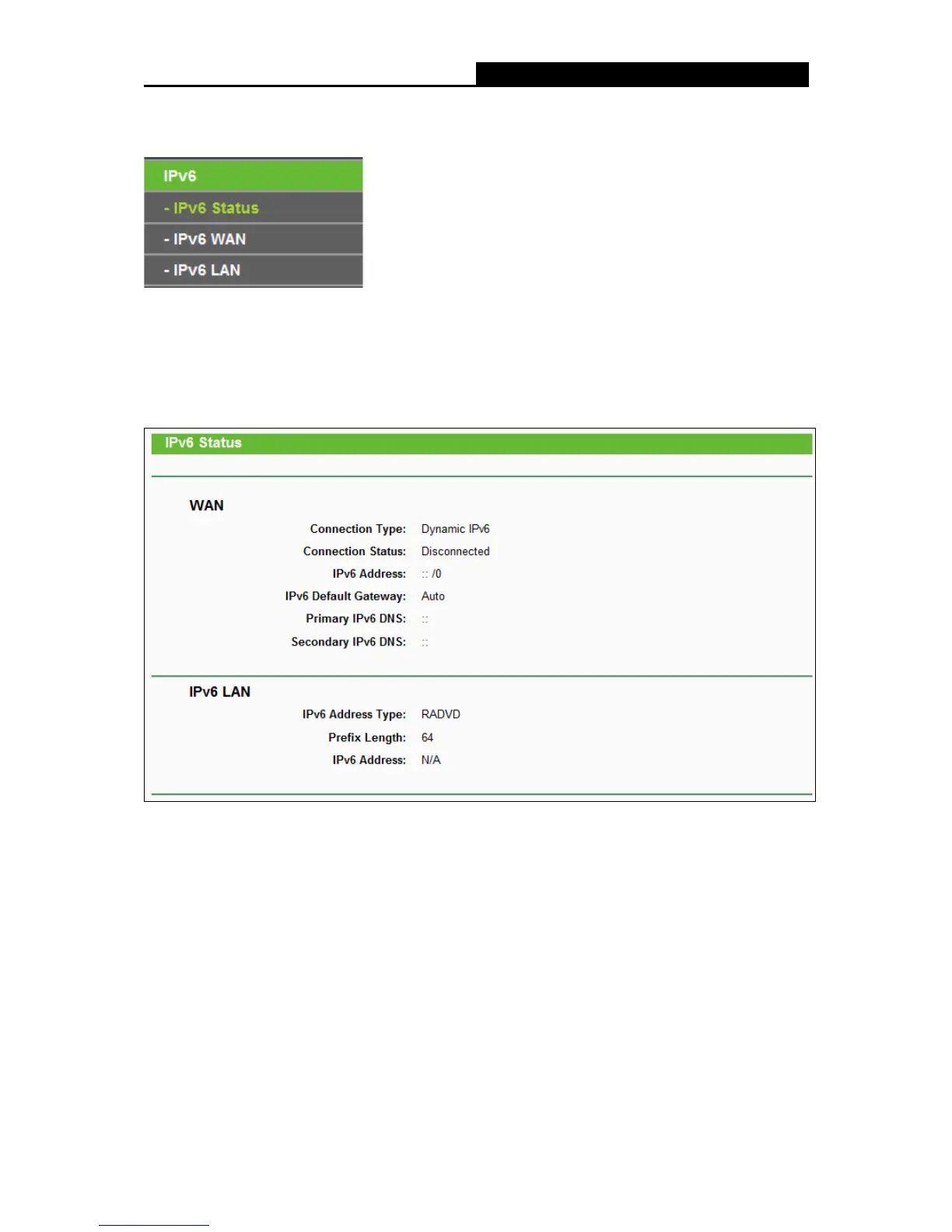
There are three submenus under the IPv6 Support menu: IPv6 Status, IPv6 WAN and IPv6 LAN.
Click either of them, and you will be able to scan or configure the corresponding function. The
detailed explanations for each submenu are provided below.
4.19.1 IPv6 Status
The IPv6 Status page displays the router's current IPv6 status and configuration. All information
is read-only.
WAN
• Connection Type - The IPv6 connection way for WAN
• Connection Status - The status of IPv6 connection
• IPv6 Address - The WAN IPv6 address
• IPv6 Default Gateway - The router's default gateway
• Primary IPv6 DNS - The primary IPv6 DNS address
• Secondary IPv6 DNS - The secondary IPv6 DNS address
LAN















 To Next Page