- 87 -
4.15 Advanced Routing
There are two submenus under the Advanced Routing menu: Static Route List and System
Routing Table. Click any of them, and you will be able to configure the corresponding function.
4.15.1 Static Route List
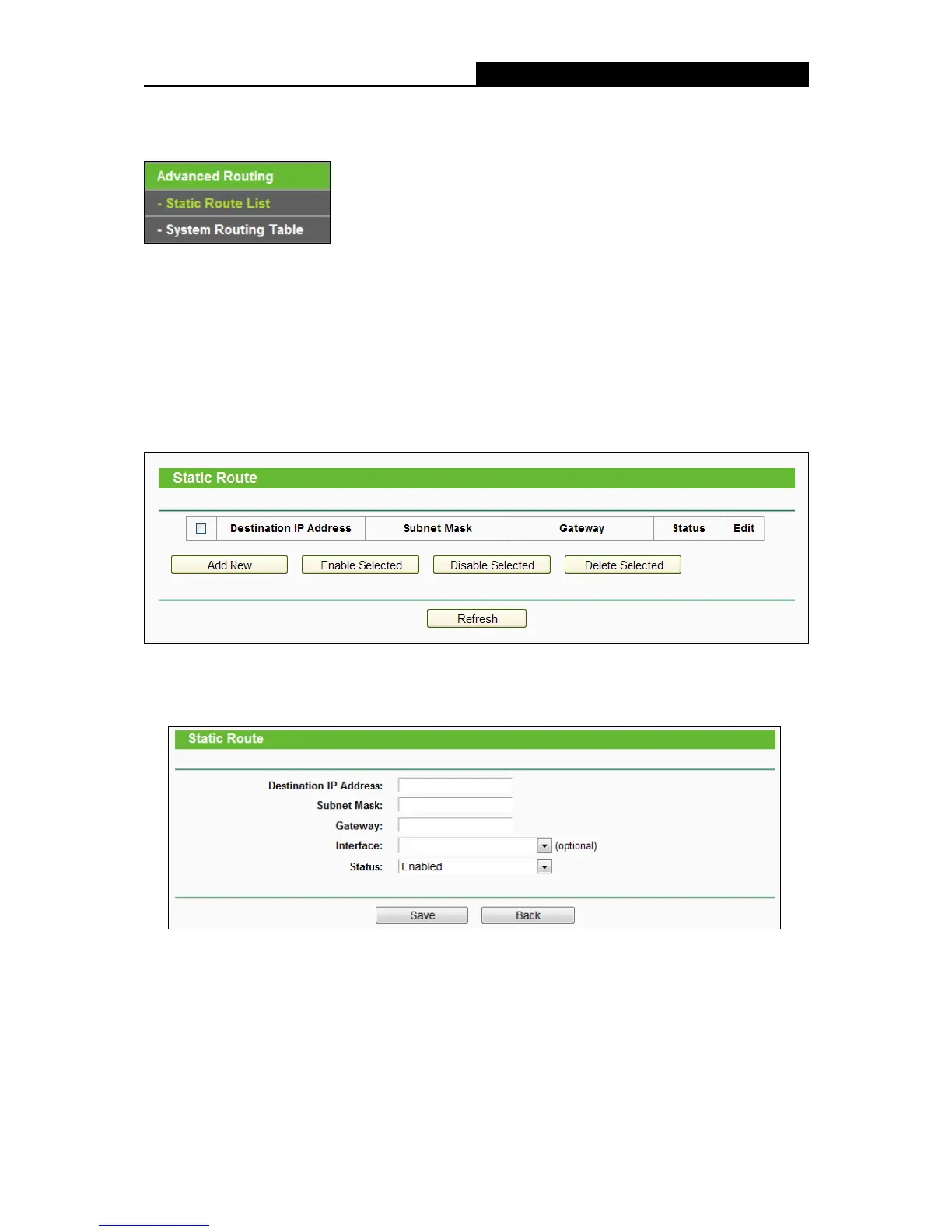
Choose menu “Advanced Routing
Static Route List”, and then you can configure the static
route in the next screen (shown in the following figure). A static route is a pre-determined path that
network information must travel to reach a specific host or network.
To add static route entries:
1. Click Add New shown in
the figure above, you will see the following screen.
2. Enter the following data:
Destination IP Address - The Destination IP Address is the address of the network or
host that you want to assign to a static route.
Subnet Mask - The Subnet Mask determines which portion of an IP Address is the
network portion, and which portion is the host portion.















 To Next Page