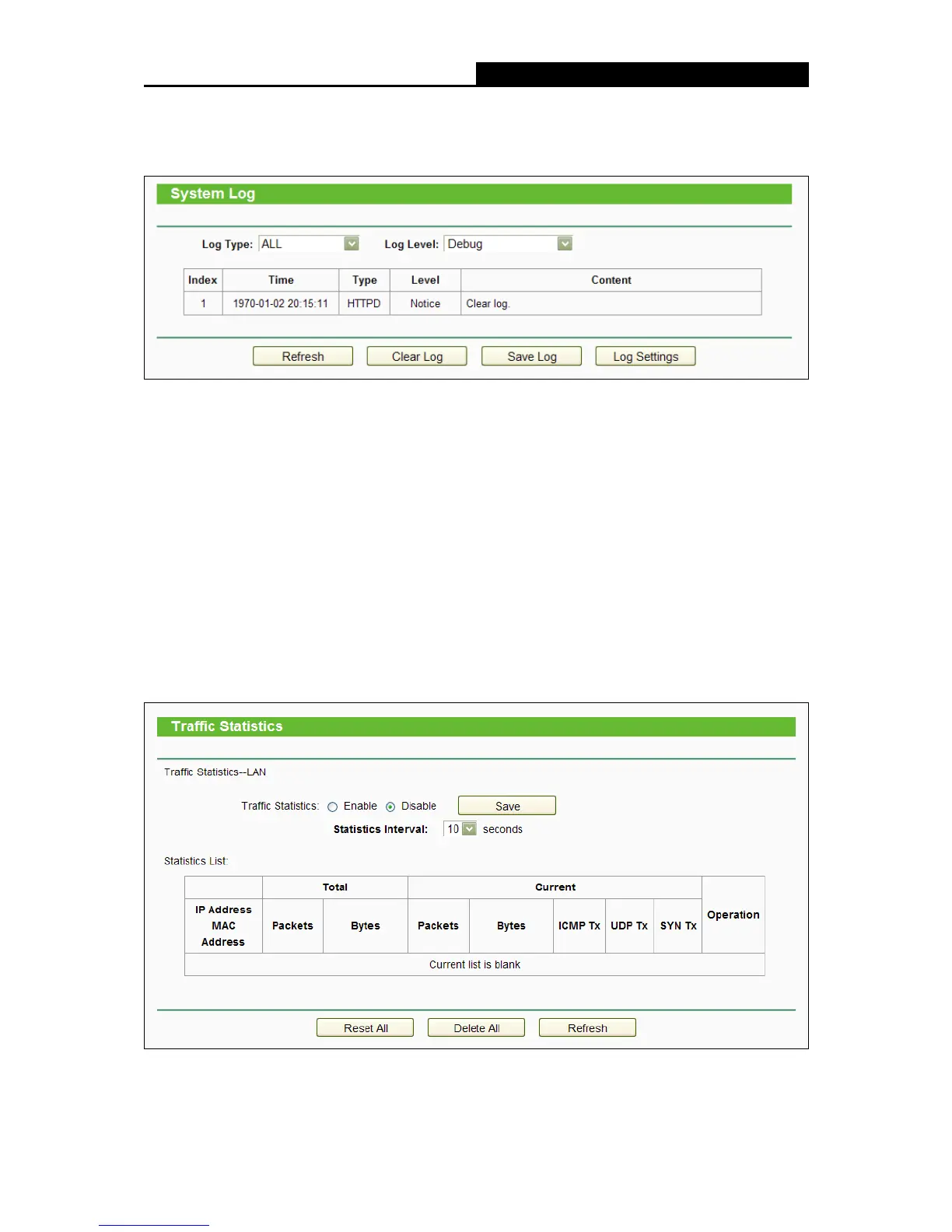
System Log”, and then you can view the logs of the router.
Log Type - By selecting the log type, only logs of this type will be shown.
Log Level - By selecting the log level, only logs of this level will be shown.
Refresh - Refresh the page to show the latest log list.
Clear Log - All the logs will be deleted from the router permanently, not just from the page.
Save Log - Click to save all the logs in a txt file.
Log Settings - Click to change the log settings.
4.20.9 Statistics
Choose menu “System Tools
Statistics”, and then you can view the statistics of the router,
including total traffic and current traffic of the last Packets Statistic Interval.















 To Next Page