- 62 -
Max Guest number – The maximum of guests at the same time,
Security - You can configure the security of Guest Network here.
Access Time - During this time the wireless stations could accessing the AP.
Note:
The range of bandwidth for Guest Network is calculated according to the setting of Bandwidth
Control on the page “Bandwidth Control->Control Settings”.
4.9 DHCP
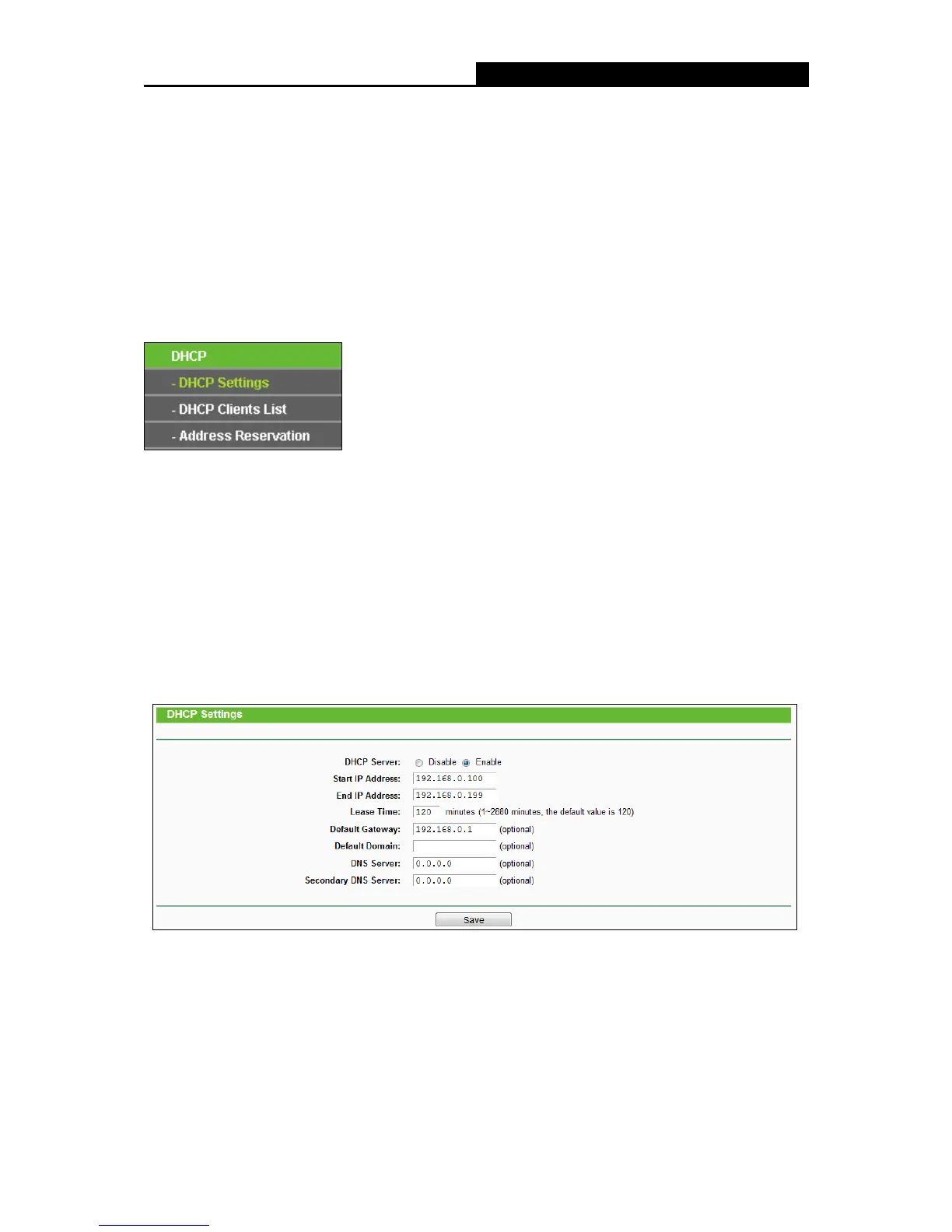
There are three submenus under the DHCP menu: DHCP Settings, DHCP Clients List and
Address Reservation. Click any of them, and you will be able to configure the corresponding
functions.
4.9.1 DHCP Settings
Choose menu “DHCP
DHCP Settings”, you can configure the DHCP Server on the page as
shown in the following figure.The router is set up by default as a DHCP (Dynamic Host
Configuration Protocol) server, which provides the TCP/IP configuration for all the PC(s) that are
connected to the router on the LAN.
DHCP Server - Enable or Disable the DHCP server. If you disable the Server, you must
have another DHCP server within your network, otherwise you must configure the computer
manually.
Start IP Address - Specify an IP address for the DHCP Server to start with when assigning
IP addresses. 192.168.0.100 is the default start address.















 To Next Page