- 69 -
To modify or delete an existing entry:
1. Find the desired entry in the table.
2. Click Edit or Delete as desired on the Edit column.
Click the Enable Selected button to make selected entries enabled.
Click the Disable Selected button to make selected entries disabled.
Click the Delete Selected button to delete selected entries
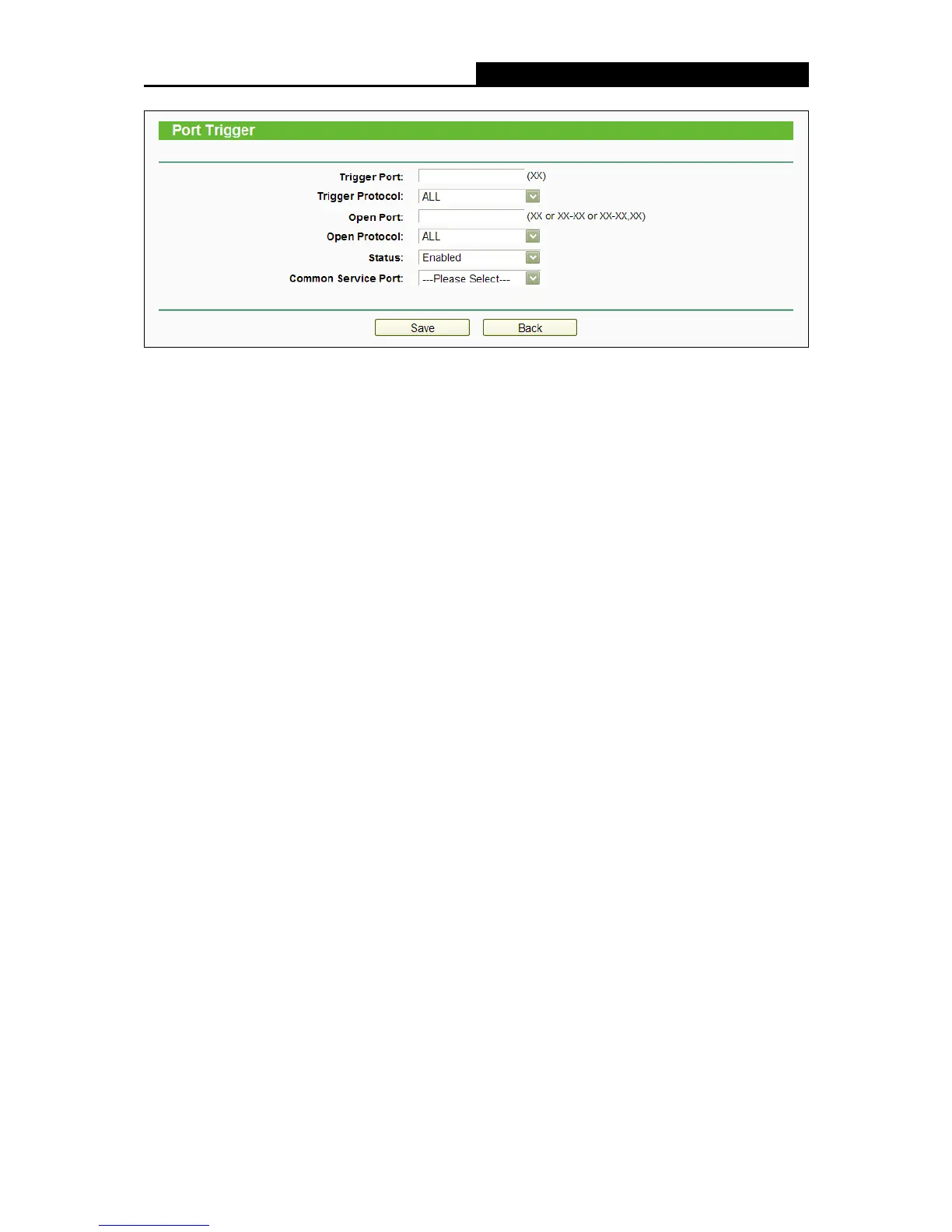
Once the router is configured, the operation is as follows:
1. A local host makes an outgoing connection to an external host using a destination port
number defined in the Trigger Port field.
2. The router records this connection, opens the incoming port or ports associated with this
entry in the Port Triggering table, and associates them with the local host.
3. When necessary, the external host will be able to connect to the local host using one of the
ports defined in the Open Ports field.
Note:
1. When the trigger connection is released, the corresponding opened ports will be closed.
2. Each rule can only be used by one host on the LAN at a time. The trigger connection of other
hosts on the LAN will be refused.
3. Open Ports ranges cannot overlap each other.















 To Next Page