96
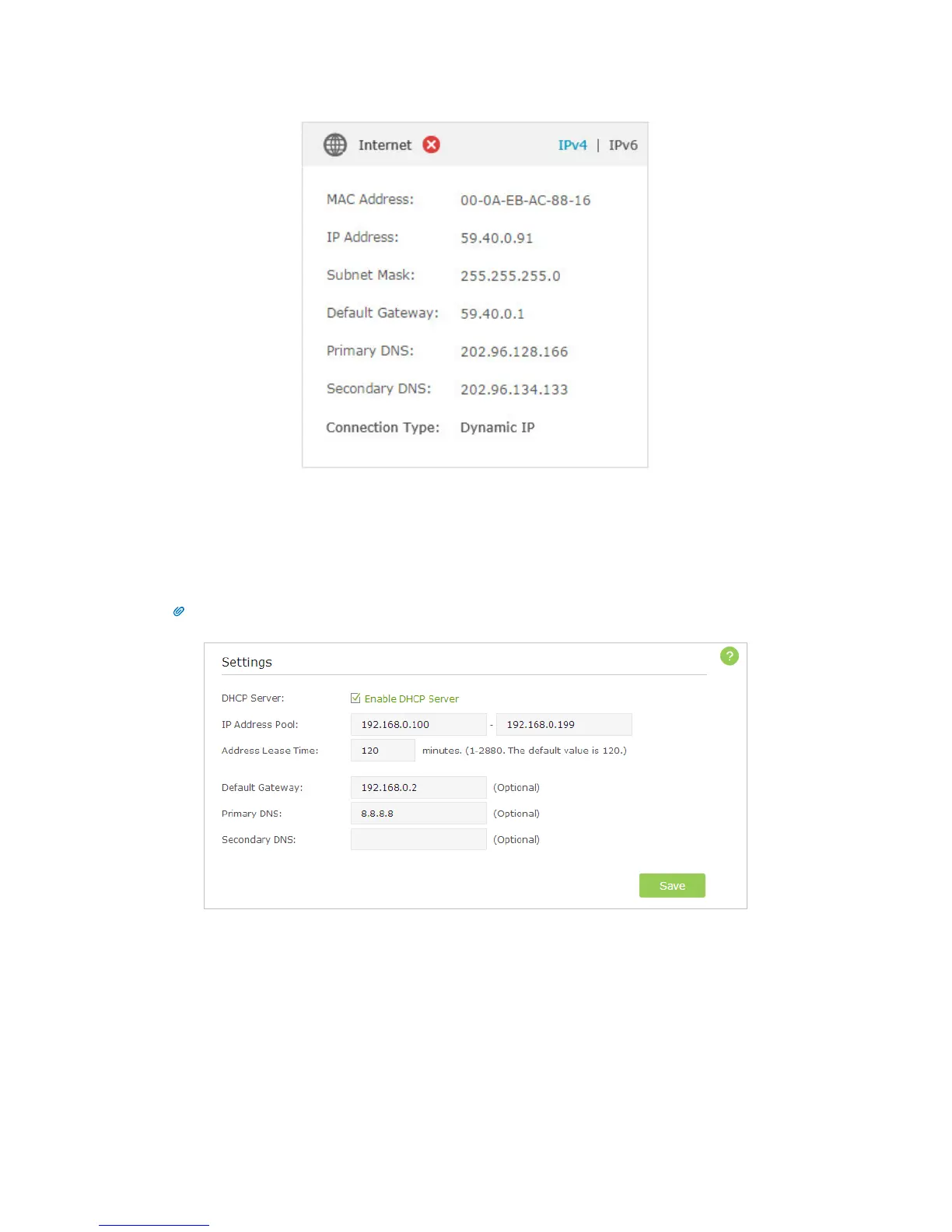
1. Your computer might not recognize any DNS server addresses, please manually
configure DNS server.
1 ) Go to Advanced > Network > DHCP Server;
2 ) Enter 8.8.8.8 as Primary DNS, click Save.
Tips: 8.8.8.8 is a safe and public DNS server operated by Google.
2. Power cycle the modem and the TP-LINK router.
1 ) Power off your modem and TP-LINK router, leave them off for 1 minute;
2 ) Power on your modem first, wait about 2 minutes until it get a solid cable or
Internet light;
3 ) Power back TP-LINK router;
4 ) Wait another 1 or 2 minutes and check the Internet access.
3. Reset the router to factory default settings and reconfigure.












 To Next Page