107
Chapter 16
Customize Your Network Settings
How can I do that?
1. Visit http://tplinkwifi.net, and log in with your TP-Link ID or the password you set for
the router.
2. Go to Advanced > Network > IPTV/VLAN.
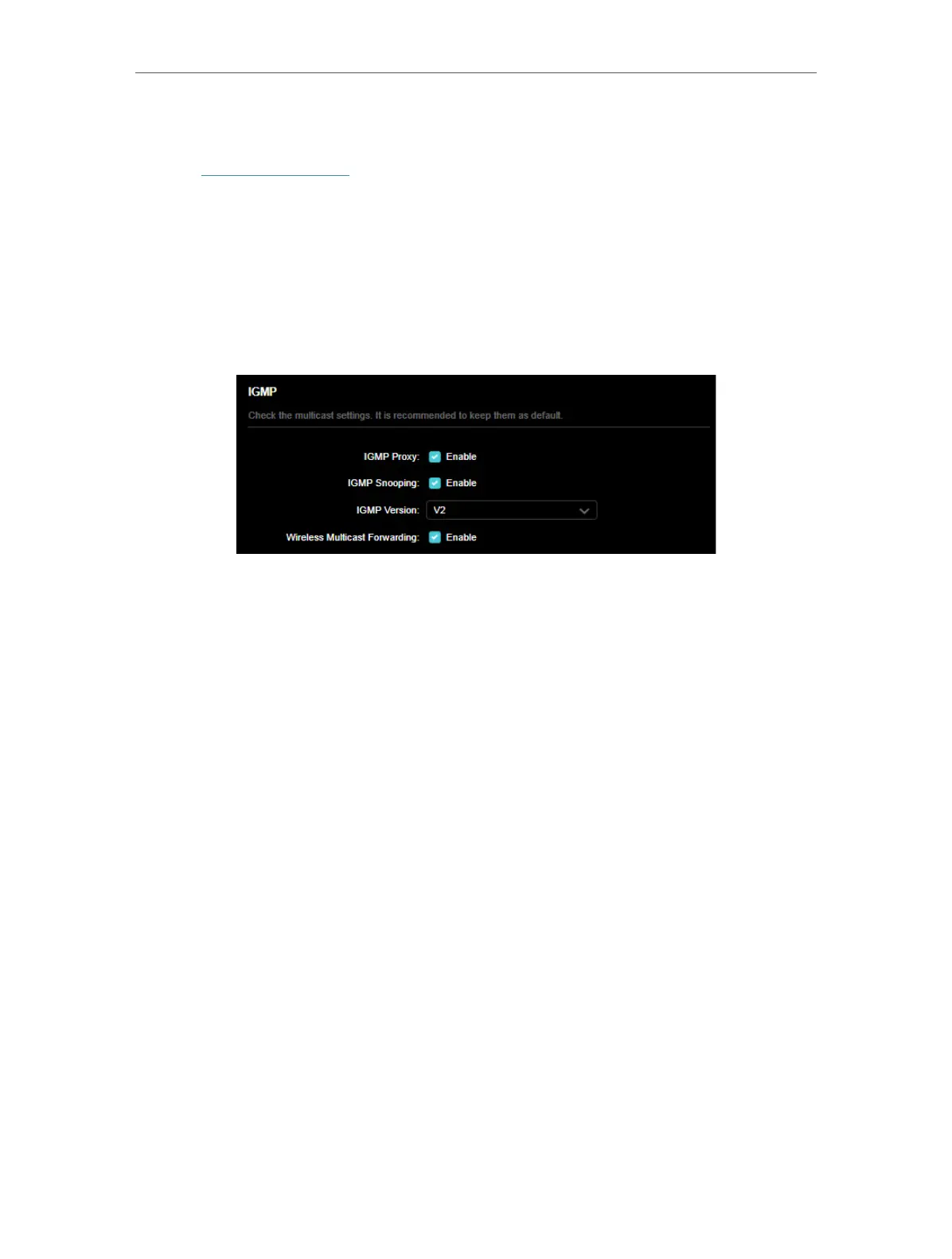
3. If your ISP provides the networking service based on IGMP technology, e.g., British
Telecom(BT) and Talk Talk in UK:
1 ) Tick the IGMP Proxy and IGMP Snooping checkbox, then select the IGMP Version,
either V2 or V3, as required by your ISP.
2 ) Check the Wireless Multicast Forwarding status. When enabled, the multicast
packets will be forwarded automatically. You are recommended to keep it as
default.
3 ) Click SAVE.
4 ) After configuring IGMP proxy, IPTV can work behind your router now. You can
connect your set-top box to any of the router’s Ethernet port.
If IGMP is not the technology your ISP applies to provide IPTV service:
1 ) Tick Enable IPTV/VLAN.
2 ) Select the appropriate Mode according to your ISP.
• Select Bridge if your ISP is not listed and no other parameters are required.
• Select Custom if your ISP is not listed but provides necessary parameters.













 To Next Page