111
Chapter 16
Customize Your Network Settings
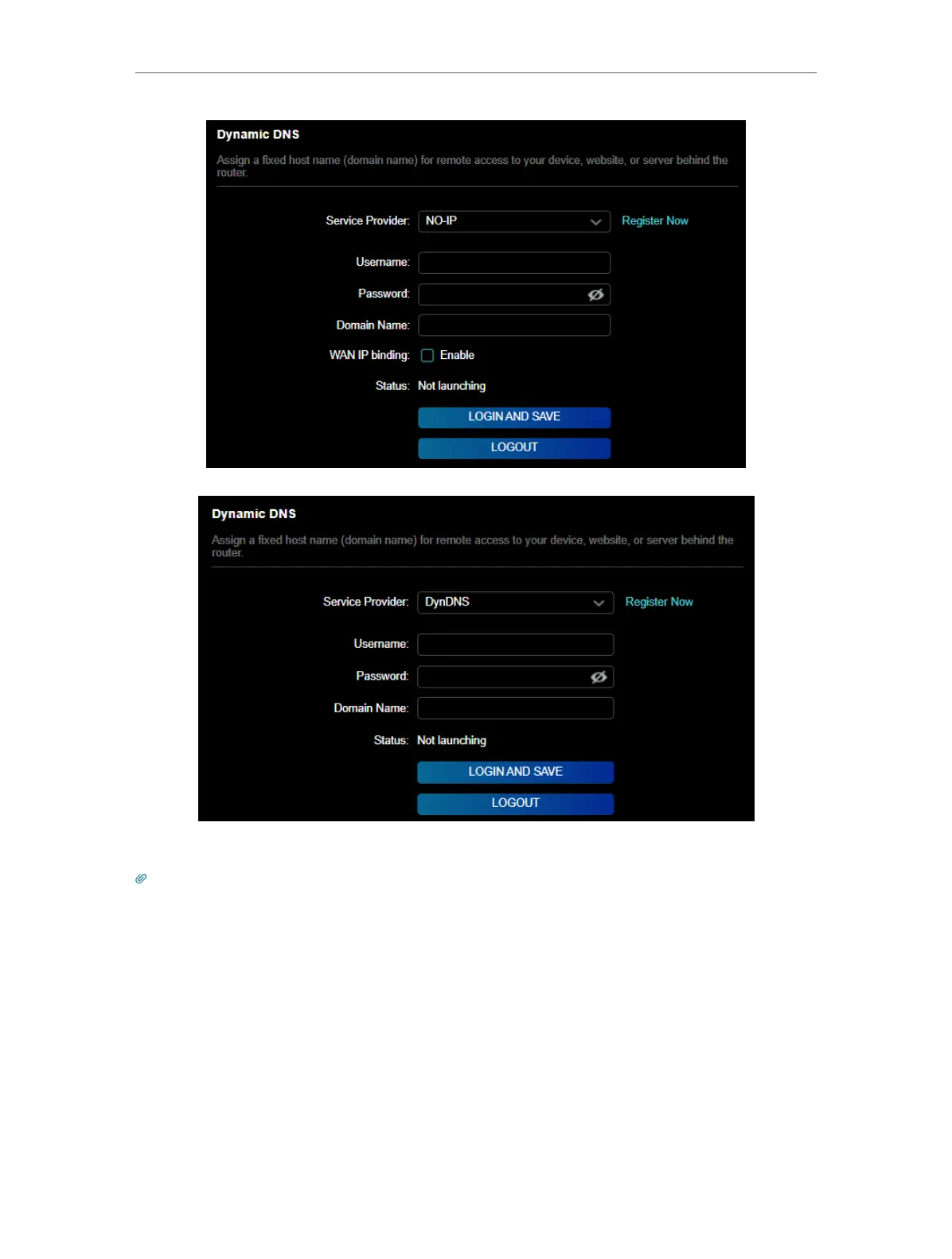
5. Click LOGIN AND SAVE.
Tips: If you want to use a new DDNS account, please click Logout first, and then log in with a new account.
16. 7. Create Static Routes
Static routing is a form of routing that is configured manually by a network administrator
or a user by adding entries into a routing table. The manually-configured routing
information guides the router in forwarding data packets to the specific destination.
I want to:
Visit multiple networks and servers at the same time.
For example, in a small office, my PC can surf the internet through Router A, but I also













 To Next Page