141
Chapter 18
Game Center
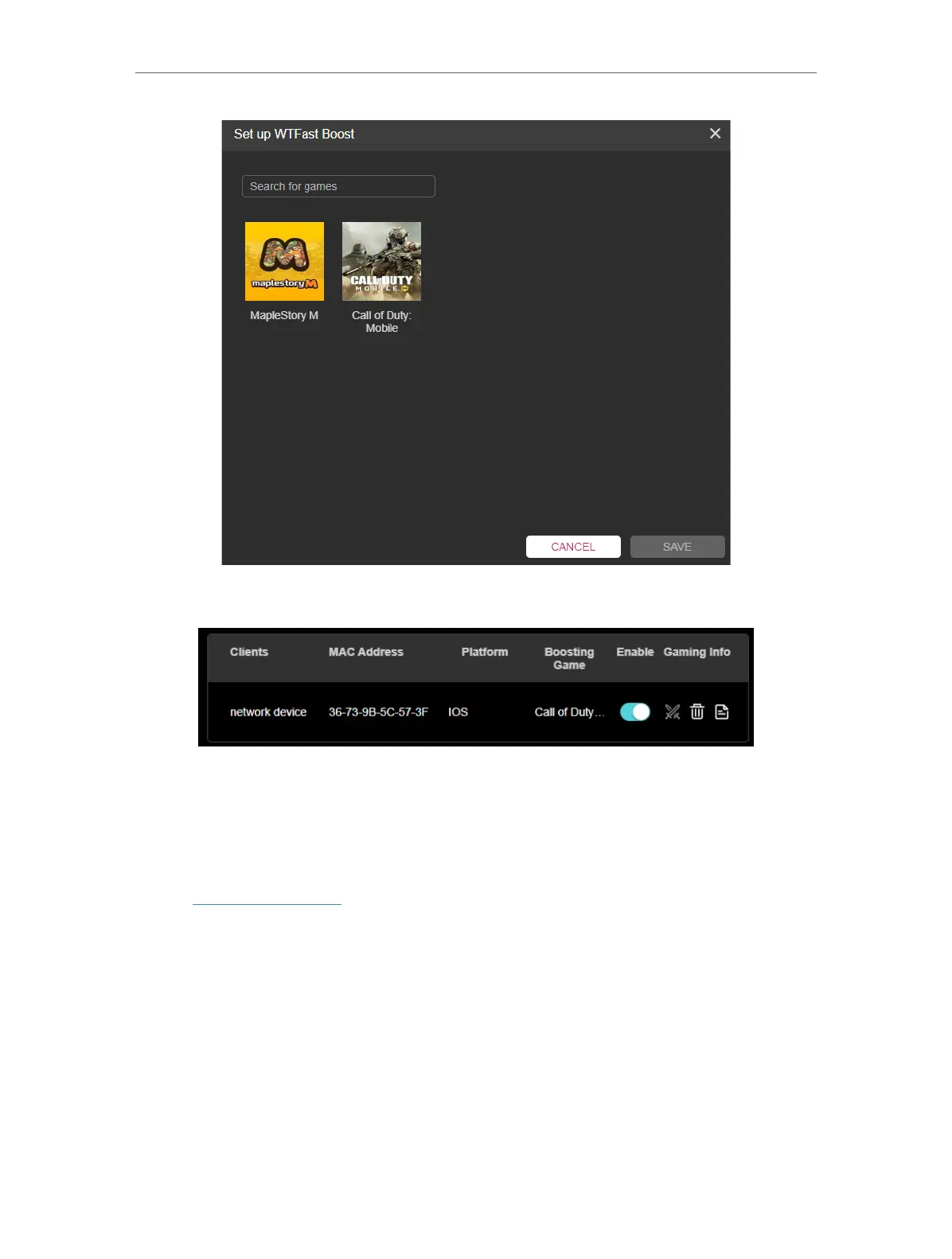
8. Toggle the Enable button of the device on the list when you’re playing the game.
18. 2. 3. Gear Acceleration
Gear Acceleration prioritizes and accelerates your game devices on a crowded network
to reduce game latency and boost game speed.
1. Visit http://tplinkwifi.net, and log in with your TP-Link ID or the password you set for
the router.
2. Go to Game Center > Game Acceleration > Gear Acceleration.
3. Turn on Device Priority and select the acceleration duration for a specific device to
prioritize the internet traffic of it.













 To Next Page