143
Chapter 18
Game Center
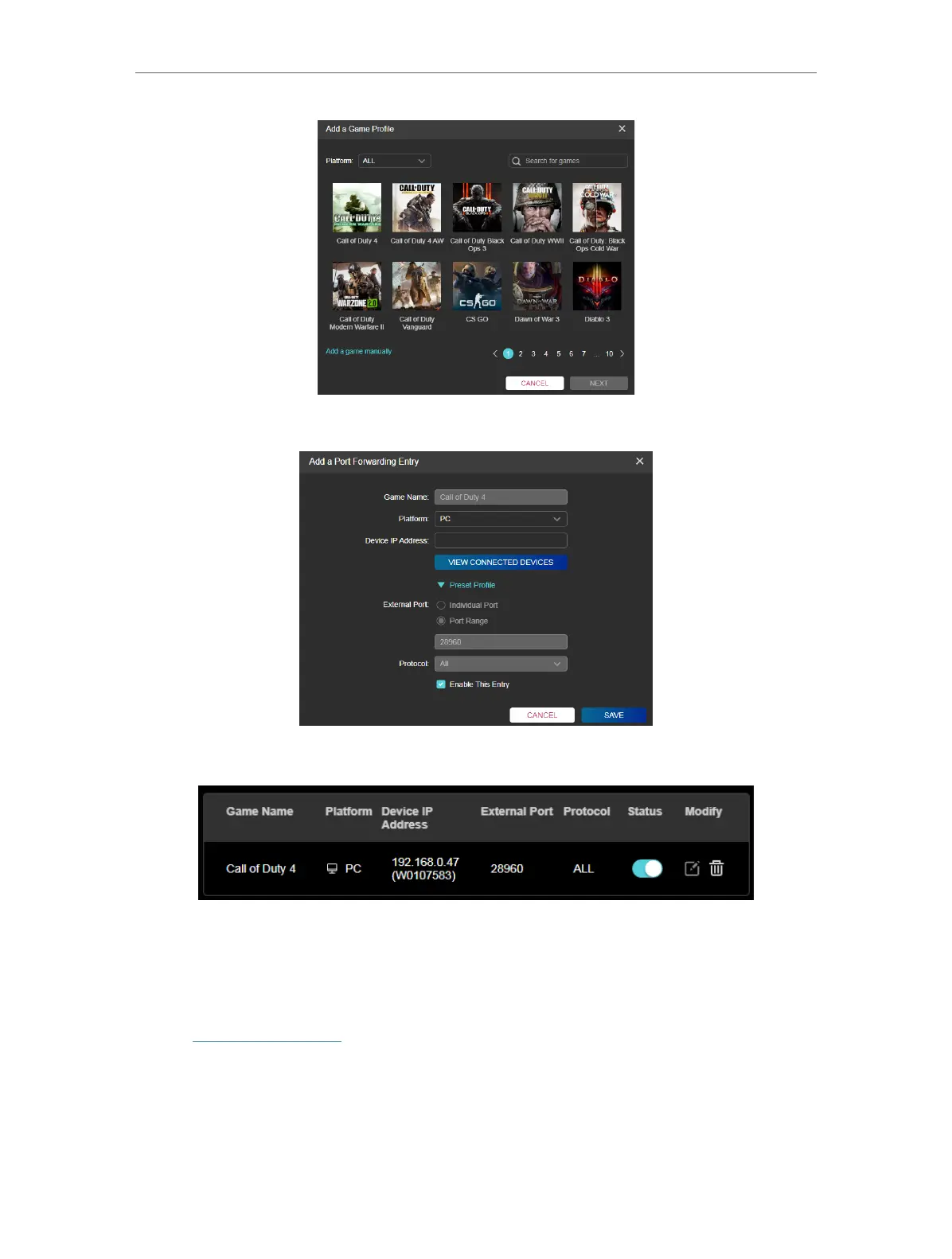
5. Fill in the profile information and your game device IP address.
6. Click SAVE. You can turn on or off the port forwarding for this profile anytime.
18. 4. Game Statictics
View your recenty played games.
1. Visit http://tplinkwifi.net, and log in with your TP-Link ID or the password you set for
the router.
2. Go to Game Center > Game Statistics to check your recent game statistics.













 To Next Page