129
Chapter 17
Manage the Router
17. 9. Set System Time and Language
System time is the time displayed while the router is running. The system time you
configure here will be used for other time-based functions like Parental Controls. You
can choose the way to obtain the system time as needed.
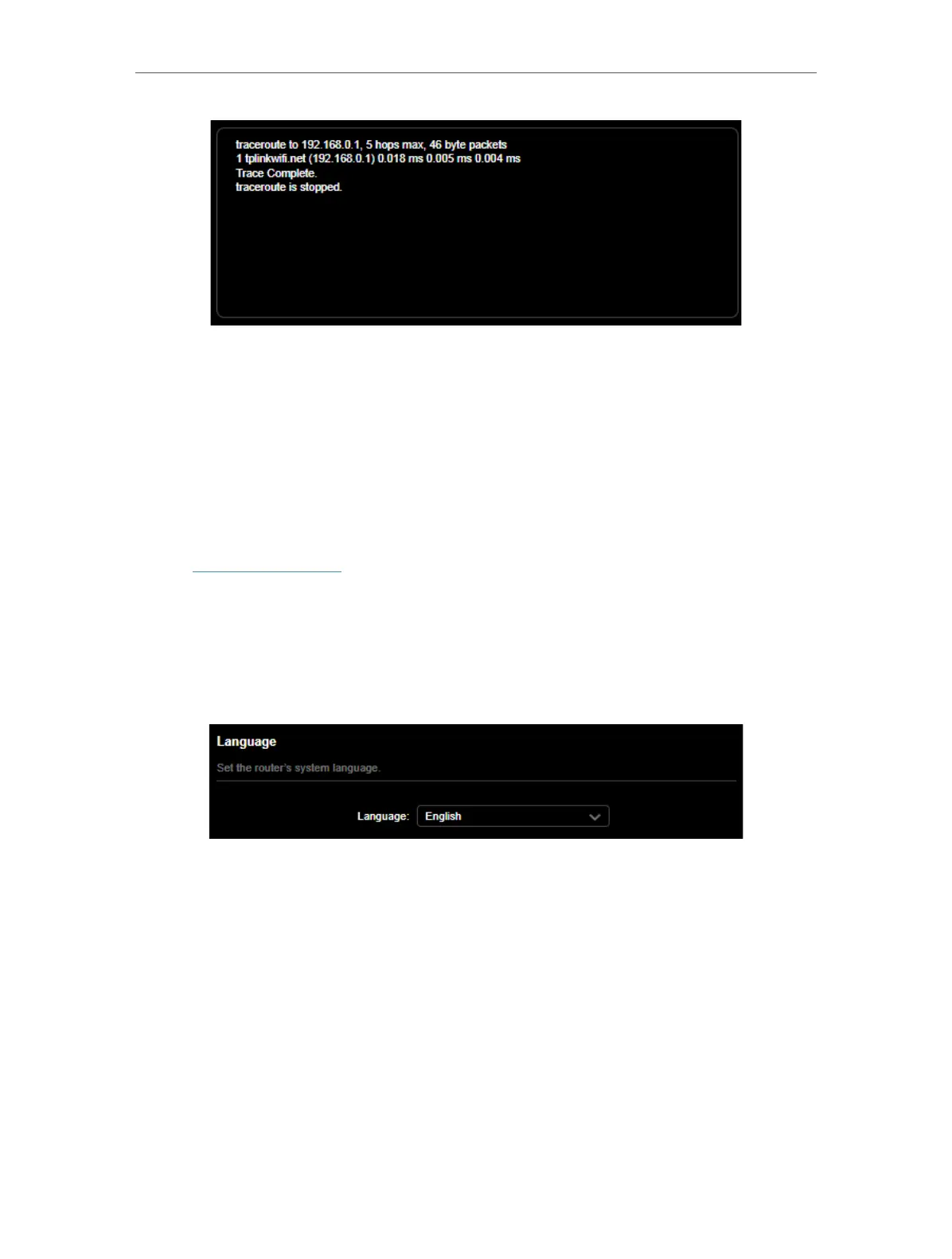
System language is the language displayed when you log into the router. You can
change the system language as needed.
1. Visit http://tplinkwifi.net, and log in with your TP-Link ID or the password you set for
the router.
2. Go to Advanced > System > Time & Language.
• To change system language:
Select the preferred language from the list and click SAVE .
• To get time from the internet:
1. Enable 24-Hour Time if you want the time to display in a 24-hour way.
2. In the Set Time field, select Get from Internet.













 To Next Page