137
Chapter 18
Game Center
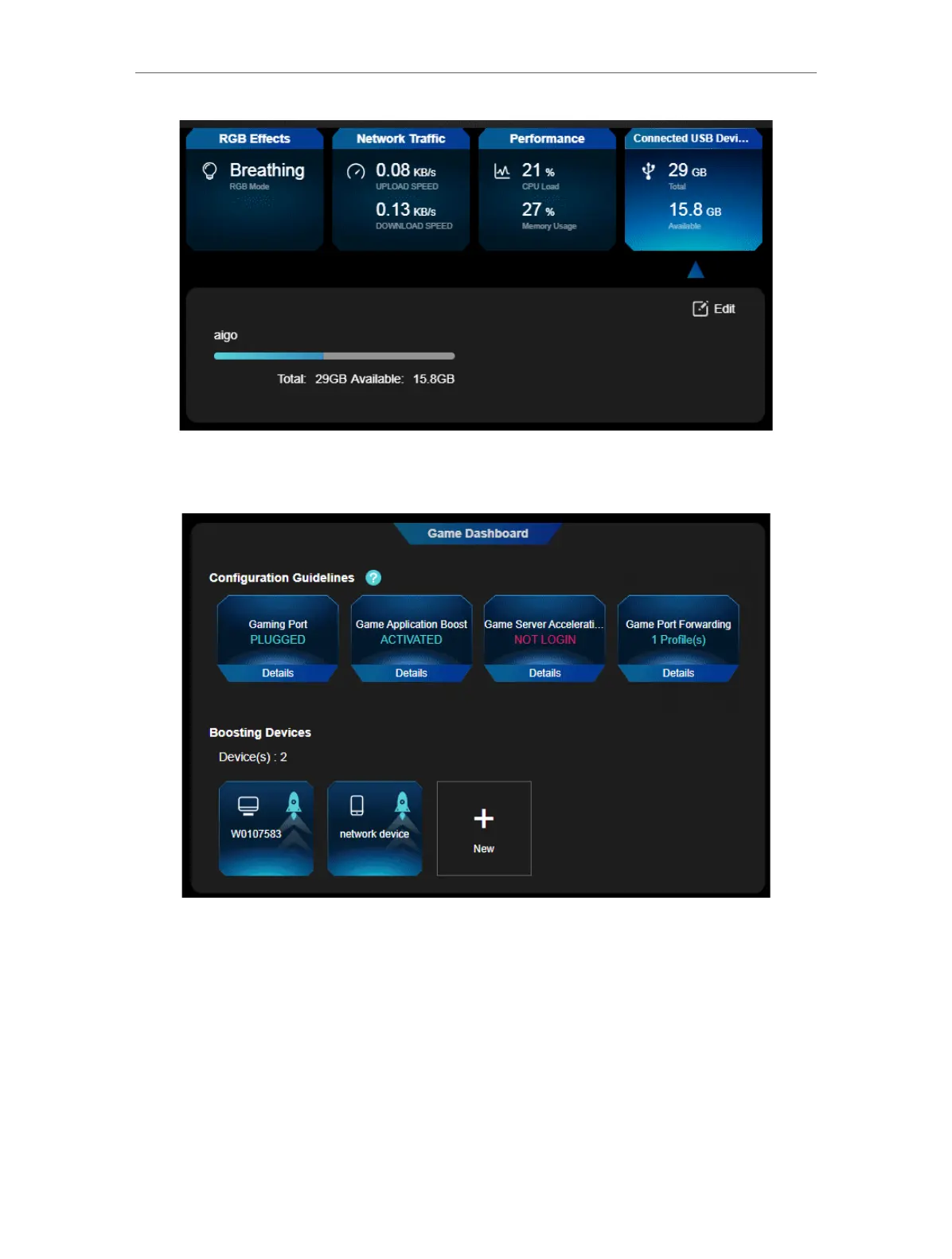
7. Go to Game Dashboard to check your game acceleration status and boosing devices.
Click +New to prioritize internet traffic for more devices.
18. 2. Game Acceleration
The router features various game acceleration tools, including QoS, Game Server
Acceleration, and Gear Acceleration, which boost game speeds so that your games
always run at top performance.













 To Next Page