136
Chapter 18
Game Center
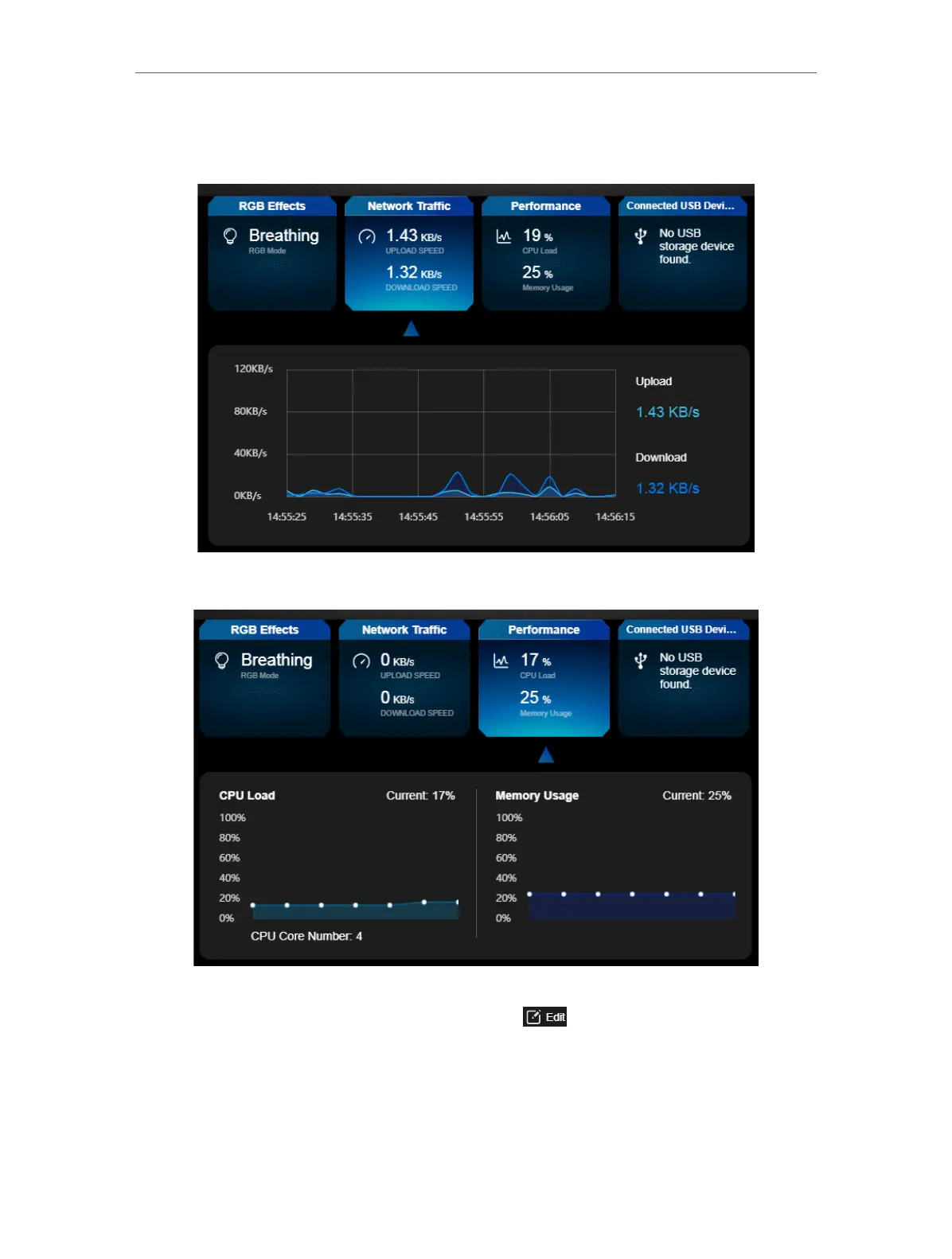
4. Click Network Traffic to view the real-time upload and download speed for the WAN
port.
5. Click Performance to view the current status CPU load and memory usage.
6. Click Connected USB Devices to view the total and available memory capacity of
connected USB devices. Click the edit button to transfer to the USB settings
page for sharing files and media from the USB storage devices. You can also go to
Advanced > USB > USB Storage Device for configuration.













 To Next Page