144
Chapter 18
Game Center
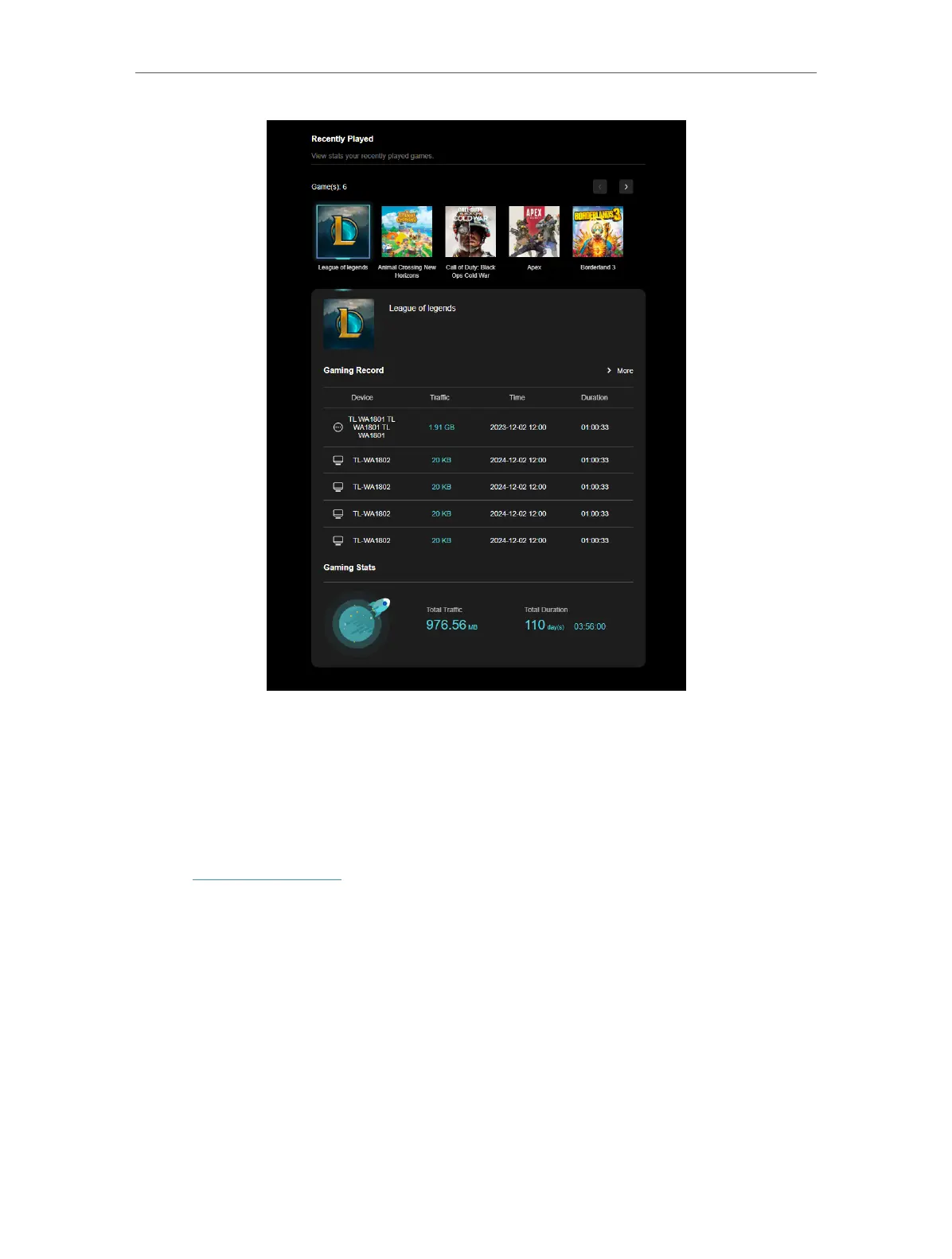
18. 5. Game Detector
Game Detector tests and displays the real-time ping of your game servers without
affecting game acceleration. All game titles, logos, and brands are the property of their
respective owners.
1. Visit http://tplinkwifi.net, and log in with your TP-Link ID or the password you set for
the router.
2. Go to Game Center > Game Detector.
3. Choose a game to check the real-time server ping information.













 To Next Page