142
Chapter 18
Game Center
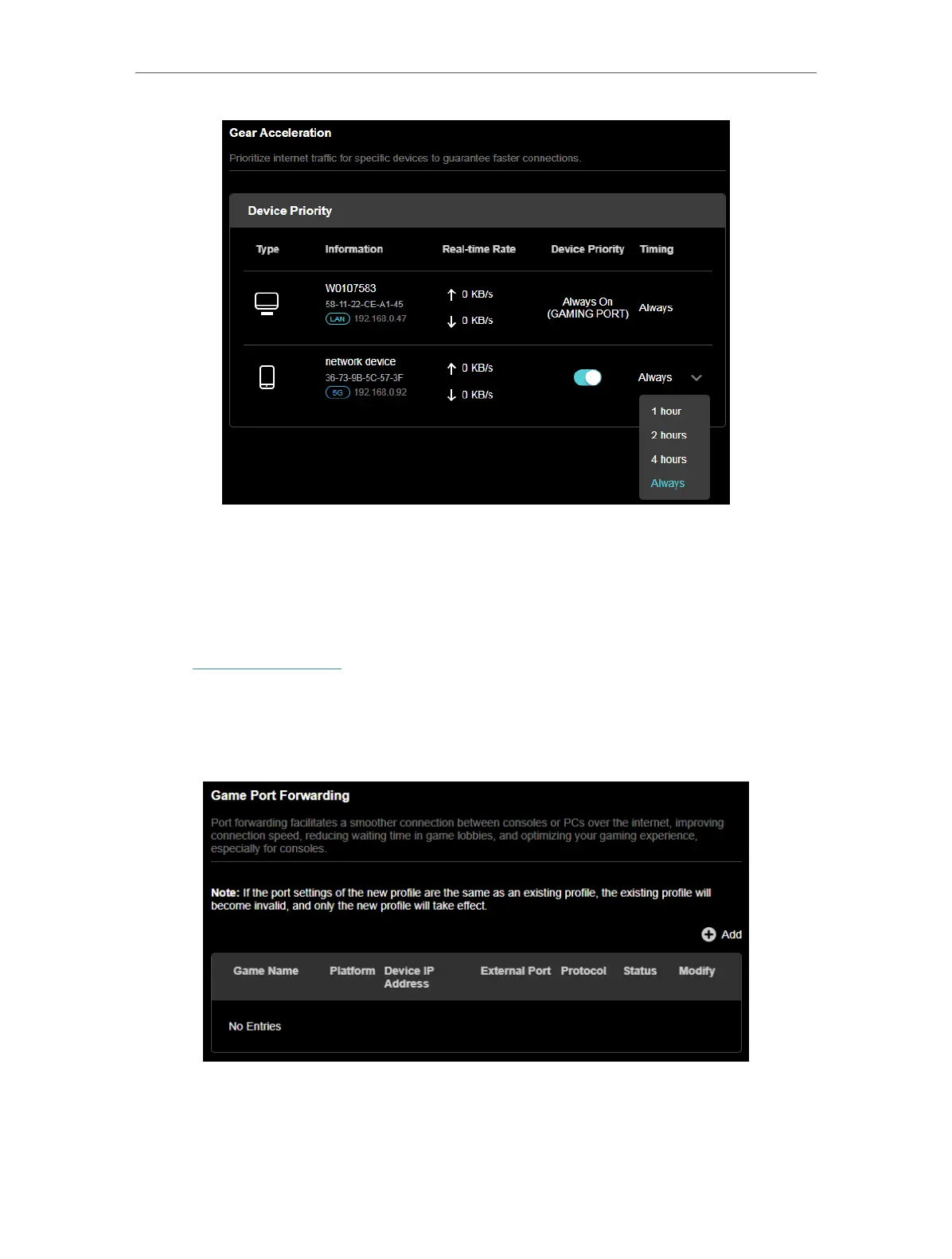
18. 3. Game Port Forwarding
Game Port Forwarding includes built-in rules for popular online games. Simply select
your game from the list and configure basic settings for it.
1. Visit http://tplinkwifi.net, and log in with your TP-Link ID or the password you set for
the router.
2. Go to Game Center > Game Port Forwarding.
3. Click +Add.
4. Select a game to create a game profile.













 To Next Page