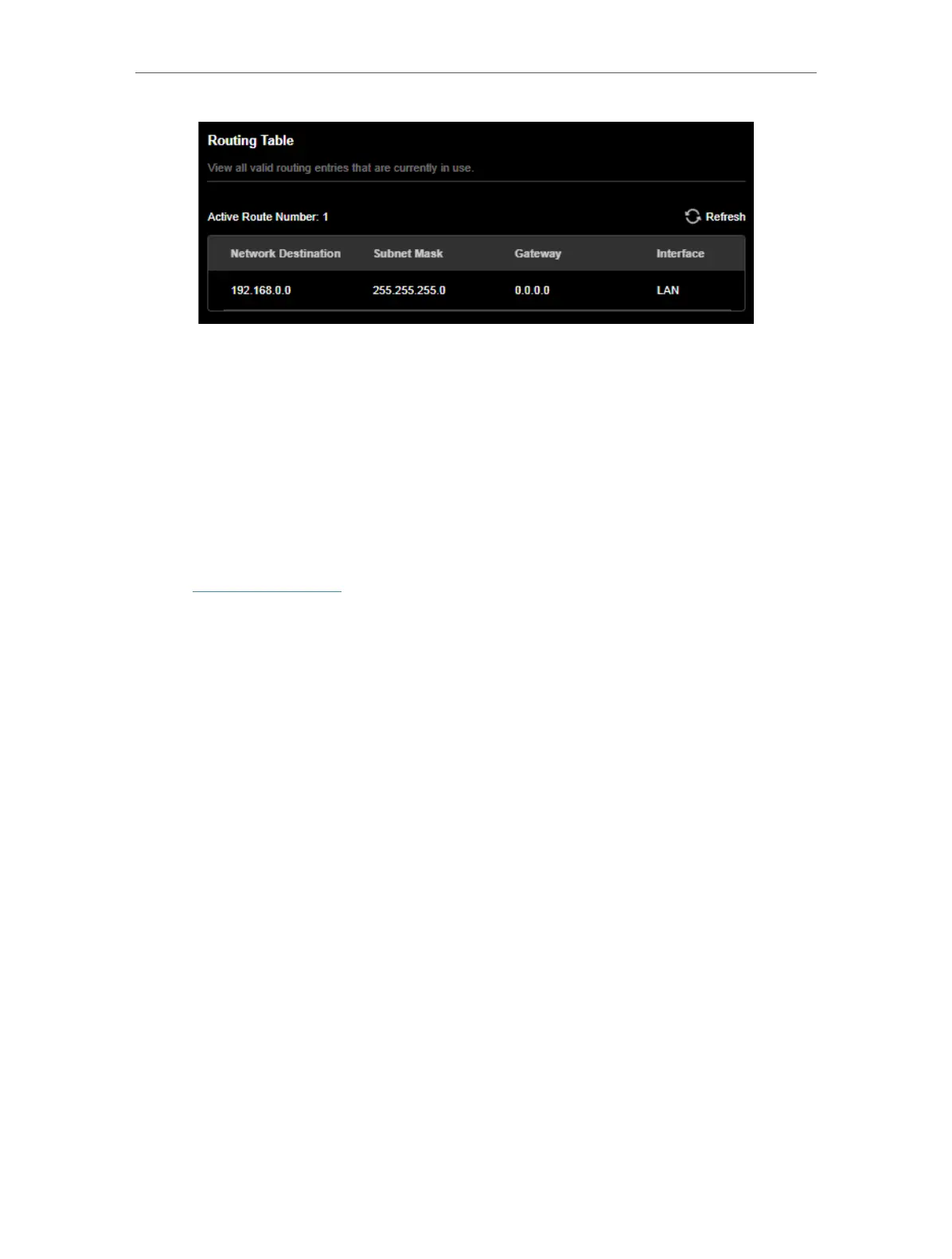
114
Chapter 16
Customize Your Network Settings
Done!
Open a web browser on your PC. Enter the company server’s IP address to visit the
company network.
16. 8. View Traffic Statistics
Traffic Monitor displays detailed reports to help you get a complete understanding of
your network usage and commonly used apps and devices.
1. Visit http://tplinkwifi.net, and log in with your TP-Link ID or the password you set for
the router.
2. Go to Advanced > Traffic Monitor.
3. Enable Traffic Statistic. Then you can view the traffic history by Device or App.



 To Next Page