139
Chapter 18
Game Center
1. Visit http://tplinkwifi.net, and log in with your TP-Link ID or the password you set for
the router.
2. Go to Game Center > Game Acceleration > Game Server Acceleration.
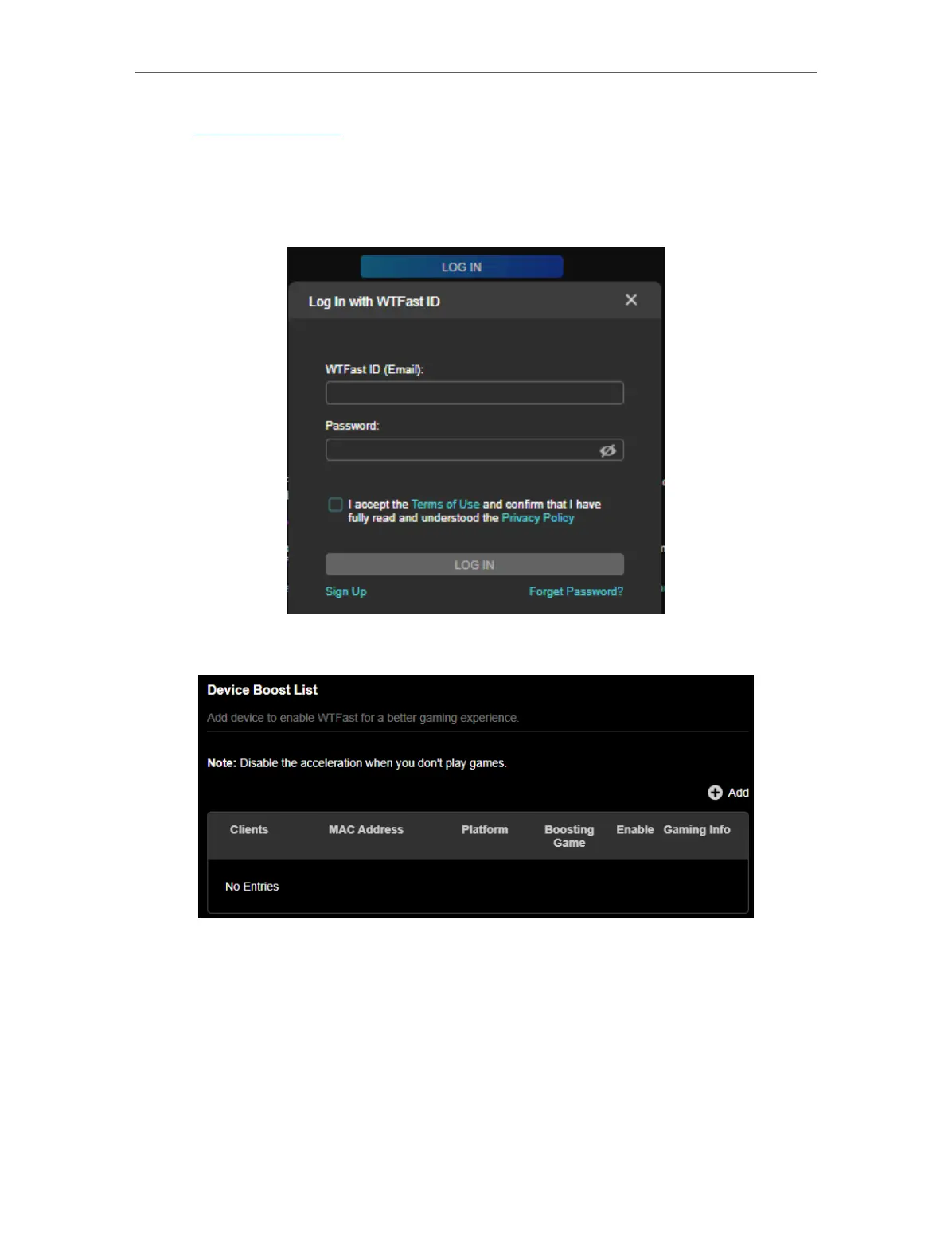
3. Log in to the account of your subscribed GPN service.
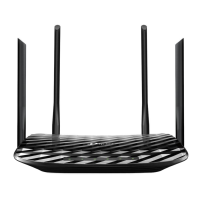
4. In Device Boost List, click +Add.
5. Select the device you want to accelerate and click SAVE.



 To Next Page