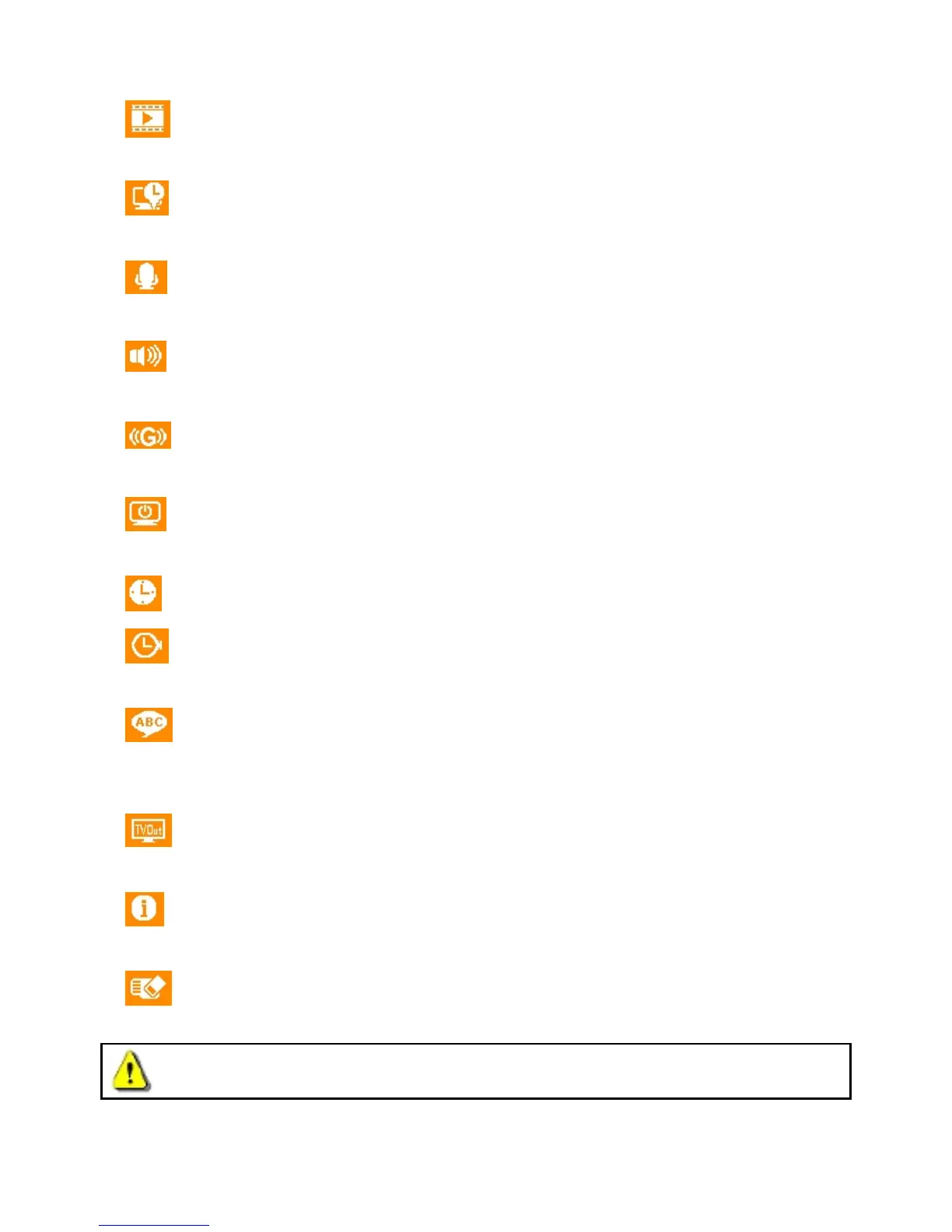
Video Length: Set the recording length of each recorded video file.
Available options: 1 min / 3 mins / 5 mins
Time Stamp: Adds the current time of the event to the video being recorded.
Available options: Enable / Disable
Voice Recording: Turn on/off microphone during video recording.
Available options: Enable / Disable
Volume: Set the speaker volume level.
Available options: 0 / 1 / 2 / 3 / 4 / 5 (You can also choose 0 to turn off the Beeper)
G-Sensor: Adjust the sensitivity of the G-Sensor.
Available options: Disable / Low / Medium / High
Auto Turn Off Display: Set duration for display to automatically turn off after recording begins.
Available options: Never / After 1 min / After 3 mins
Date/Time Settings: Set the current date and time.
Date/Time Format: Set date format as Y/M/D or M/D/Y. Set time format as AM/PM or 24H. This
setting applies to Time Stamp and system time.
Language: Set the on-screen display menu language. (Built-in 13 languages)
Available options: English / 繁 體 中 文 / 简 体 中 文 /
日 本 語
/ Deutsch / Español / Ελληνικά /
Français / Italiano / Россия / Português / Türkçe / 한국어
Video Out: Set the TV type based on your local region.
Available options: Disable / NTSC / PAL
Information: Displays DrivePro’s current firmware version, card capacity, free space, SSID, and
Key.
Format Card: Format the microSD memory card.
Available options: No / Yes
WARNING: Formatting the memory card will erase all data on the card.















 To Next Page