17D01-051en202111 Manual TriBox3
Use
Advanced
Use
Malfunction &
Maintenance
Introduction
General
Information
FAQ Technical DataWarranty
Customer
Service
Contact
Keyword
Index
Accessories
Commis-
sioning
TriBox3 // Commissioning
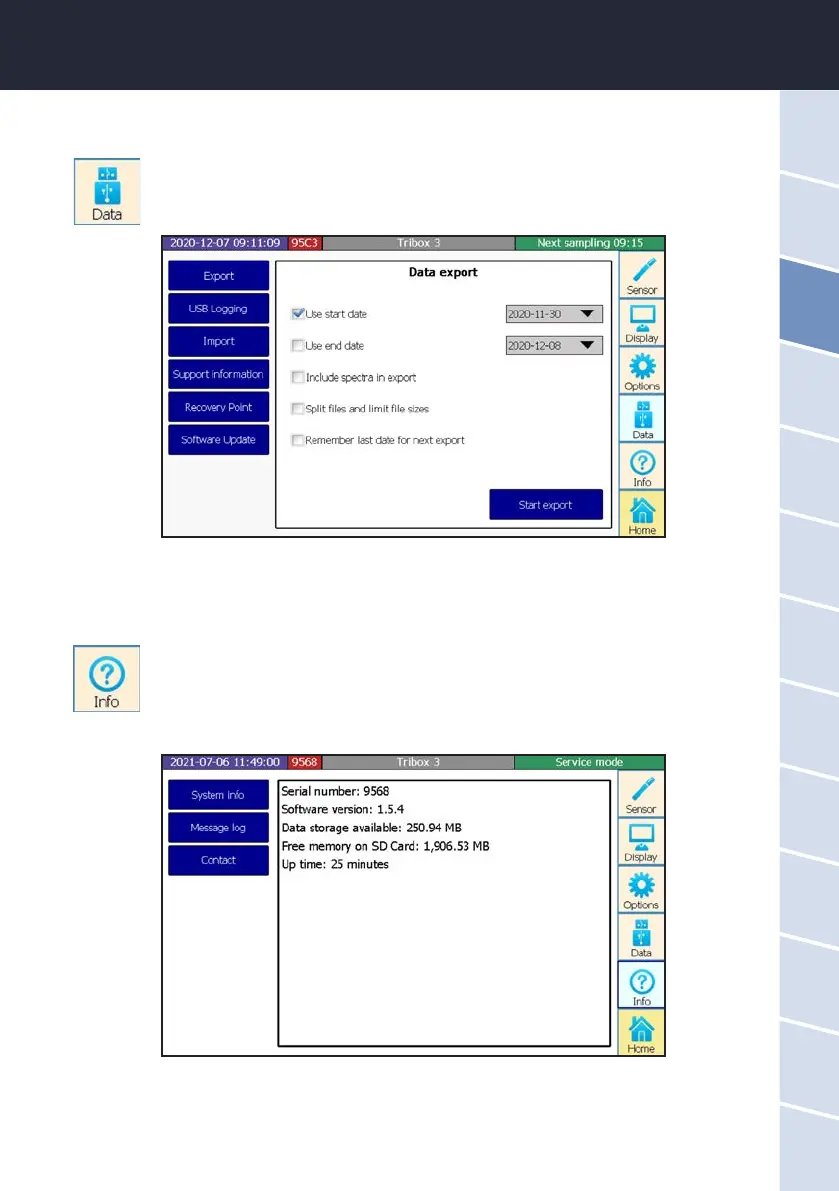
3.4.5 Data
For more information on the menu item “Data”, please see chapter 5.1.
3.4.6 Info
The “Info” button opens a window with system information, messages and the contact data of the
nearest contact in case of problems or general inquiries. Before contacting the contact person,
please read chapter 6 to ensure you have the right information for ecient troubleshooting.



 To Next Page