59D01-051en202111 Manual TriBox3
Use
Advanced
Use
Commis-
sioning
Introduction
General
Information
FAQ Technical DataWarranty
Customer
Service
Contact
Keyword
Index
Accessories
Malfunction &
Maintenance
TriBox3 // Malfunction & Maintenance
6.2.5 Working on the Compressed Air System
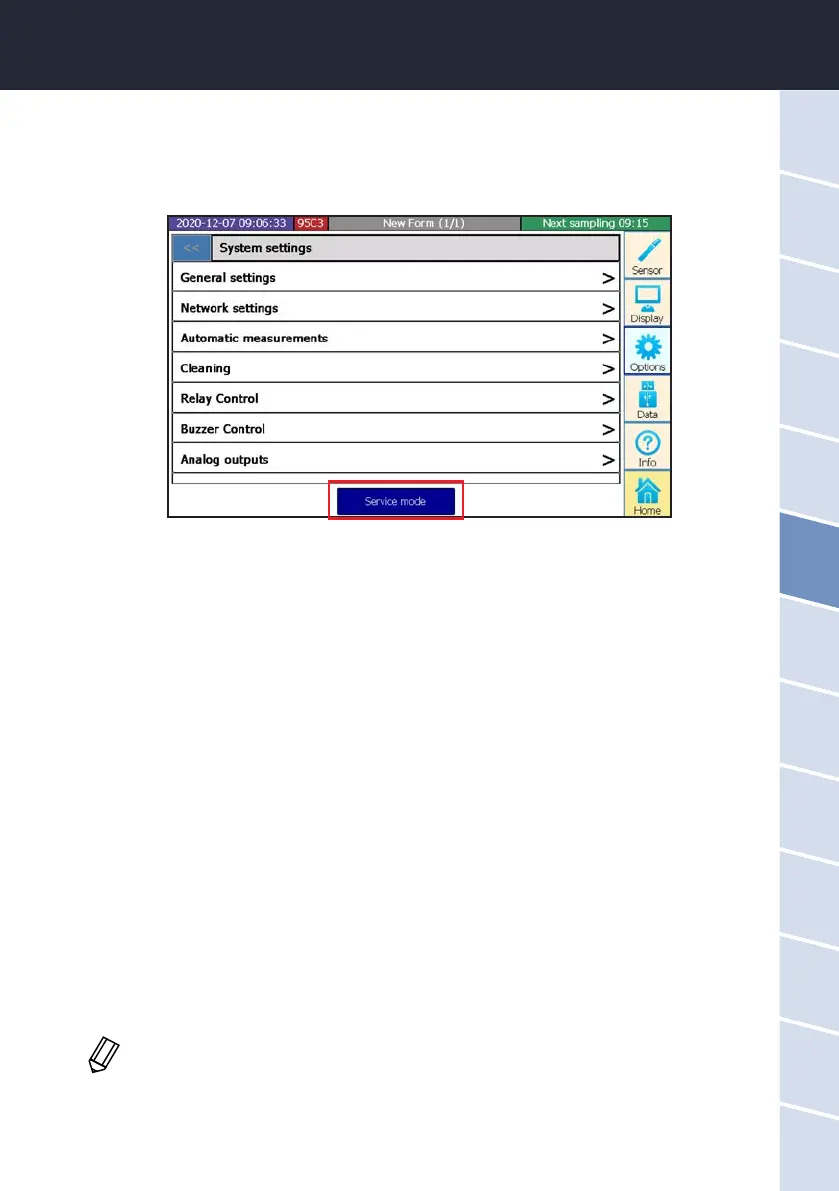
As when cleaning the sensors, the TriBox3 should be set to service mode before working on the compressed
air system.
To make use of an automatic cleaning interval, this must rst be activated by checking the box and setting a
cleaning interval. The cleaning time and the pause before the measurement can also be dened here.
Cleaning can also be triggered and dened whether the valve and the relay are activated during cleaning.
6.2.6 Replacing a sensor
If it is necessary to replace a sensor, the following must be observed:
1. Switch on maintenance mode; This will keep all measured values at the output.
2. Remove the current sensor from the COM port.
3. Connect a new sensor to the COM port.
4. Start sensor scan.
5. Congure display settings (see chapter 3.4.3).
6. If necessary, change the Modbus slave ID (important if the sensor is linked to a PLC).
7. If necessary, recongure the analogue output (if measured values are transmitted to a central system via
this output).
8. If necessary, set a new measuring interval.
9. Exit maintenance mode.
When using the TriBox3 with 8-digit serial numbers, the Modbus addresses are xed. Point 6
is omitted in this case.



 To Next Page