41D01-051en202111 Manual TriBox3
Advanced
Use
Malfunction &
Maintenance
Commis-
sioning
Introduction
General
Information
FAQ Technical DataWarranty
Customer
Service
Contact
Keyword
Index
Accessories Use
TriBox3 // Use
4.7 Recovery
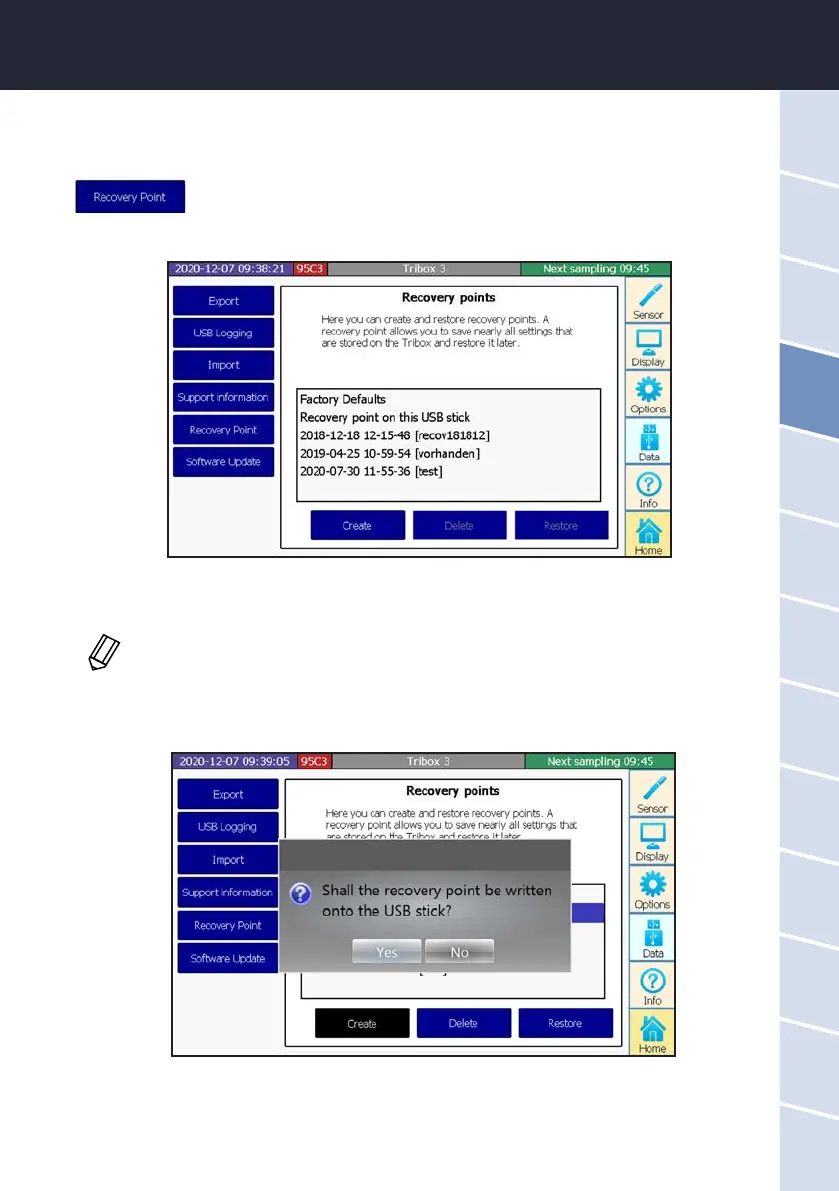
Subitem “Recovery Point” also stores settings as recovery points. For your safety, a
recovery point should always be saved when settings such as scaling factors, analog
outputs or measurement intervals are changed, to allow you to use the previous
settings at a later point in time.
In this illustration, a recovery point has already been saved in addition to the factory settings.
When the device is reset to the factory settings, all user-specic settings are lost!
Answering “Yes” conrms you want to save to the USB stick, and answering “No” lets you enter a comment for
a recovery point directly on the TriBox3.
The recovery point can be saved locally and on a USB storage device. If a USB stick is in the TriBox3 when the
“Create” button is pressed, the following window will open and the “Create” button will turn black.
To ensure that settings made are not lost when reconguring, it is essential to save a restore
point beforehand.



 To Next Page