14 D01-051en202111 Manual TriBox3
Use
Advanced
Use
Malfunction &
Maintenance
Introduction
General
Information
FAQTechnical Data Warranty
Customer
Service
Contact
Keyword
Index
Accessories
Commis-
sioning
Commissioning // TriBox3
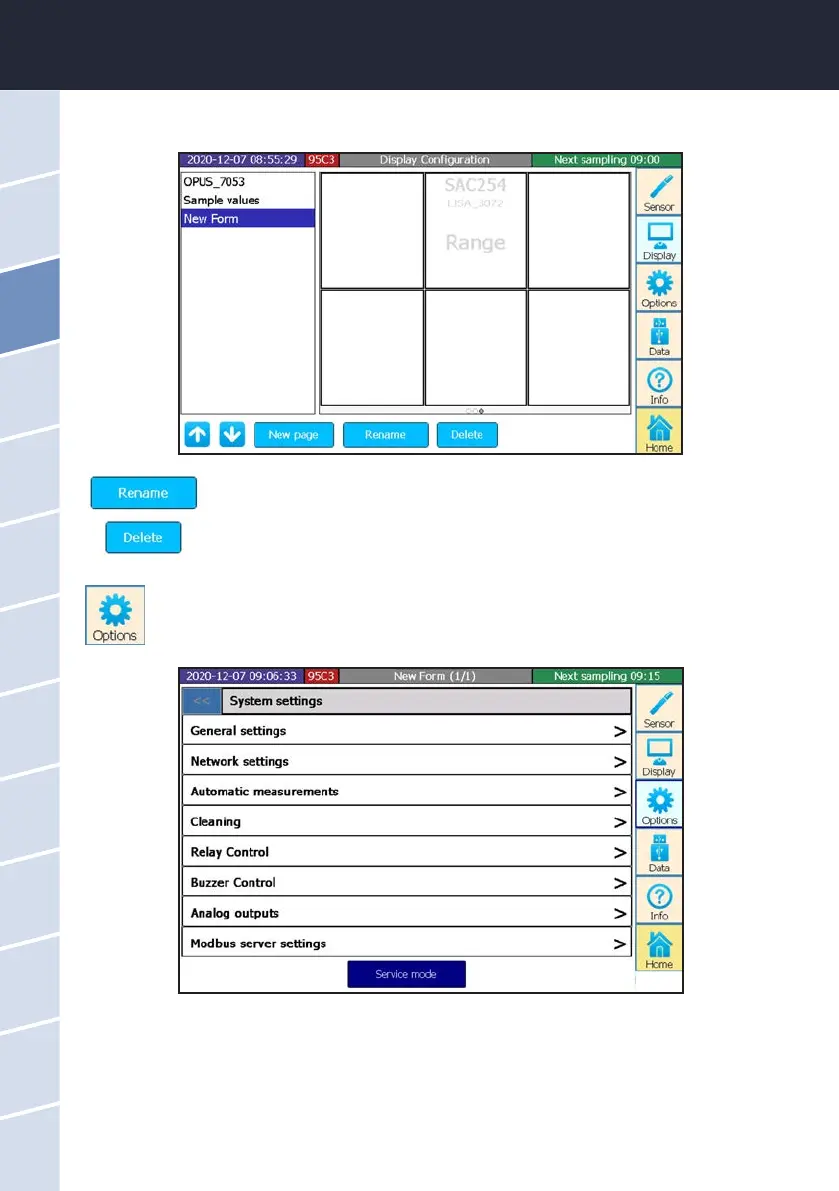
Rename the selected display.
Delete the selected display.
5. The selected parameter of the selected sensor will be displayed in the selected window.
3.4.4 Options
The “Options” button opens a submenu that allows you to set general settings, dene measure-
ment and cleaning intervals, control the relay and buzzer and congure the analog outputs.
Service Mode
By pressing the “Service mode” button, the TriBox3 can be put into a paused state. As long as the service mode
is active, all measured values and analog outputs are held at the last measured value to avoid malfunction
alarms when cleaning, etc. Automatic communication with the sensor no longer takes place (cleaning, relays,
valves, etc.). Please refer to chapter 6.2.1.



 To Next Page