18 D01-051en202111 Manual TriBox3
Use
Advanced
Use
Malfunction &
Maintenance
Introduction
General
Information
FAQTechnical Data Warranty
Customer
Service
Contact
Keyword
Index
Accessories
Commis-
sioning
Commissioning // TriBox3
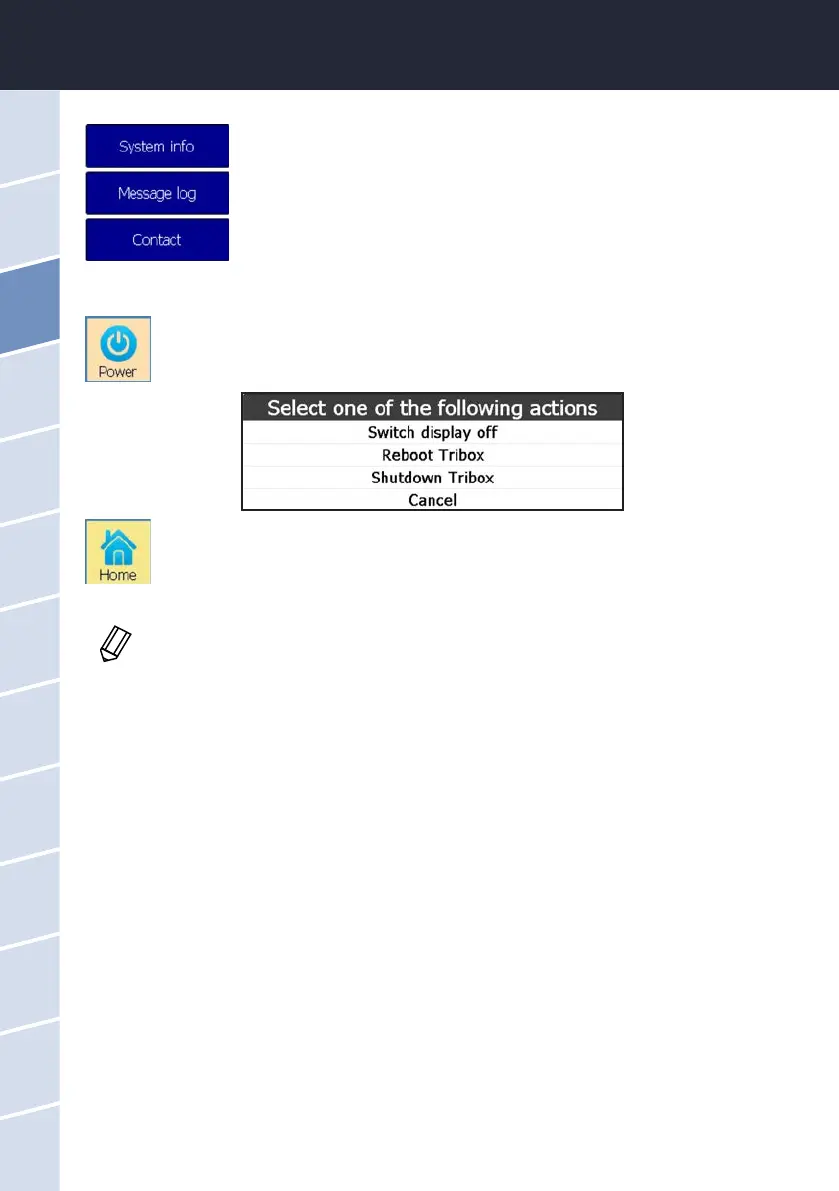
3.4.7 Power and Home
The “Power” button opens a window to restart the TriBox3 or switch o the display (e.g. to save
energy in an autonomous measuring station). When the display is o, you can turn it back on by
touching the screen again.
The “Home” button is only visible as long as the conguration menus are open. By pressing this
button, the conguration menus are closed and only the displays are still visible.
The “System Info” menu appears automatically when the menu item “Info” is opened.
Here you can nd information such as the serial number, storage space, etc.
Under “Message log”, you will nd program messages that are only relevant when
contacting support.
Under “Contact”, you will nd the contact information of the manufacturer.
To make sure that all previously entered settings are saved and updated, the controller
should be restarted after every reconguration. After the restart, a recovery point should be
stored.



 To Next Page