35D01-051en202111 Manual TriBox3
Advanced
Use
Malfunction &
Maintenance
Commis-
sioning
Introduction
General
Information
FAQ Technical DataWarranty
Customer
Service
Contact
Keyword
Index
Accessories Use
TriBox3 // Use
1. Switch to service mode (“Options” menu “Maintenance mode” button at the bottom of the screen). As
soon as the service mode is activated, the ve LEDs ash.
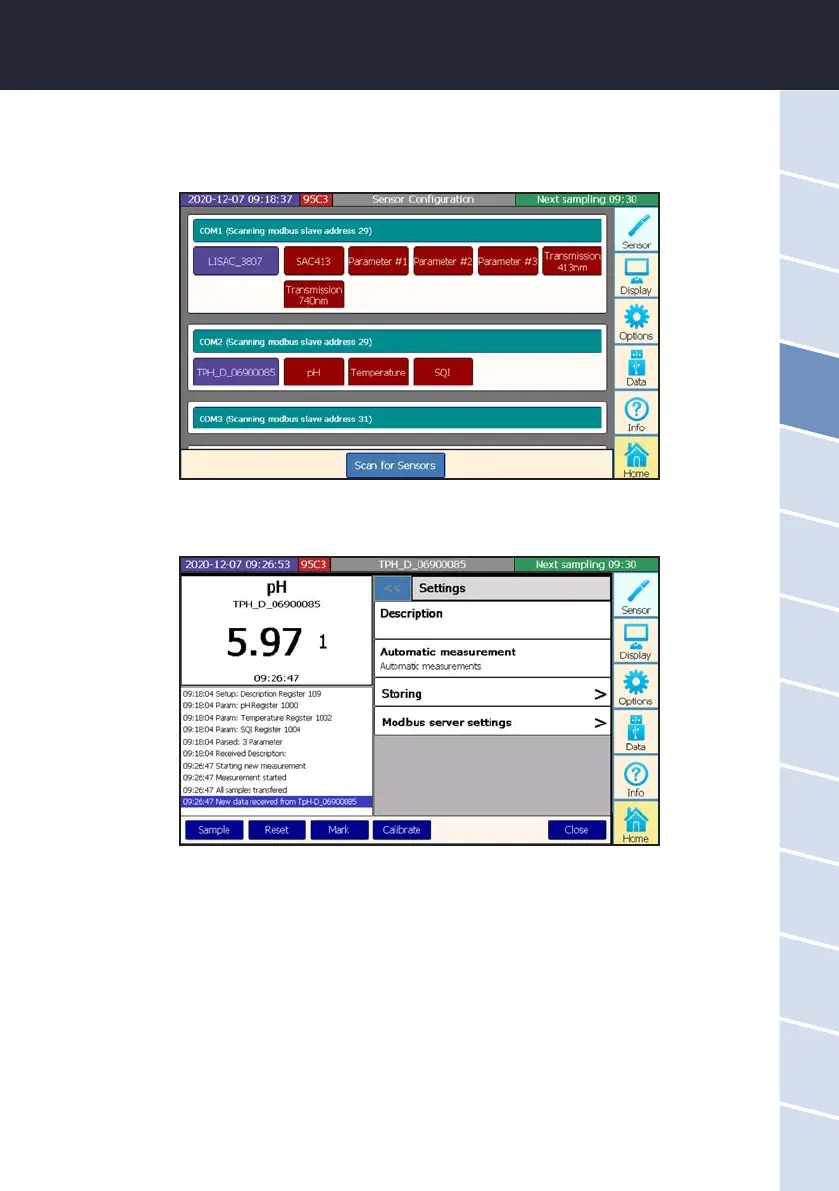
2. In the sensor menu, select the sensor to be calibrated by touching the blue sensor button.



 To Next Page