106 of 171
Truetness.com / 800.426.6570 / 636.272.7100
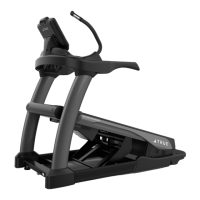
CHAPTER 4B: ESCALATE
15
OPERATION
BLUETOOTH AUDIO:
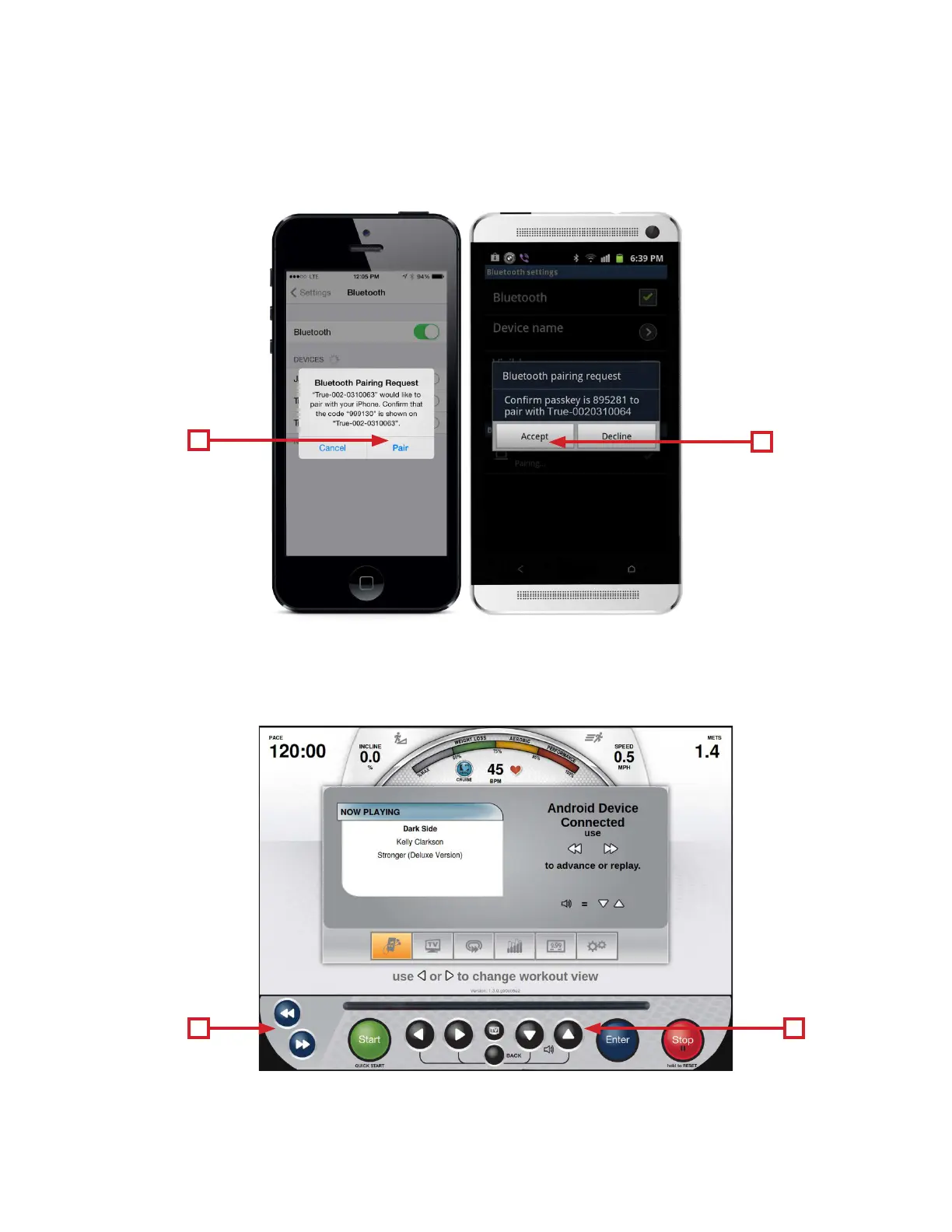
When a device is selected from the list, the console will send a pairing request to that device. e paring request must be
accepted in order for this feature to operate. For iOS devices, press Pair (E) to accept the request. For Android devices,
press Accept (F) to accept the request.
Once the Bluetooth pairing request has been accepted, the playback screen will be displayed. During playback, users can
control volume by using the Up/Down Selection Buttons (G) and advance or replay tracks by using the navigation buttons
(H).
E
G H
F


 To Next Page