CHAPTER 2: ASSEMBLY GUIDE
TREADMILL ASSEMBLY STEPS:
Escalate
9
Console Assembly:
Truetness.com / 800.426.6570 / 636.272.7100
52 of 141
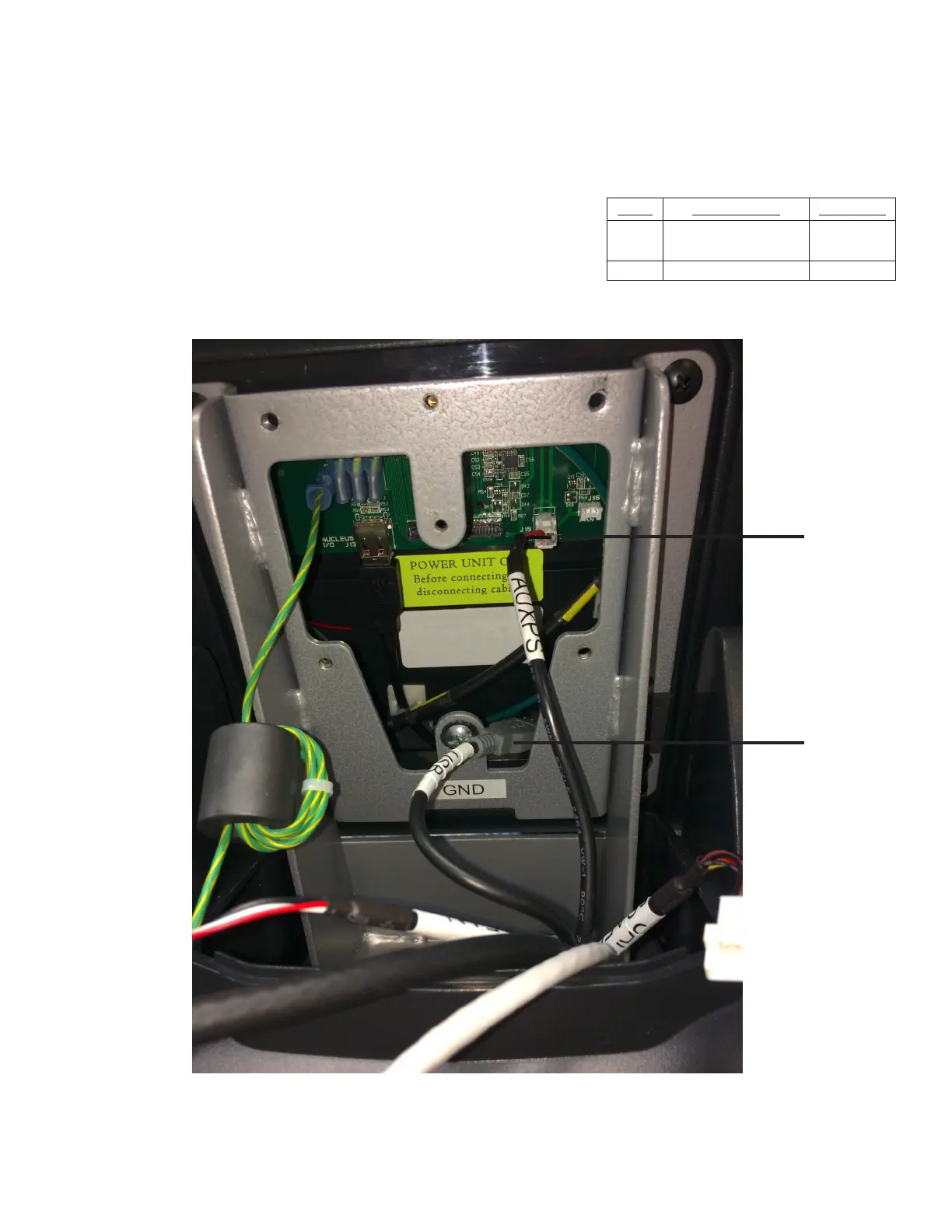
Step 3 (Console Mounting):
Connect the Data Cable ([USB] located in the console mast assembly) to
the Adapter Cable (located in the console) and position the connectors
and any excess cable length in the bottom of the console.
Connect the auxillary power supply (AUXPS) cable to the corresponding
console port.
Item Description Quantity
5 Auxillary Power
Supply Cable
1
6 Data Cable (USB) 1
5
6



 To Next Page