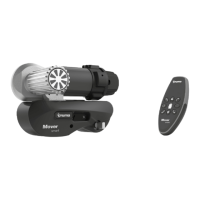
~ 10 ~
2.12 FITTING AND REMOVAL OF THE SIDE COVERS
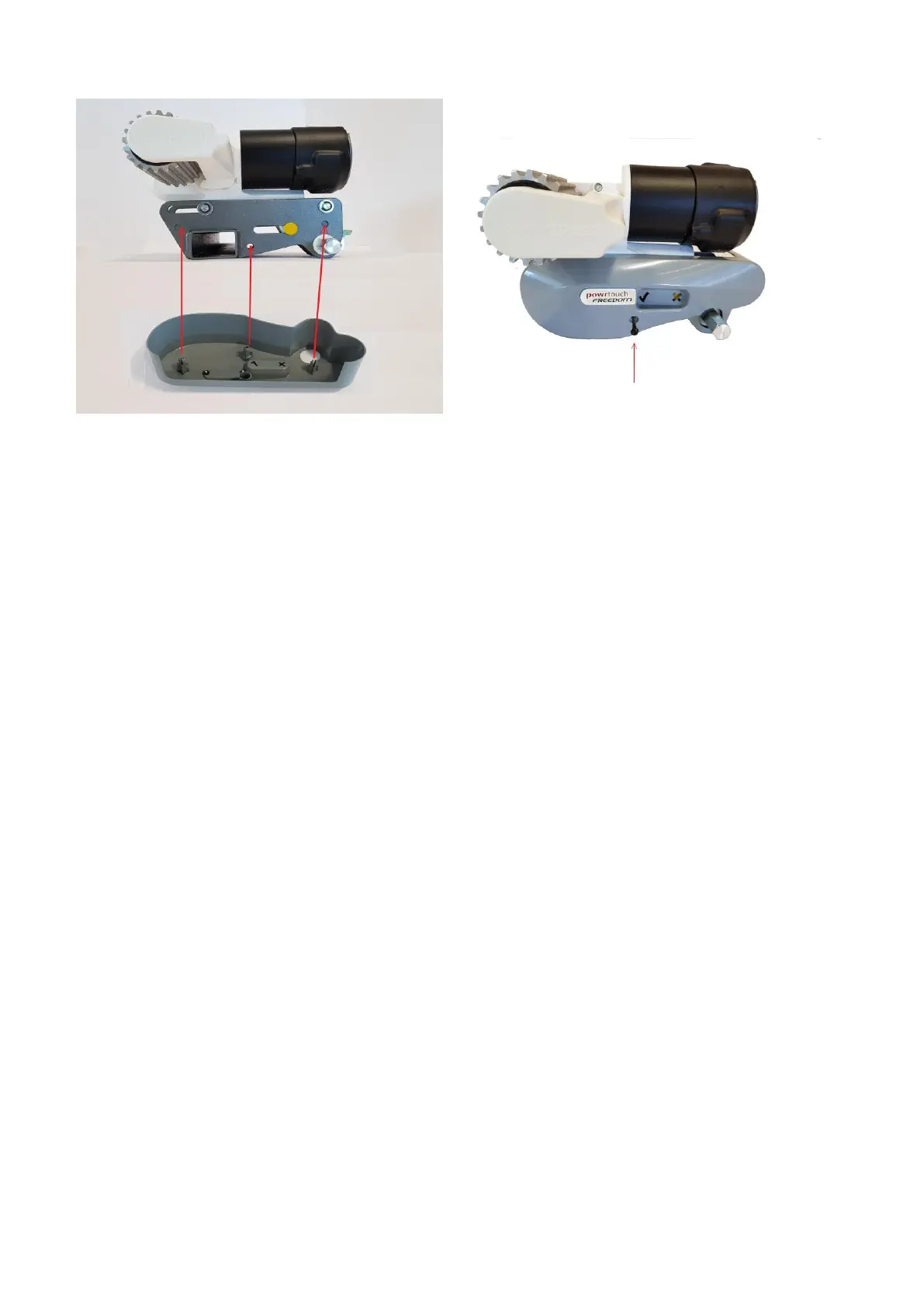
To fit the side-cover insert the three lugs on the side-cover into the three holes on the
metalwork as shown in the picture above. Push the side-cover until the lugs click in place.
Secure the side-cover with the retaining screw. Insert the retaining screw into the screw hole
as shown in the picture above. Do not over-tighten the screw.
To remove the side-cover unscrew the retaining screw until free and pull the cover directly
toward you.


 To Next Page