11
2 Setup and Operation
Follow these steps to set up the Certifier
®
FA Test System:
Caution
To avoid damage to the Certifier
®
FA Test System components, always use bacteria
filters upstream of the flow modules, and always cap flow module ports when not in
use.
1. Install battery if not already installed. Connect AC adapter to DC power source
connector if desired. The battery will charge in the instrument when the AC adapter
is plugged in. Fully charge the battery overnight before using with battery alone.
2. Install SD flash memory card into card slot on top of the interface module. This step
is necessary only if planning to log data.
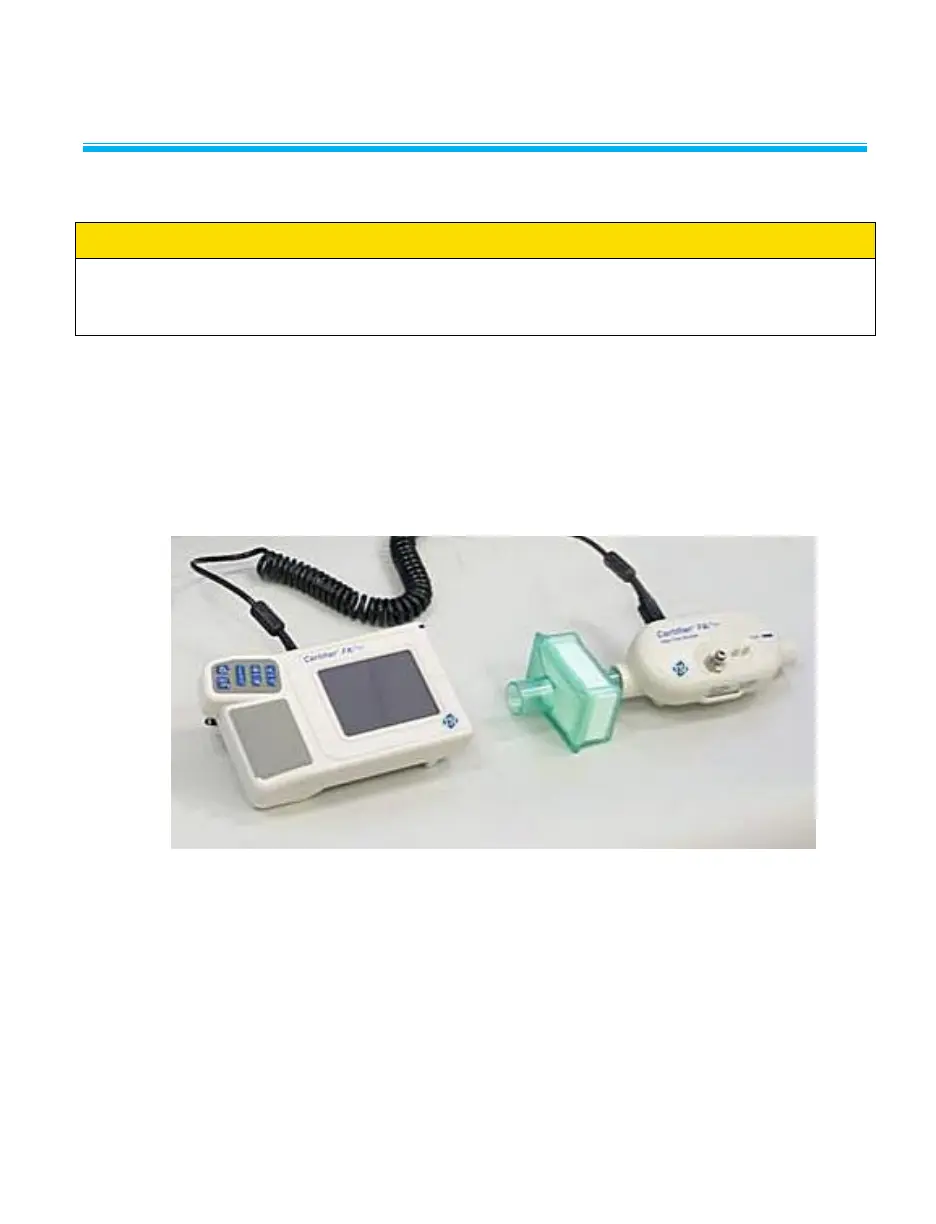
3. Connect the Interface Module to a flow module (Figure 10). To remove the cable,
pull its locking connector (not the cable) from the Interface Module.
Figure 10. Connecting the Interface Module to a Flow Module
Refer to the manufacturers test procedure for the device under test for
specific instructions on where to connect the Certifier
®
FA Plus flow module.
The manufacturer of the device under test will also specify which operating
parameters to test.


 To Next Page