34 Certifier
®
FA Plus Test System
Notes about exporting configuration files:
All data is saved to a single file called CertifierConfigurations.dat. If this file already
exists on the SD card, it will be overwritten each time the Export command is
executed.
It is not possible to generate a user-selectable filename for the exported
configurations.
Notes about importing configuration files:
Importing a configuration which already exists under the same name in the Certifier
memory will cause the configuration in memory to be overwritten.
Importing a configuration file will not erase existing configuration files which already
exist in memory but under a different configuration name.
This feature is not designed for creating configuration files on a PC. The feature is
primarily designed to transfer configuration files from one instrument to another.
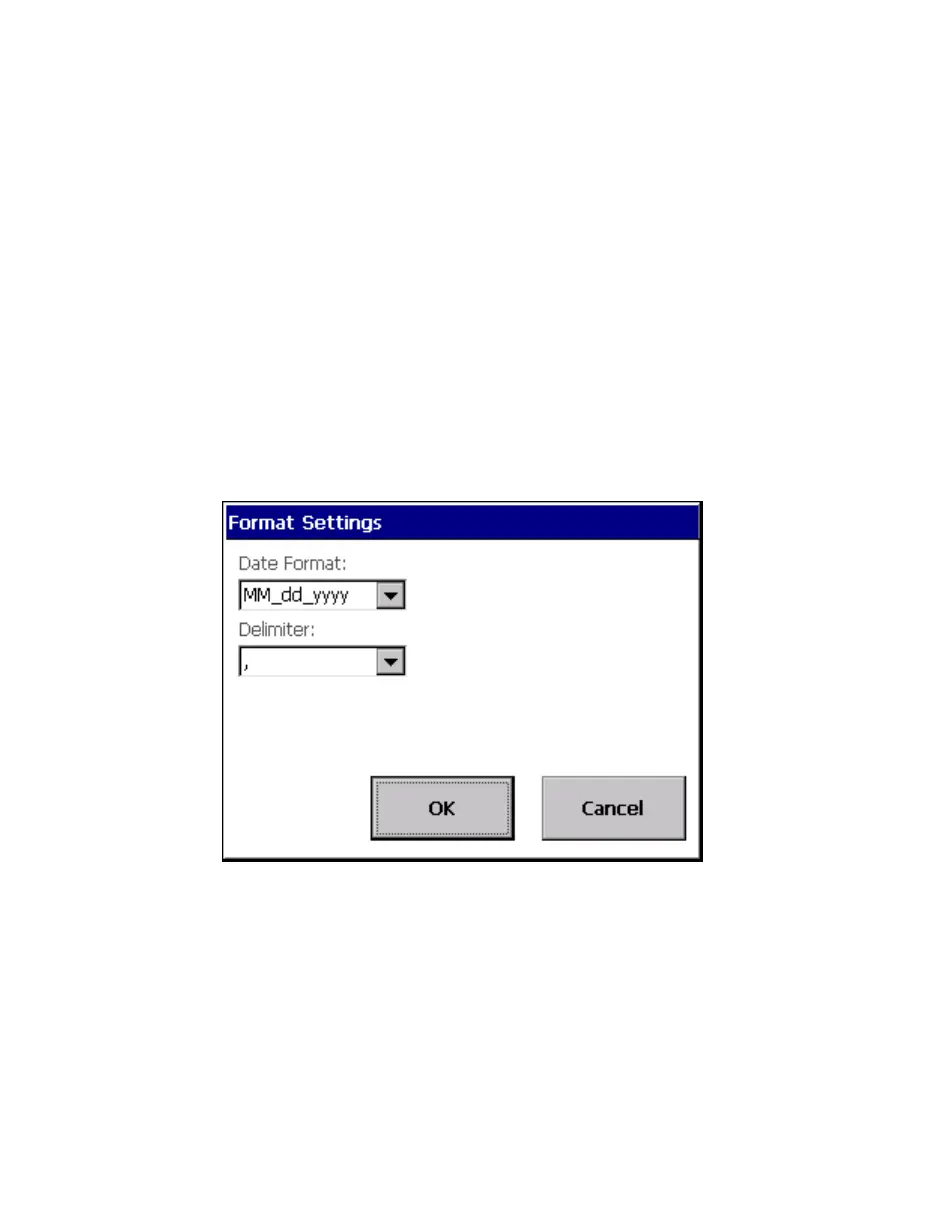
2.3.10.1.2 Format Settings
Figure 30. Format Settings Screen
Different formats of the date can be selected from this menu. This information is used in
the file save mode as part of the filename and also stored internally within the file.
Different data delimeters used in the file save function can be selected through this
menu. This allows for greater flexibility for importing data in different regions of the
world.


 To Next Page