37
3 Troubleshooting
Table 4 lists the symptoms, possible causes, and recommended corrective actions for
problems you may encounter with the Certifier
®
FA Test System. If the symptom is not
listed, or if none of the recommended corrective actions solve the problem, please visit
our website at http://service.tsi.com or contact TSI Customer Support at (800) 874-2811
or 651-490-2811.
Table 4. Troubleshooting the Certifier
®
FA Test System
Interface Module won’t
turn on, or turns on
and off.
Batteries are depleted or
not installed.
Connect AC adapter or install
charged batteries.
Measurements are not
displayed even though
Interface Module is
turned on.
Flow module is not
connected to Interface
Module.
Connect flow module to Interface
Module. If connected, disconnect
and then reconnect.
Measurements are not
changing or graph is
not updating.
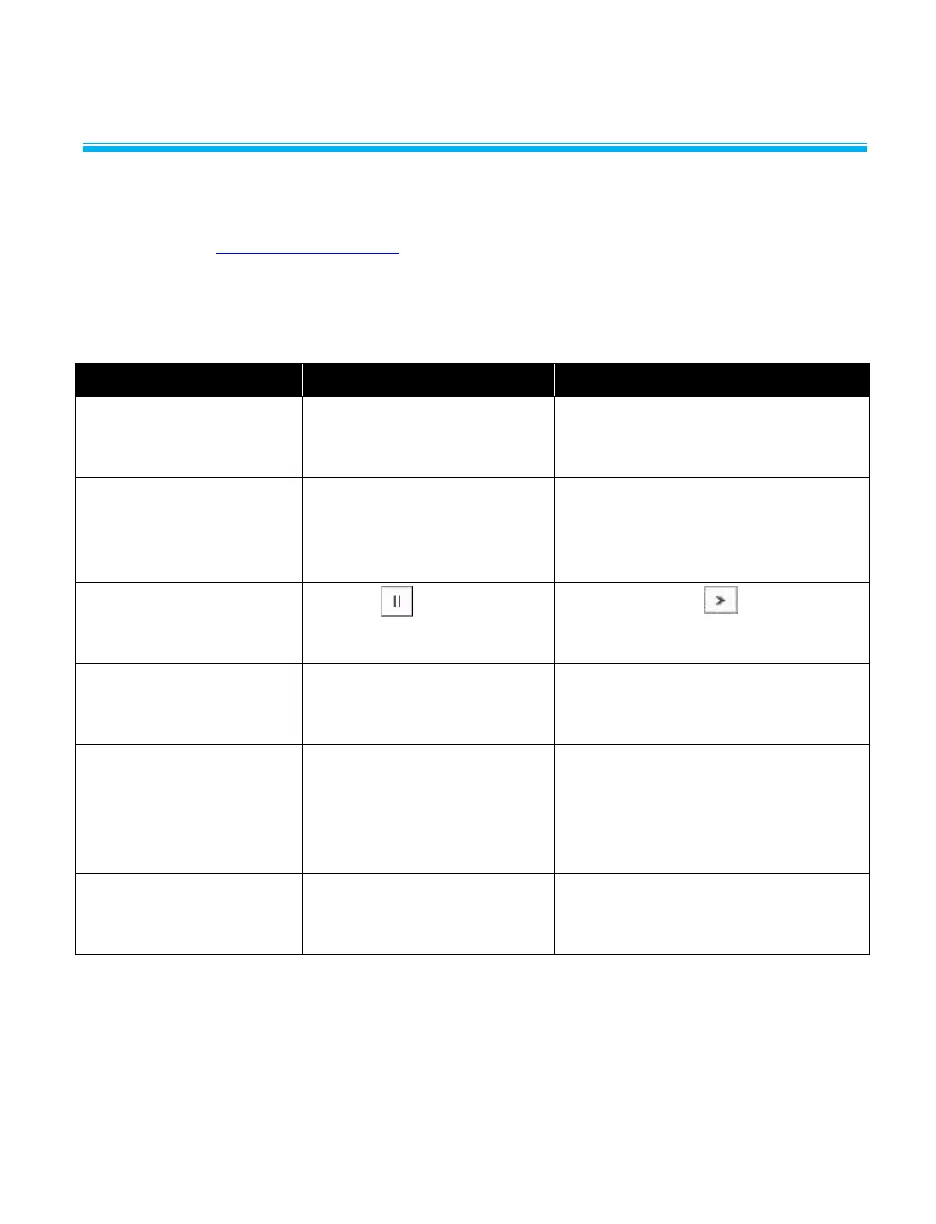
Pause button was
pressed.
Press the Play button at the
top of the screen.
“OOR” is shown on
display.
Measurement is out of
range.
Check range for displayed
measurement, and only make
measurements within that range.
Flow rate does not
read zero when no gas
flowing (Especially
when set to N
2
O or
CO
2
).
Meter was not purged
with gas displayed on the
Interface Module.
Purge meter with gas displayed
on Interface Module or press gas
select key to change to desired
gas.
Unable to disconnect
flow module from
Interface Module.
Pulling on the cable
rather than the connector.
Pull the locking connector (not
the cable) to disengage
connector lock.


 To Next Page