Operation 3-19
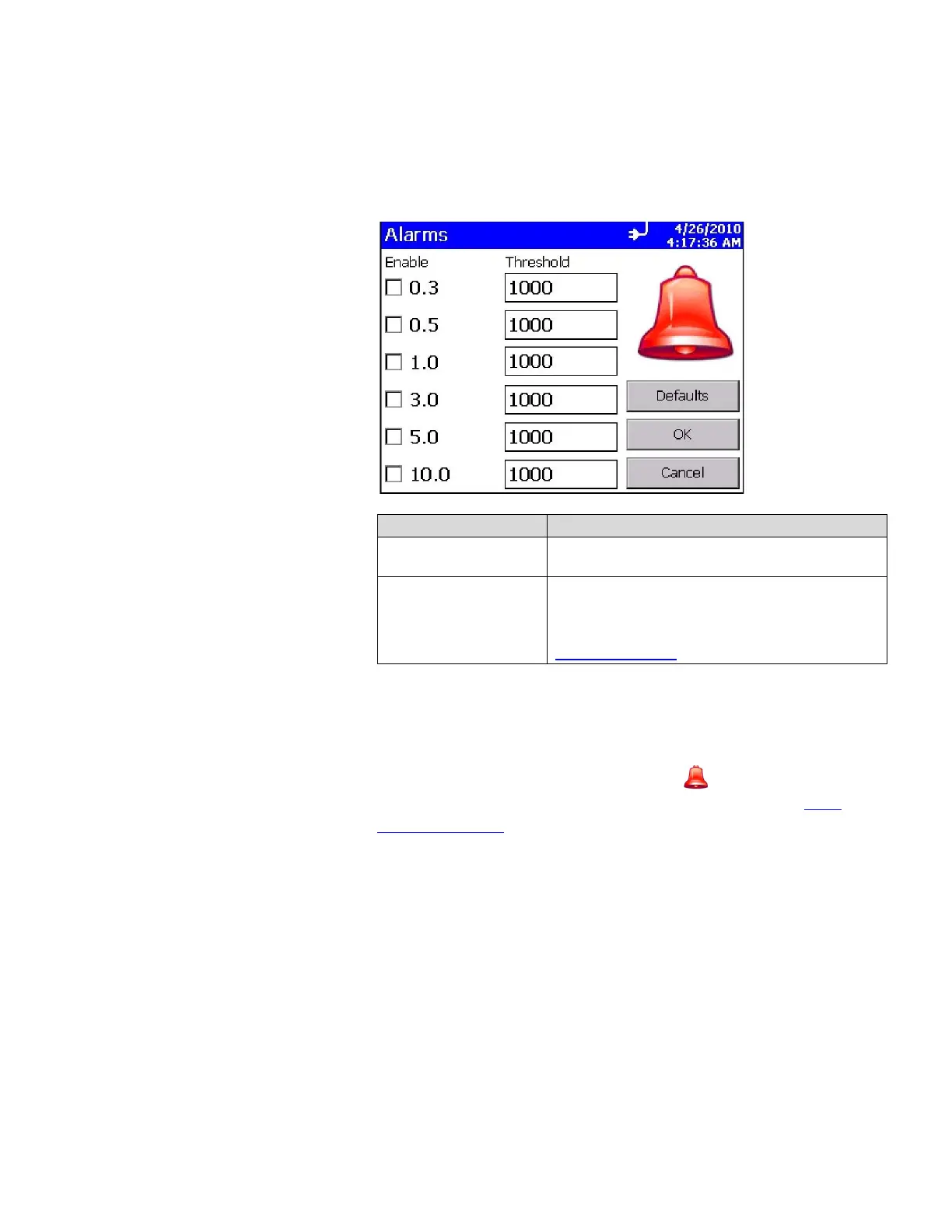
Alarms Screen
Use this screen to enable and set the alarm threshold for each
channel. Press OK when finished.
Field Description
Enable
Select the channels on which you want to enable
alarms.
Threshold
To change the threshold for any channel, click the
up and down arrows for that channel or use the on-
screen keyboard to change its value. The threshold
value units use the current display Count Units (see
Count Units Screen
).
When a channel value exceeds the threshold value you set, the
channel data is highlighted in red on the Main tab, an audible
alarm sounds, and the alarm icon appears on the Main tab.
To clear the alarm, click the alarm icon
.
In addition, the
record is printed if you have selected that option on the Print
Schedule Screen.













 To Next Page