3-20 AEROTRAK™ Portable Airborne Particle Counter
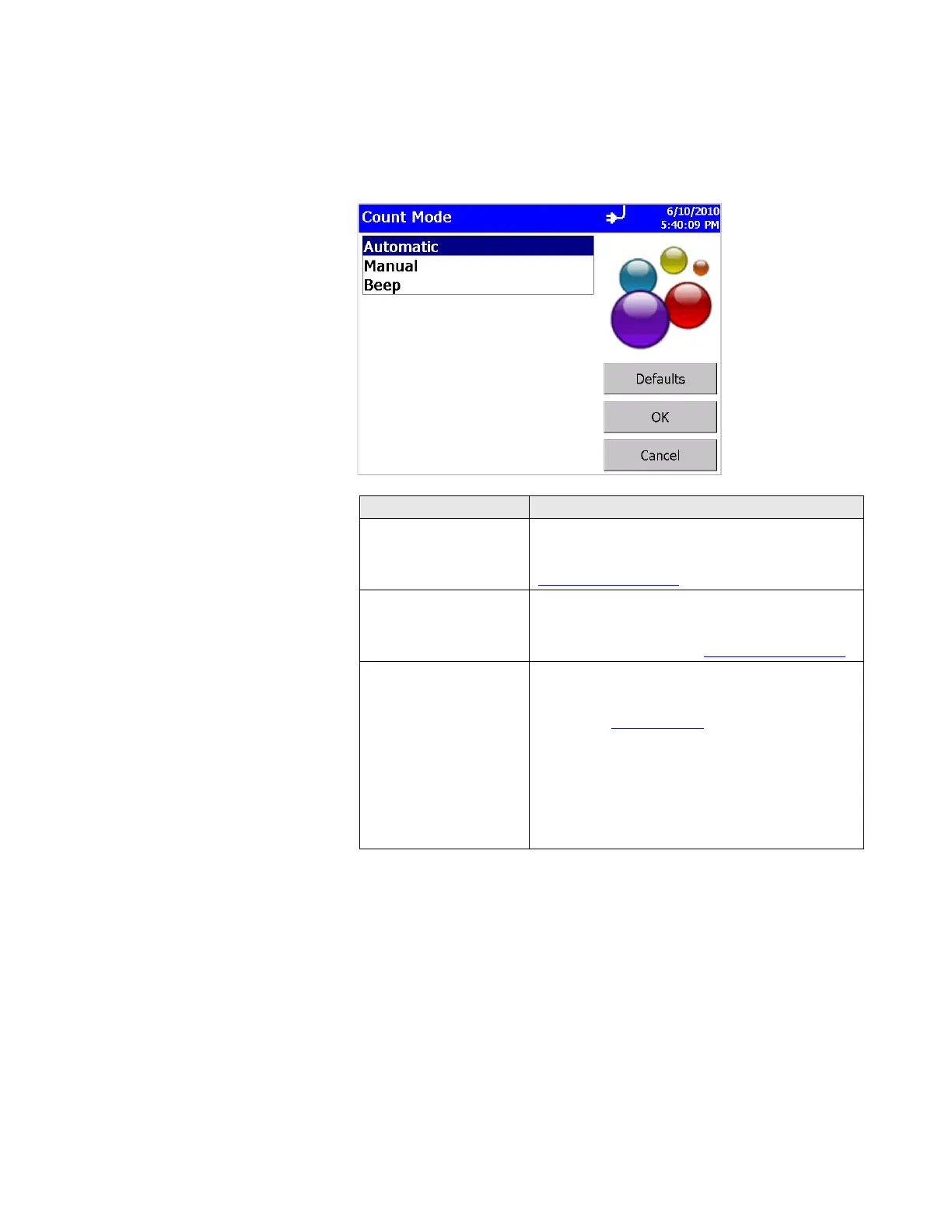
Count Mode Screen
Use this screen to set the sample count mode. Press OK when
finished.
Field Description
Automatic
If you select this mode, the particle counter starts
counting in automatic mode when you press the
start button according to the settings on the
Sample Timing Screen
.
Manual
If you select this mode, the particle counter starts
sampling immediately when you press the start
button and stops at the end of the sample time,
which is configured on the Sample Timing Screen
.
Beep
If you select this mode, the particle counter starts
sampling data immediately and beeps whenever
the threshold for the smallest bin is reached, as
specified in Alarms Screen
. The unit will beep once
per second if any particles are detected in the
preceding second. This can be very useful when
searching for leaks, especially around filters. If this
mode is selected, Display mode is set to Particle
Counts while in Beep mode.
Settings in the sample timing screen are ignored in
beep mode.













 To Next Page