13
Hardware installation
Note: At time of writing, redundancy is only supported by the TM1-Mk3+.
Note: This guide focuses on a redundancy setup. For specific information about GPIO and Serial
connections, please refer to the appropriate TSL TallyMan manual.
TM1-MK3+
Direct link and Ethernet
To make the hardware connections:
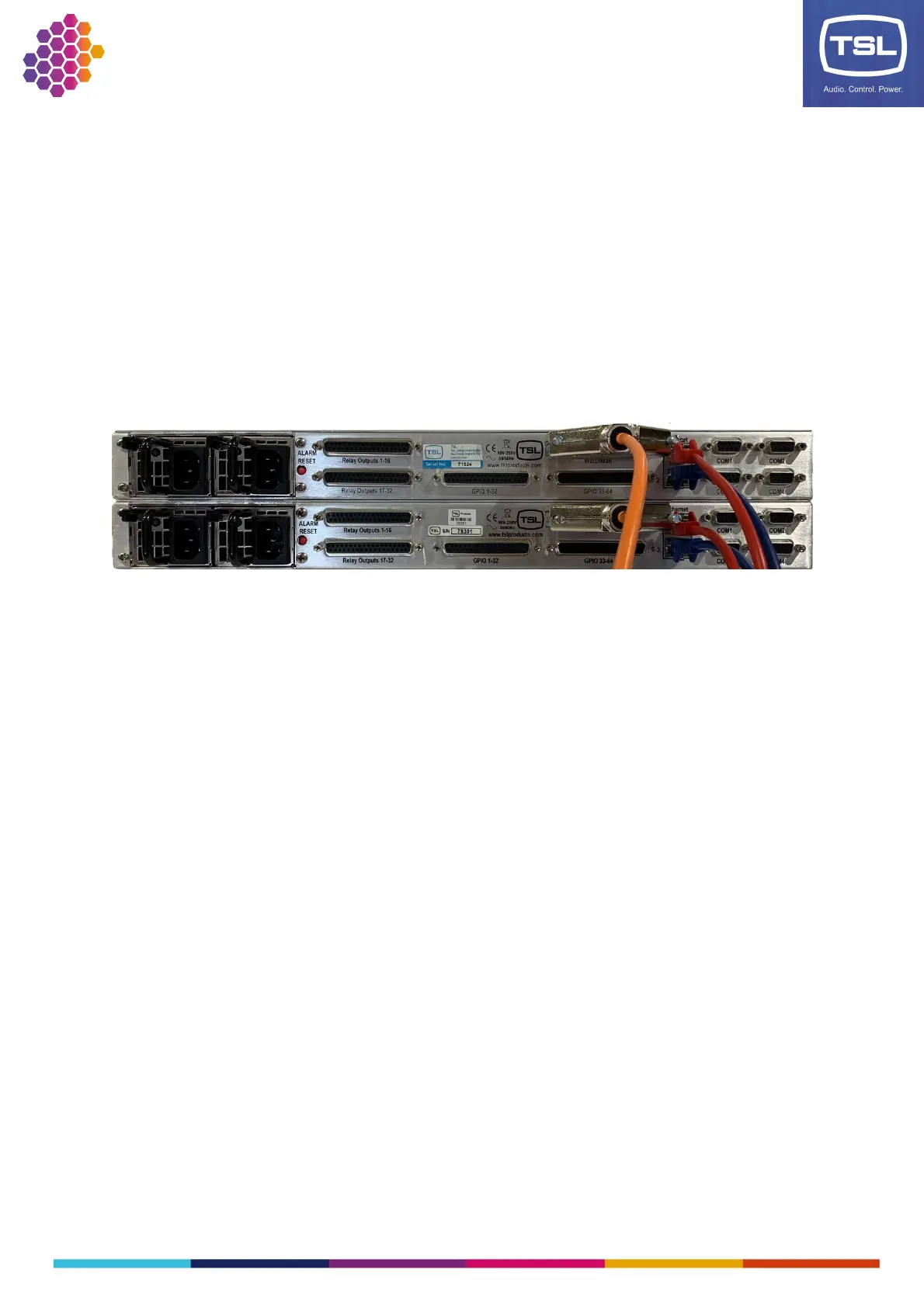
1. Connect the Direct link cable between the WatchMan ports on both units.
2. Connect the Ethernet cables for each network connection.
IP addressing
To set up IP addressing, use the encoder and display on the front panel of each unit:
1. On the first unit, press the encoder to enter the Setup Menu.
2. Set up IP addressing for NIC 1 on the unit:
a. Scroll the encoder to the IP 1 item and press to display the IP Address 1 Menu.
b. Scroll the encoder to the Address item and press to highlight the first octet.
c. Scroll the encoder to set the value for the first octet, then press to highlight the next
octet.
d. Repeat to set the other two octets; the final press of the encoder will deselect the
Address item.
e. Repeat to set the Netmask and Gateway for NIC 1 on the unit.
f. Scroll to Save and press the encoder. The display will return to the Setup Menu.
3. If using a second network interface, repeat step 2 using the IP 2 menu item.
4. In the Setup Menu, scroll the encoder to Back and press to return to the main display.



 To Next Page