24
Creating a new configuration
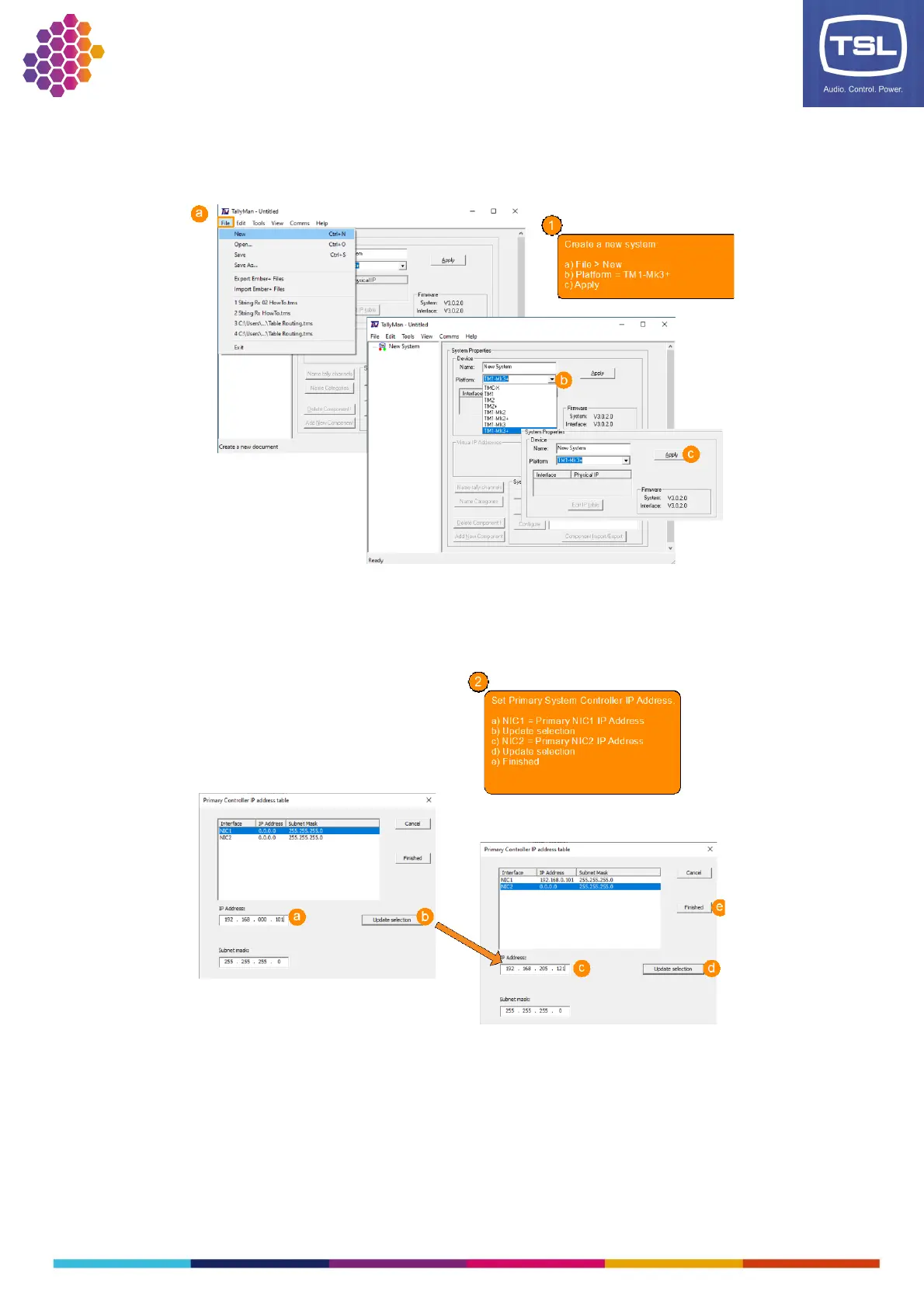
1. Create a new configuration/set system controller.
2. Set the Primary IP addresses.
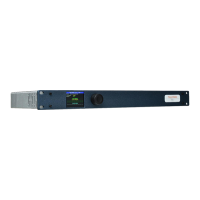
Note: If both NICs are used in the configuration then ensure both NICs are cabled correctly, a
missing connection may cause issues during the writing of the configuration to the TM1-Mk3+
unit.



 To Next Page