46
Replacing a System Controller
Primary System Controller
To replace the Primary system controller and maintain system operations the Backup must be Active and
the Primary either in Standby or Remotely Shutdown.
To manually activate the Backup:
1. If the Failover mode is currently in Auto, then follow the instructions in the Failover Mode
section to change the Failover mode to Manual.
2. Follow the instructions in the Manually Changing the Active Unit section.
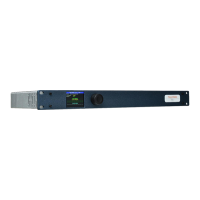
3. Disconnect and remove the system controller.
4. Install the replacement system controller, ensuring all the connections are correctly inserted.
5. Power the system controller.
6. Set the units IP addresses to match the removed system controller, you can follow the
instructions in the Installation > TM1-Mk3+ section.
7. WARNING: The next operation will interfere with the operation of the Backup system controller
and should be performed during a period of planned maintenance.
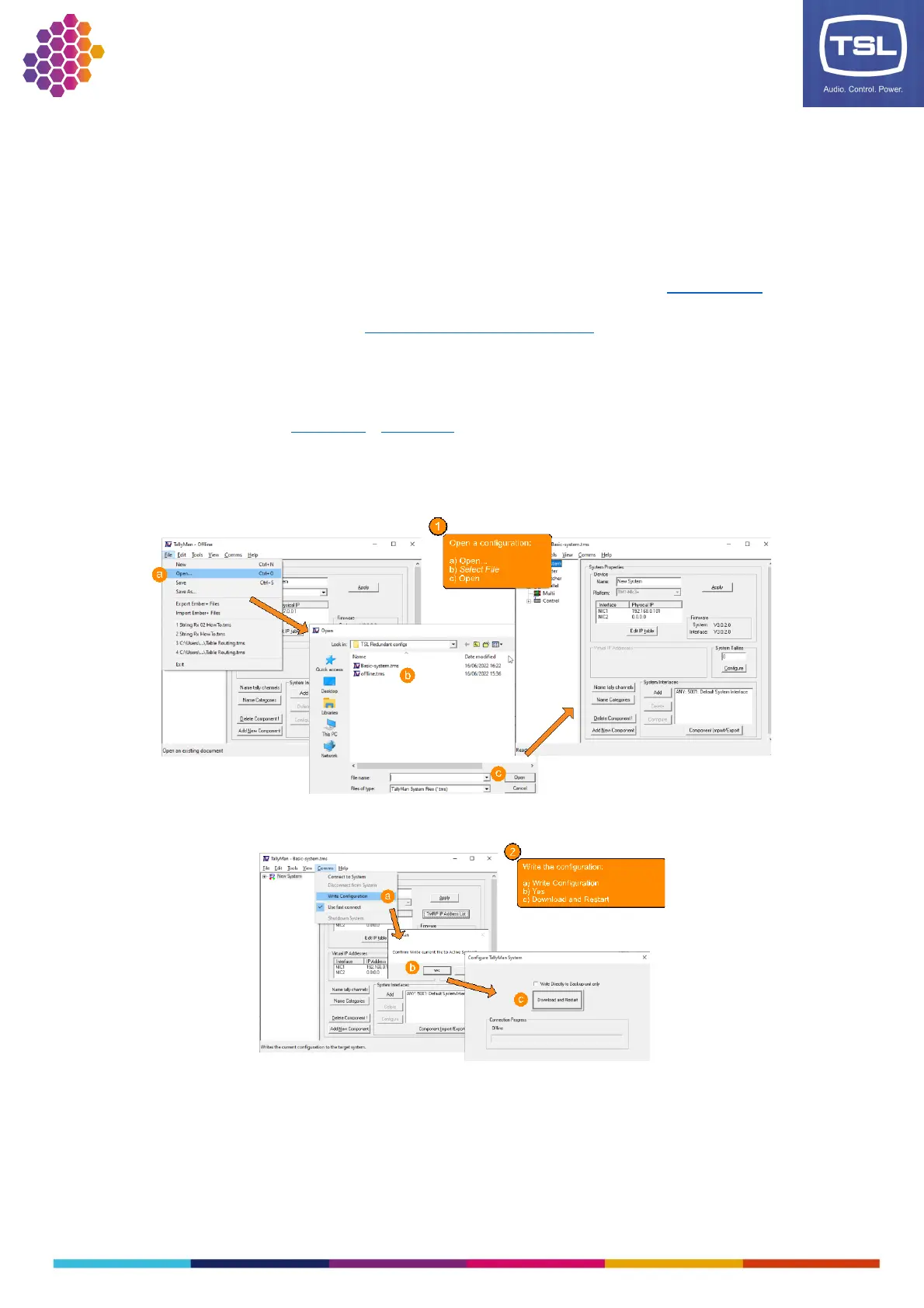
8. From the TallyMan configuration software, load and write the configuration:
This action will cause the replacement system controller to take up the role of Primary in the redundancy
system. As such it will re-write the configuration to the Backup system controller to ensure synchronicity
and then become the Active controller. If the system is in the Manual Failover mode, then you may need
to change the failover mode to Automatic to re-enable the redundancy system.



 To Next Page