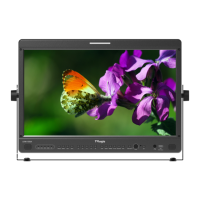
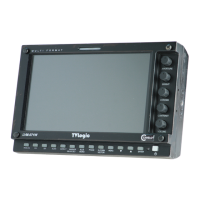
Field Production Monitor
10
04 MENU TREE & ADJUSTMENT
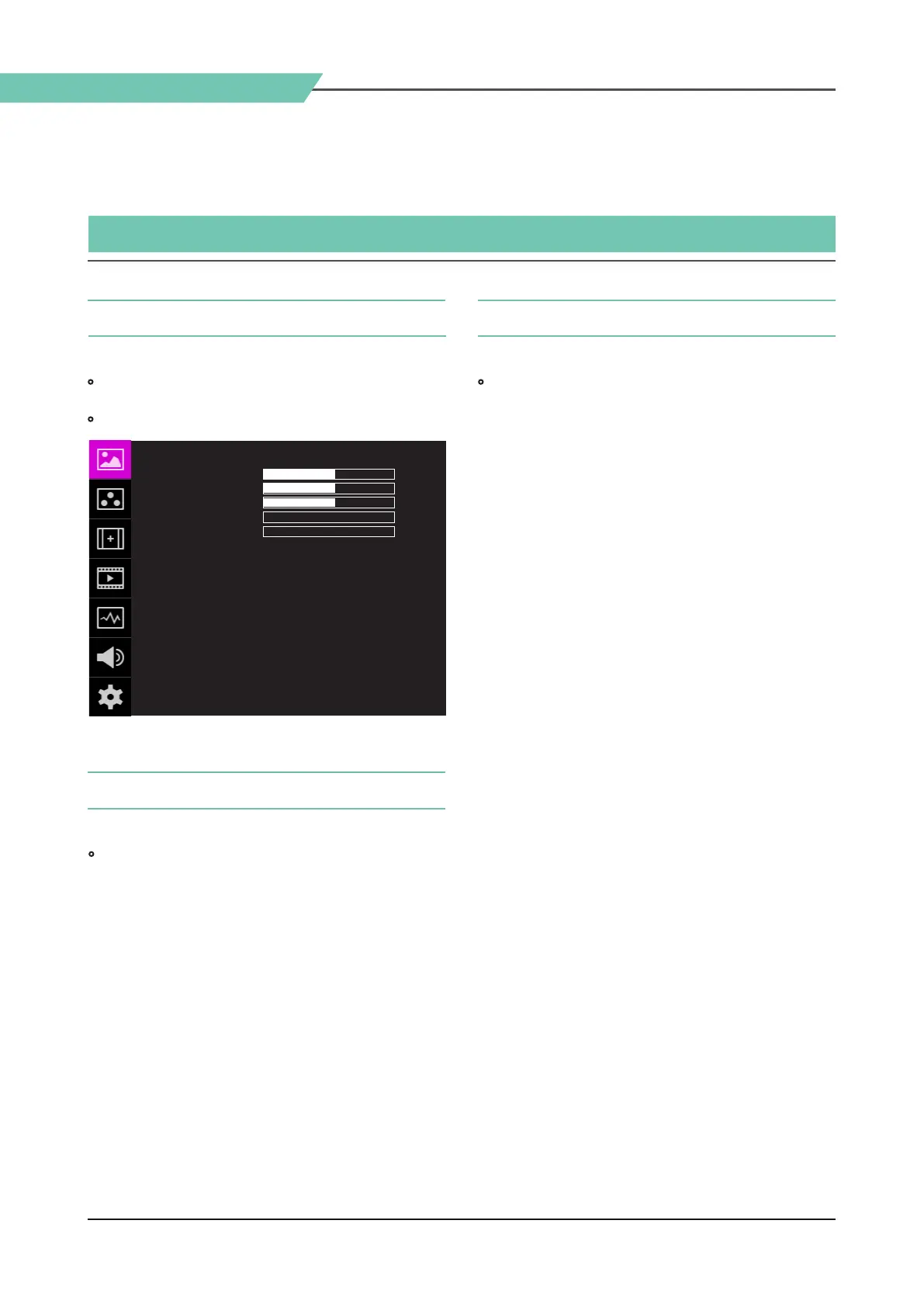
• OSD(On-Screen Display) Menu helps to use
varous dierent functions.
• This Picture is the menu structure for F-10A
MENU TREE & MENU CONTROL & MENU CONTROL SEQUENCE
[1] MENU TREE [3] MENU CONTROL SEQUENCE
[2] MENU CONTROL
• User may control various functions using the
MENU button and the Knob on the top of the
monitor.
• Menu control sequence follows the order below.
1. Press MENU button to activate the OSD menu.
2. Move to a desired menu using the Knob.
3. Press the Knob to select a menu and move to
select a sub-menu by scrolling the Knob.
4. Press the Knob to select the desired sub menu.
(The selected sub-menu will be highlighted)
5. Press the ENTER button or the MENU button to
save the new value after adjusting the value by
scrolling the Knob.
6. Press MENU button to return to previous menu
and if there is no previous menu, the OSD menu
will be removed from the screen.
PICTURE 같이 F-10A
UNLOCK
REC 709
SYNCHRONIZATION
NONE01
NONE01
NONE01
BRIGHT
CONTRAST
CHROMA
SHARPNESS
PEAKING BOOST
KNOB LOCK
3DLUT LOAD
3DLUT SYNC
3DLUT IMPORT 1
3DLUT IMPORT 2
3DLUT IMPORT 3
+0
+0
+0
+0
+0



 To Next Page