Field Production Monitor
11
05 MENU OPERATIONS
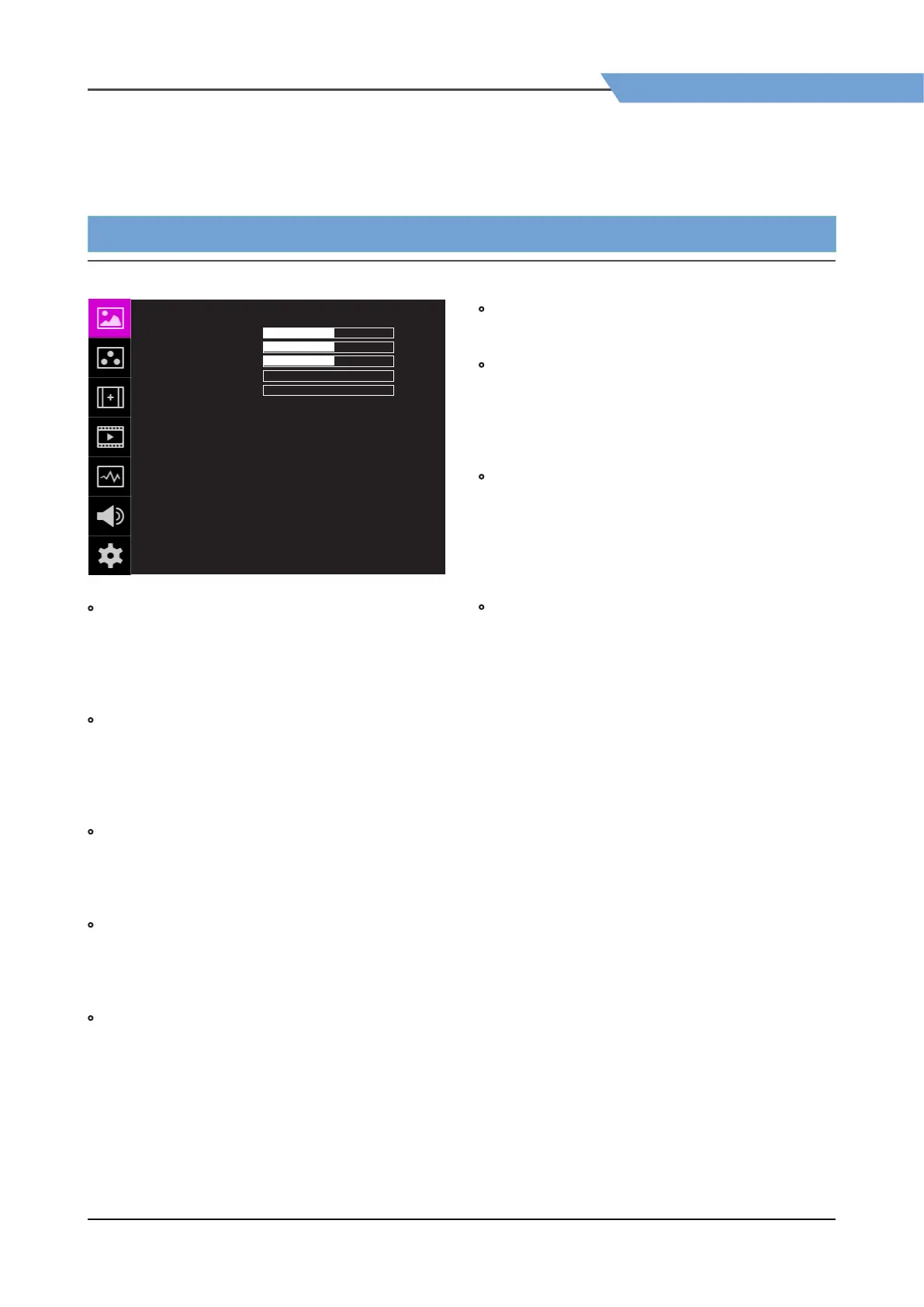
[1] PICTURE
Field Production Monitor
11
PICTURE 같이 F-10A
UNLOCK
REC 709
SYNCHRONIZATION
NONE01
NONE01
NONE01
BRIGHT
CONTRAST
CHROMA
SHARPNESS
PEAKING BOOST
KNOB LOCK
3DLUT LOAD
3DLUT SYNC
3DLUT IMPORT 1
3DLUT IMPORT 2
3DLUT IMPORT 3
+0
+0
+0
+0
+0
• BRIGHT
- Used to set the brightness(=oset) level from
-100 to 100.
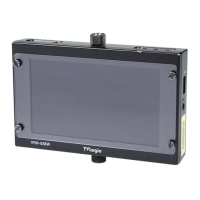
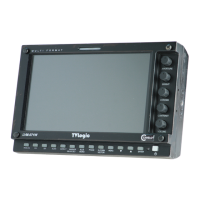
# Brightness can be adjusted by using the Knob
on the top of the monitor.
• CONTRAST
- Used to set the contrast(gain) level from -100 to
100.
# Contrast can be adjusted by using the Knob on
the top of the monitor.
• CHROMA
- Used to set the saturation level from -50 to 50.
# Chroma can be adjusted by using the Knob
on the top of the monitor.
• SHARPNESS
- Used to set the Sharpness level from 0 to 24.
# Sharpness can be adjusted by using the Knob
on the top of the monitor.
• PEAKING BOOST
- Used to set the Peaking Boost level from 0 to 24.
# Peaking Boost can be adjusted by using the
Knob on the top of the monitor.
• KNOB LOCK
- Locks the Knob control.
• 3DLUT LOAD
- Used to apply the internally stored 3DLUT.
- Maximum 3 x 3DLUT les can be stored.
- The le name can be set up to 20 characters
including the extension.
• 3DLUT SYNC
- Used to load a list of available 3DLUT les
currently stored in the FLASH MEMORY.
- Available 3DLUT formats are Cube, GV Lut,
Quantel, Davinci and Assimilate Scratch.
- Available sizes of the 3DLUT are 17 or 33.
• 3DLUT IMPORT 1/2/3
- Used to save the 3DLUT stored in the external
memory to the internal memory 1/2/3 area.
- Once saved, the 3DLUT can be maintained even
when the power is turned ON/OFF.
- The le name can be set up to 20 characters
including the extension.


 To Next Page