http://www.tyan.com
12
Chapter 2
Board Installation
!
important!
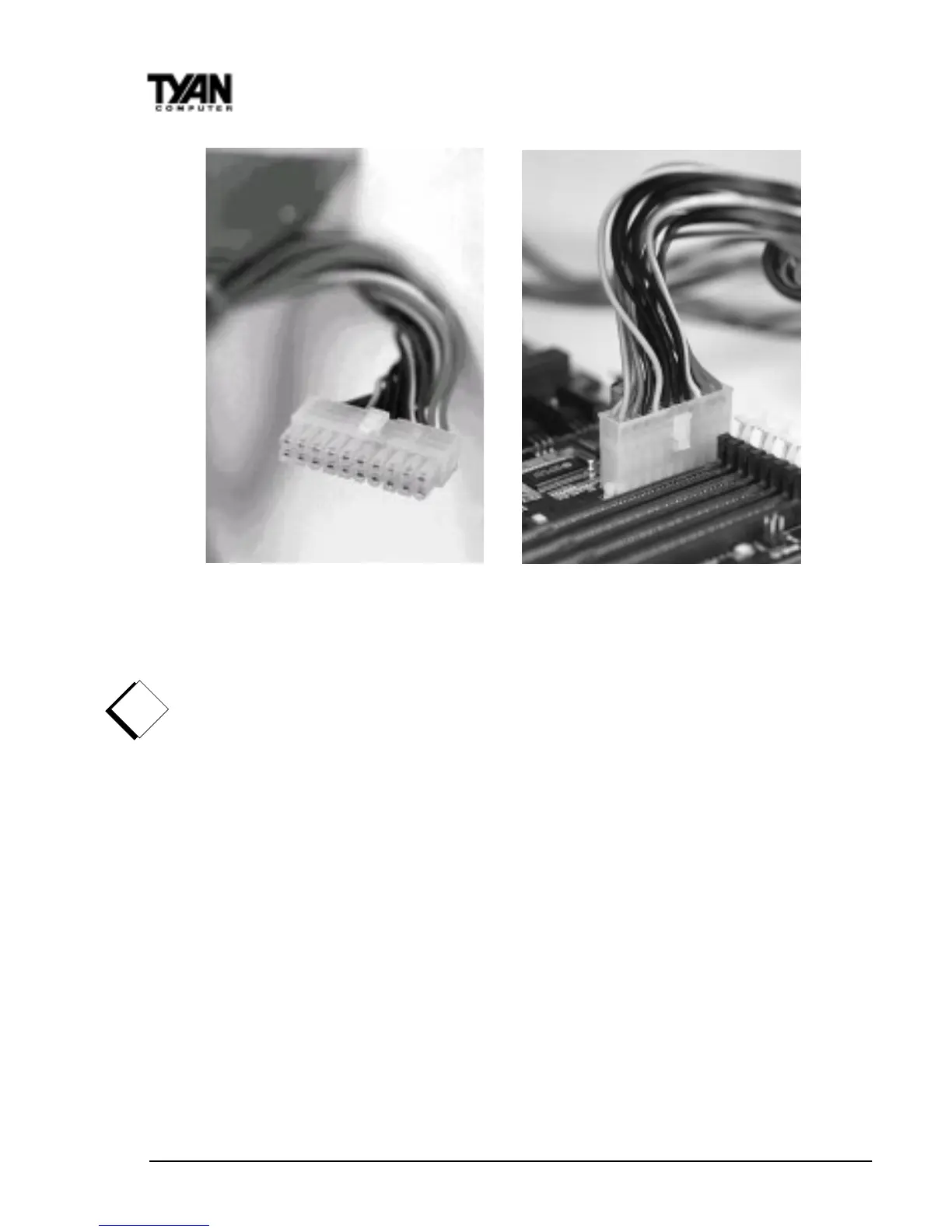
you turn the system on. After connecting the power, make sure the connector
is seated firmly into its socket so it will not become loose or fall off when the
computer is jostled or moved. Note: Tyan recommends using an ATX power
supply that conforms to industry standard revision 2.01.
Next, connect your IDE cables (if you’re using IDE hard drives).
The colored stripe on the cable indicating pin 1 should face towards the rear of
the case (towards the ATX connectors).
In Figure 3 you can see how the IDE cables should look when they are
connected to your hard drive. Notice how Pin 1 (denoted by a red stripe) is
connected so that it is next to the power connector of the drive. In most cases,
this is the proper way of connecting your IDE cable to the hard drive. Figure 4
shows the IDE cable properly connected to the motherboard.
Contact your hard disk drive manufacturer or documentation for more informa-
tion.
Some symptoms of incorrectly installed HDDs are:
• Hard disk drives are not auto-detected: may be a Master/Slave
Figure 2
Figure 1



 To Next Page