http://www.tyan.com
16
Chapter 2
Board Installation
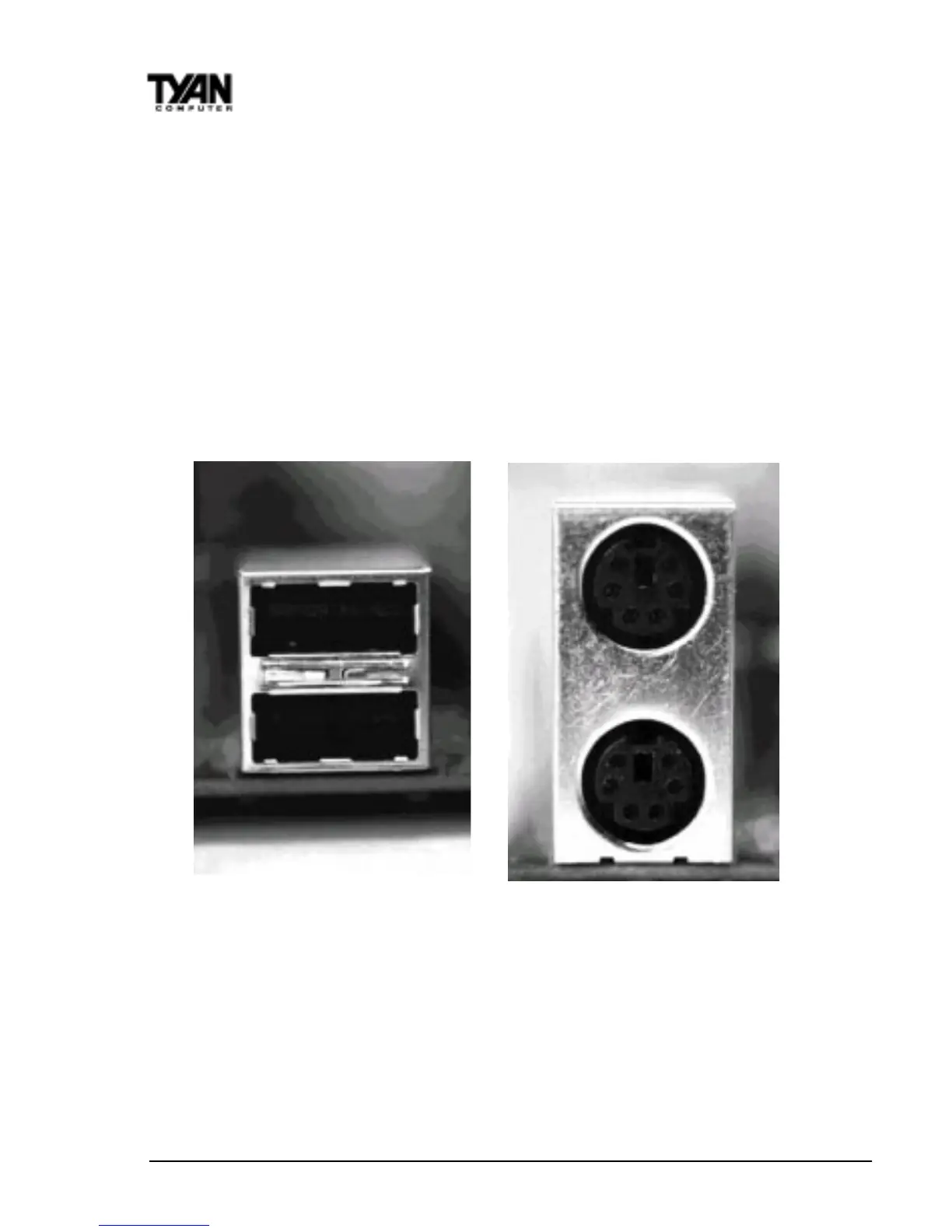
board, the PS/2 mouse port is the upper PS/2 port, and the PS/2 keyboard port
is the lower PS/2 port.
The PS/2 connectors are probably quite familiar to you. The USB connectors,
however, may be foreign. The USB (Universal Serial Bus) is a versatile port.
This one port type can function as a serial, parallel, mouse, keyboard, or
joystick port. It is fast enough to support video transfer, and is capable of
supporting up to 127 daisy-chained peripheral devices. Close-ups of the USB
connector, as well as of the USB and PS/2 ports, are on the following page.
Figure 7 shows the USB ports and Figure 8 the PS/2 ports.
Installing your add-in cards is relatively simple but...
there are a few rules you need to follow when plugging in a card. In order to
assure proper operation and a quick installation, adhere to these guidelines:
• If you are going to install a PCI-Bus interface card on your system, be
aware that any one of the two PCI slots can support a Master or Slave
Figure 7 Figure 8



 To Next Page