© 2021 TytoCare All rights reserved. 18 of 75
TytoHome General Operation User Guide
What’s in the Box
6. Carrying Case Stores and keeps the entire TytoHome
TM
product, including the
Tyto Device, add-ons, disposables. Note there is a designated
place on the case top to be used as a mobile stand, to hold a
mobile device during examination and online virtual visit.
7. Disposable Ear Specula l 5 adult disposable ear specula.
l 5 child disposable ear specula.
8. Charging Cable
G1:
G2:
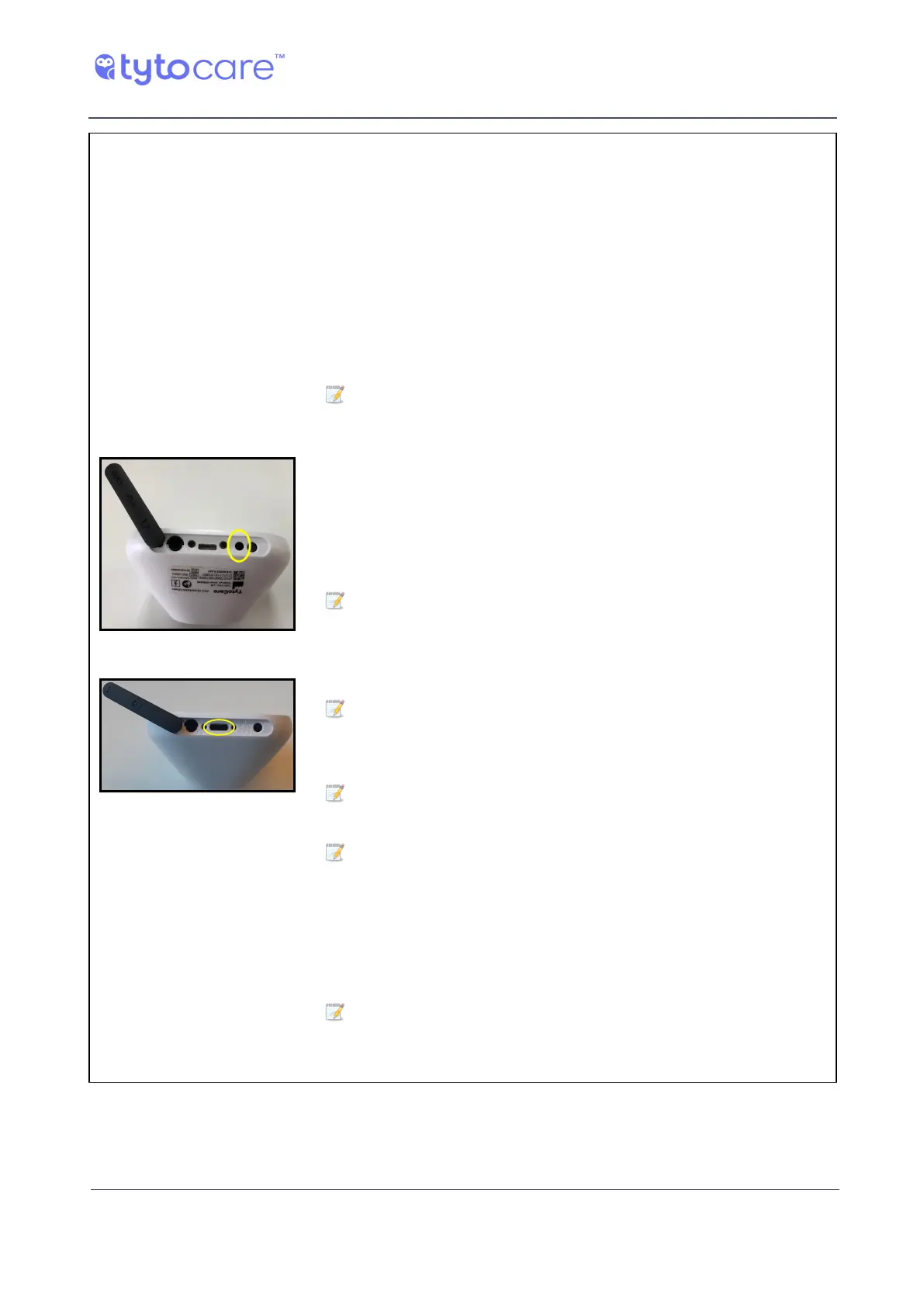
Charging port
Used to charge the Tyto Device, using the USB port on your
computer or a UL-certified USB wall charger.
Note: The charging cable connector matches your Device
model as follows:
l G1: Proprietary plug.
l G2: USB-C.
To identify your model (G1 or G2), see Section - Identifying the
Device Model.
Note: The Device comes pre-charged. If it does not power on,
connect the charging cable to the Tyto Device to charge it.
Remove the rubber band and connect the charging cable to the
charging port.
Note: For a G1 Device, make sure to connect the charging
cable to the charging port (see picture), not into the nearby
headphones port, which is larger.
Note: You cannot perform exams during the charging process.
It is recommended to fully charge the battery before use.
Note: A LED indicates the charging status as follows:
G1:
o
Orange - charging
o
Green - charged
G2:
o
Purple - charging
o
Blue - charged
Note: Store the Device charged, and re-charge it once every 3
months. Storing the Device when battery is drained may shorten
the battery life.



 To Next Page