© 2021 TytoCare All rights reserved. 49 of 75
TytoHome General Operation User Guide
Logging in
Sharing the Recorded Visit with a Clinician
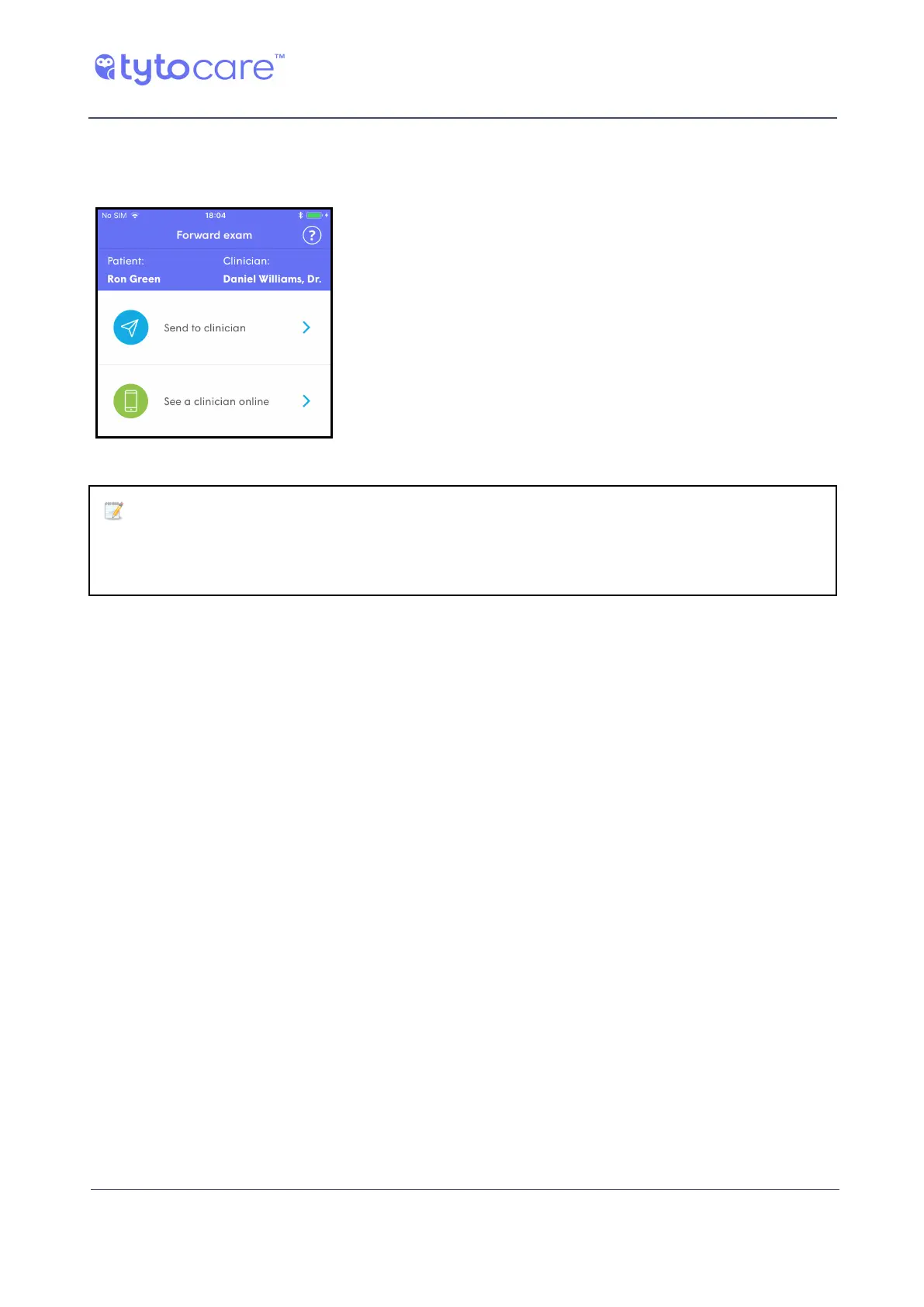
Tap Finish Exam. The App displays the following options:
Send the recorded exams for this visit to a clinician for
their review (“exam and forward”). You’ll be then asked to
choose the clinician who will review the recorded exams.
Request an online video conference with a clinician. The
recorded exams will be shared with the clinician before
the online visit begins, to enable review before seeing the
patient. See Section Performing an Online Visit.
Note: If there is an error connecting to the server and uploading the saved
exams, make sure you have an internet connection, and choose one of the above
options again. If the error persists, contact TytoCare Support.
If you selected Send to clinician, you’ll need to choose the clinician who will review your recorded
exams. Then, complete the short questionnaire and tap your symptoms and main complaint. This
procedure is described in Section - Describing the Symptoms.
The recorded exams are then sent to the clinician. Once the clinician finishes reviewing your
recordings and makes a diagnosis, you’ll be notified when their notes are ready for your review.
To review the clinician’s notes, log in and tap the relevant patient and choose Inbox.



 To Next Page