© 2021 TytoCare All rights reserved. 41 of 75
TytoHome General Operation User Guide
Logging in
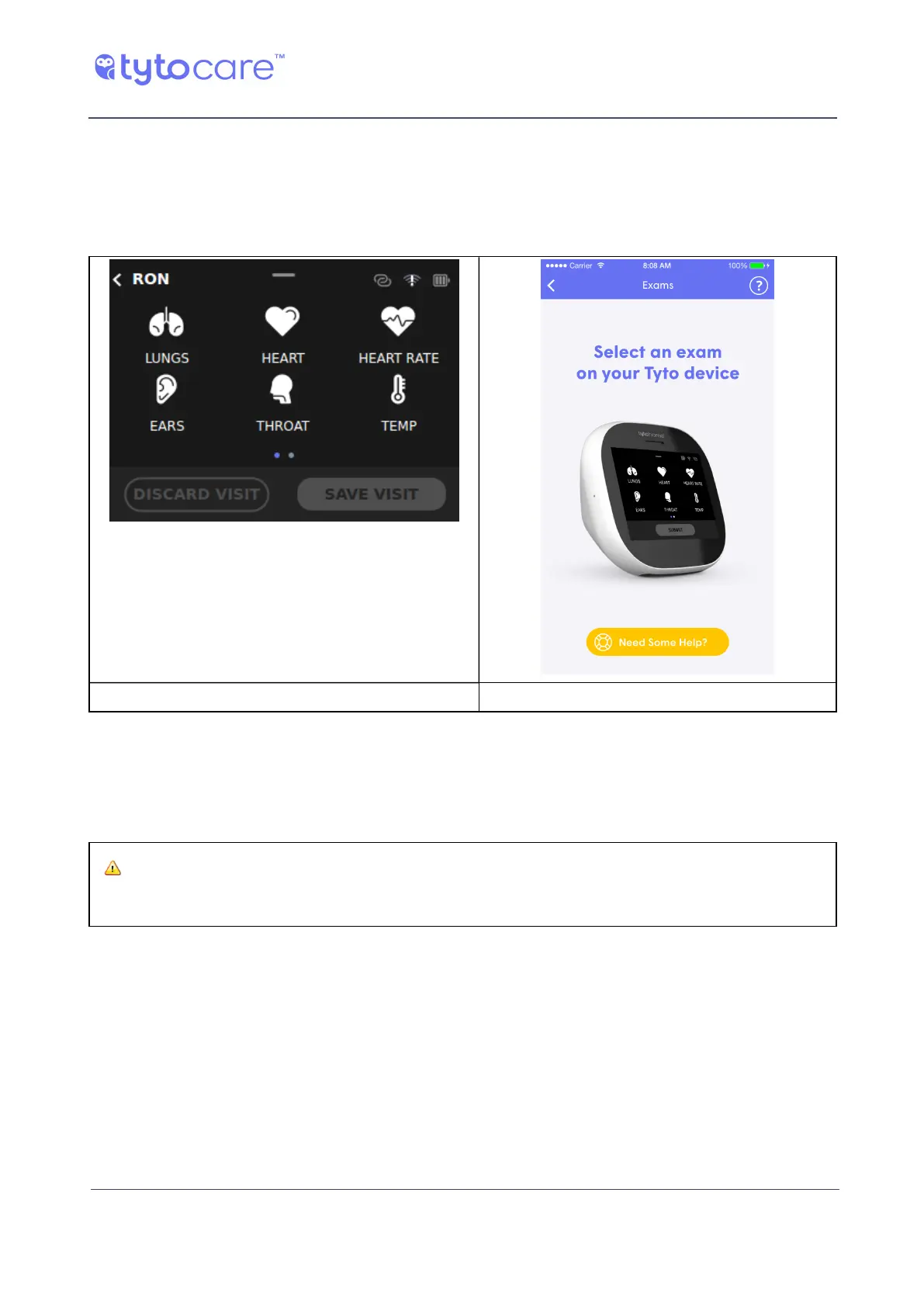
Starting the Visit and Selecting Exams
After the patient is identified, and the Exam-and-forward option is selected, you can start
performing the exams. The examinations are performed and managed using the Device. Tap the
Device screen to choose which type of exam to perform.
Tyto Device TytoApp
Note that in the identified visit workflow, the upper left corner of the Device shows the name of
the patient (RON in this example).
Note that additional exams (Skin - not displayed here) are available in the second screen in the
Device. Swipe to the left, using your finger, to access the second exam selection screen.
Warning: Always make sure the correct patient is identified before starting a
new visit.



 To Next Page