© 2021 TytoCare All rights reserved. 68 of 75
TytoHome General Operation User Guide
Appendix C. Frequently Asked Questions and Troubleshooting Tips
Appendix C. Frequently Asked Questions and
Troubleshooting Tips
Why can’t I pair/connect the Device and my Phone/Tablet running the TytoApp?
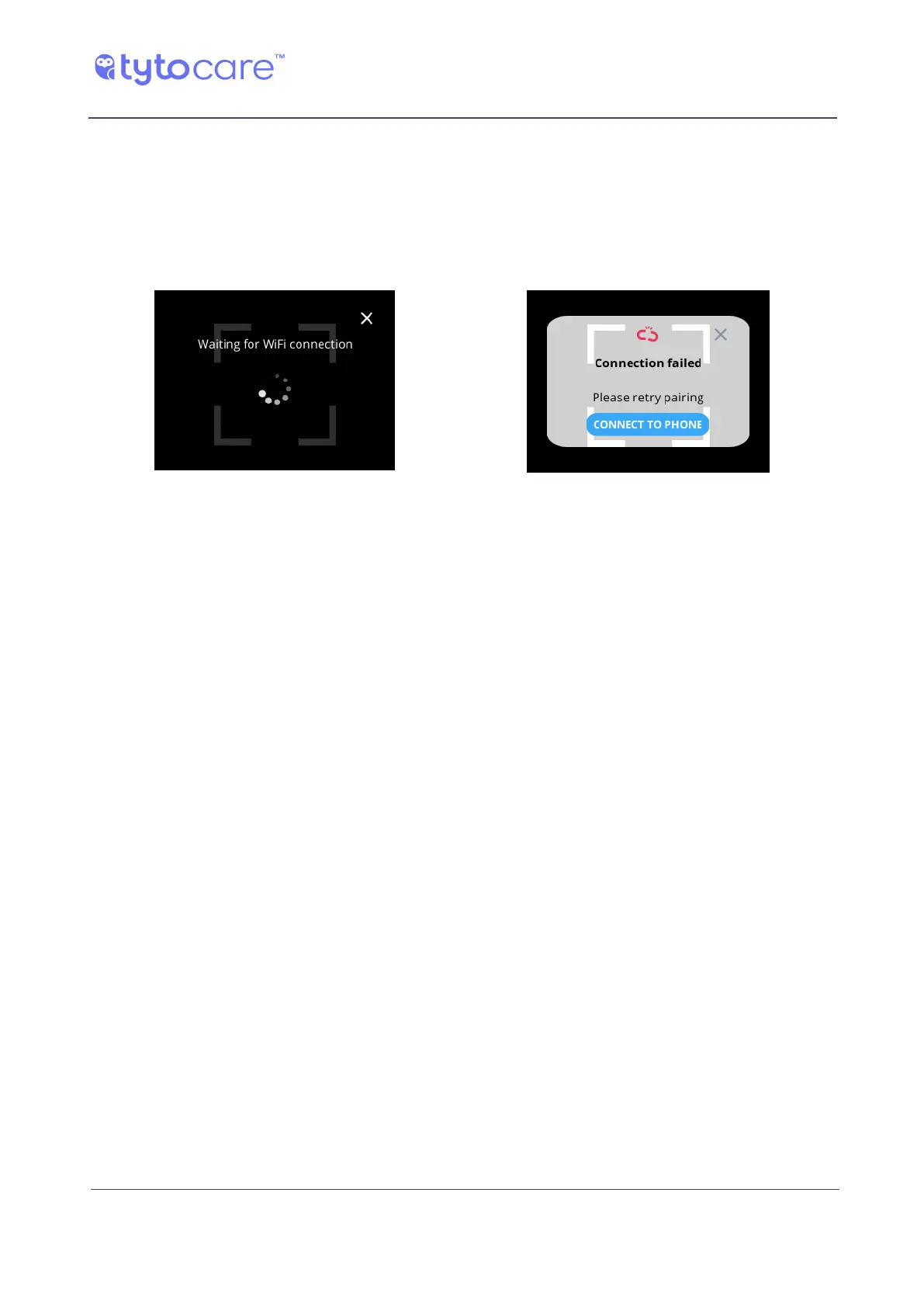
You may see one of these screens while attempting to connect the mobile device to the Device:
Waiting for connection Cannot connect
In order to establish a connection between the Device and TytoApp, a Wi-Fi connection is
required. Make sure that your Wi-Fi network is working properly and that your mobile device is
connected to it. Make sure that the Wi-Fi network password that you have is the right one (try it
on your mobile device). Make sure your Wi-Fi network meets the router requirements described
in Appendix B. Try not to be located too far away from the Wi-Fi router. Then retry the pairing
process by generating the QR code in the TytoApp and scanning it with the Device. If the problem
persists after several attempts, contact TytoCare Service.
Why doesn’t my Device turn ON?
It might not be charged. Connect the charging cable to the Device and to the USB charger. Let it
charge for at least several hours. You should see an orange (for G1 Devices) or purple (for G2
Devices) LED near the Base Unit LCD indicating that the Base Unit is charging. After charging, when
the LED indicator is green (G1) or blue (G2), disconnect from the charging cable and turn the base
unit on. If the problem persists, contact TytoCare Service.
Why can’t I login into the TytoApp?
Try checking your user login details (username/password). Make sure you have internet
connection on your mobile device . Also, try "killing" the App by double-clicking the main round
circle button of the mobile device and swiping up the TytoApp. If this does not work, go through
the Forgot Password flow in Appendix A, which will generate a new password. If the problem
persists, contact TytoCare Service.
Why can’t I get a good signal when performing an exam?
Try to eliminate external noise when doing the exam. Also, do not move the Device on the body
when recording a measurement and make sure the Device is in full contact with the patient’s
body. Make sure the Device is placed firmly on the patient’s body and if possible place it directly
on the patient’s skin. If the problem persists, contact TytoCare Service.



 To Next Page