© 2021 TytoCare All rights reserved. 43 of 75
TytoHome General Operation User Guide
Logging in
Recorded Exams
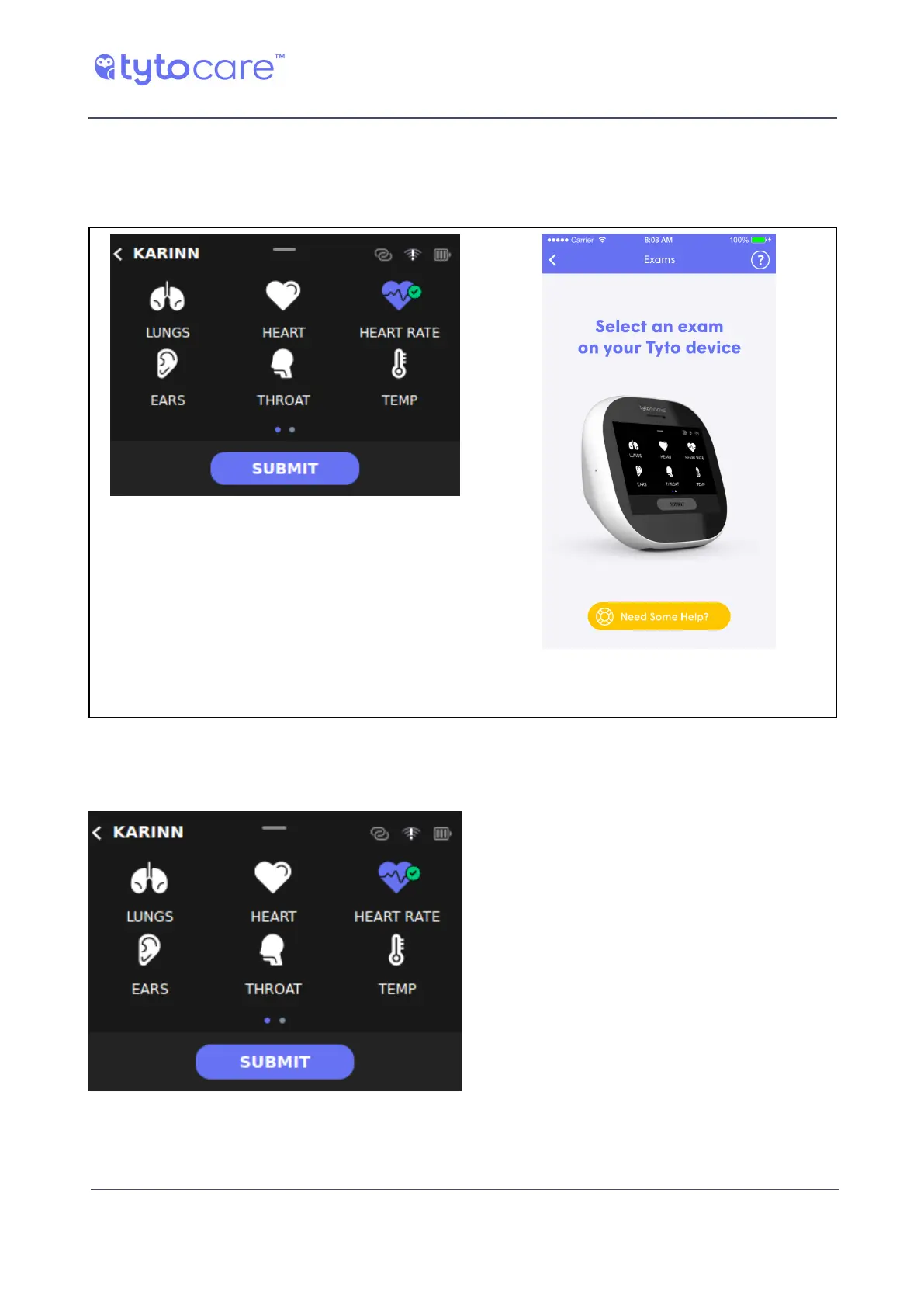
When an exam is recorded, it is marked in purple and with a green check mark on the Device. You
can redo a purple marked exam by tapping it again. The existing recorded exam is kept.
Device screen, showing exams performed App screen, indicating that exam selection is
done on the Device
Completing the Visit
When you finish the examinations and you want to complete the visit, tap Submit on the Device:
The recorded exams are sent to the TytoApp. Use the TytoApp to send the recordings to a
clinician.



 To Next Page