© 2021 TytoCare All rights reserved. 38 of 75
TytoHome General Operation User Guide
Logging in
Practicing Examinations with Tyto Academy
After you have set up your Device and signed in, you should practice using your TytoCare Device
so that you are ready when you actually need to perform an exam. Your Device provides a series
of short and friendly tutorials that explain how to correctly perform key exams.
Since heart and lung exams use the stethoscope, it is best to practice these exams in a quiet room
with quiet "patients".
If you need more help, you can access the troubleshooting tutorials or tap the Tyto Assistant.
Choosing a Patient
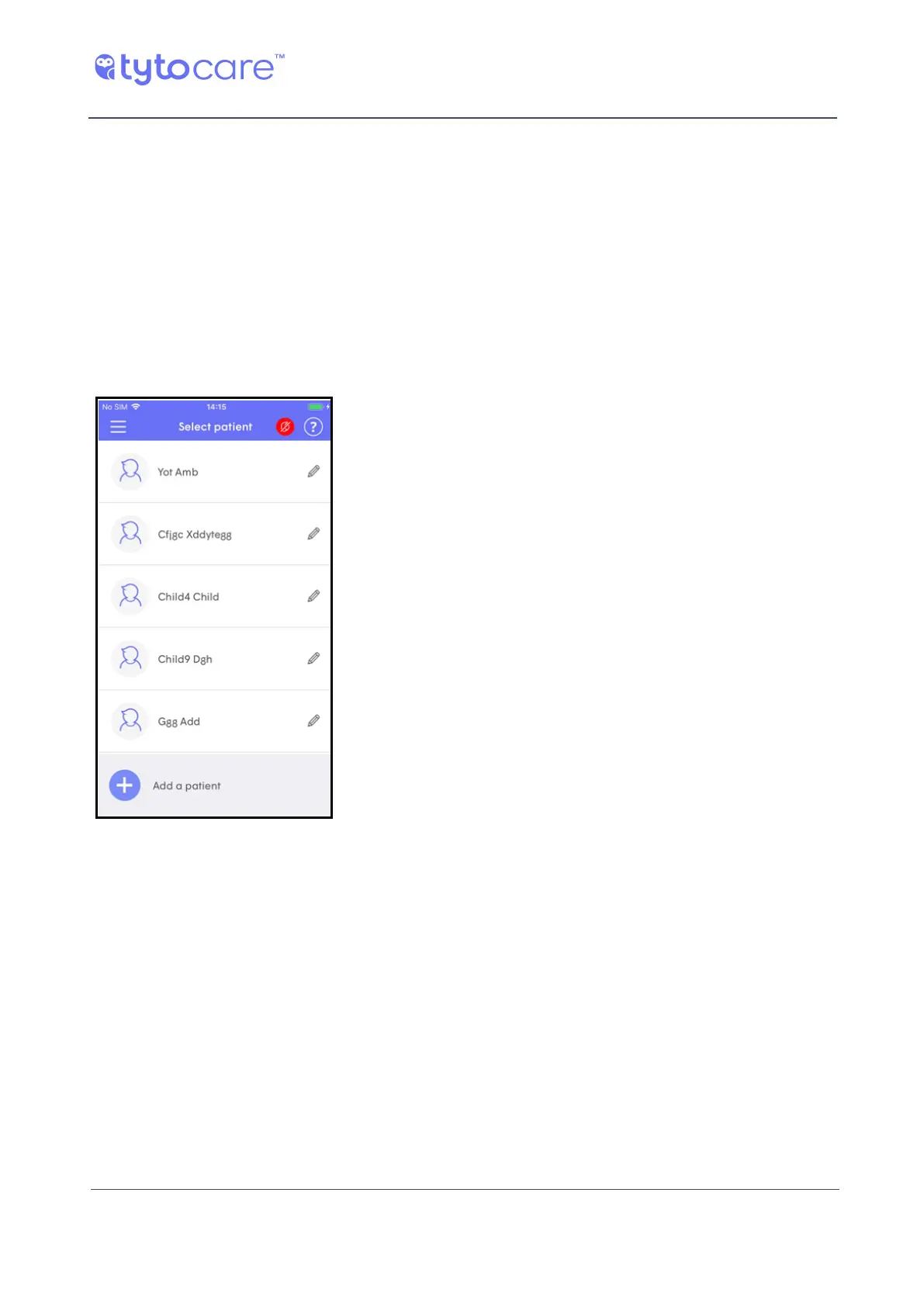
The Choose a Patient screen is used to choose a patient or
add more patients. Note that initially, the only patient
available is the user that was defined during the sign-up
procedure.
If you want to define additional patients, continue with
Section Adding a Patient.



 To Next Page