© 2021 TytoCare All rights reserved. 39 of 75
TytoHome General Operation User Guide
Logging in
Starting a Visit and Choosing the Patient
Before you start a visit, make sure the Device is turned on and paired to the TytoApp, and that it
shows the pairing status icon at the top-right corner, in green. If the pairing status icon remains
red for a few seconds after the Device is turned on, run the manual pairing procedure, as
described in Section Manual Pairing Procedure.
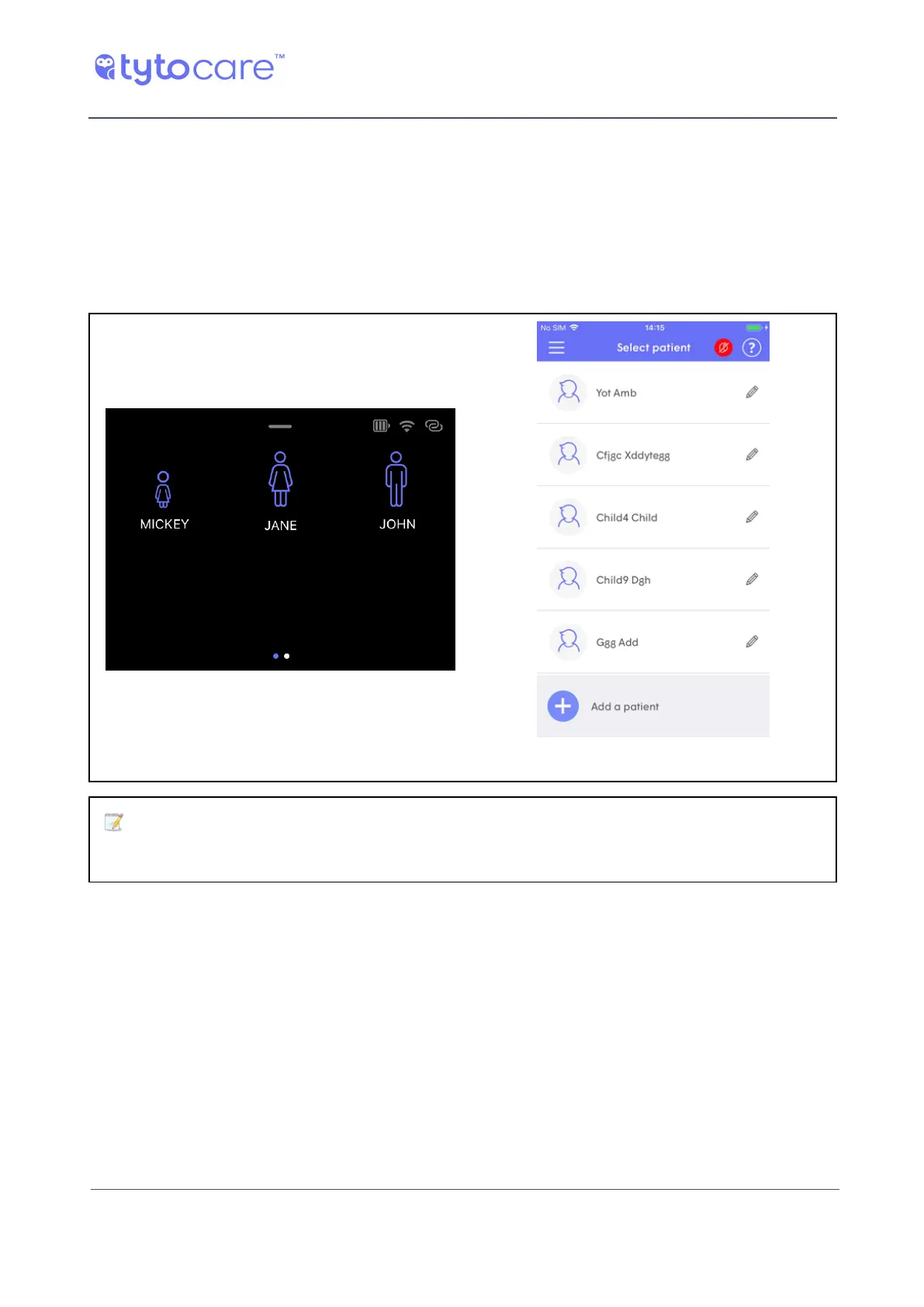
When you are ready to start the visit, tap the relevant patient in the Device or the App:
Tyto Device TytoApp
Note: Selecting a patient on the Device automatically starts an Exam-and-
Forward visit type (see Section Choosing the the Type of Visit).



 To Next Page