© 2021 TytoCare All rights reserved. 37 of 75
TytoHome General Operation User Guide
Logging in
Signing Up
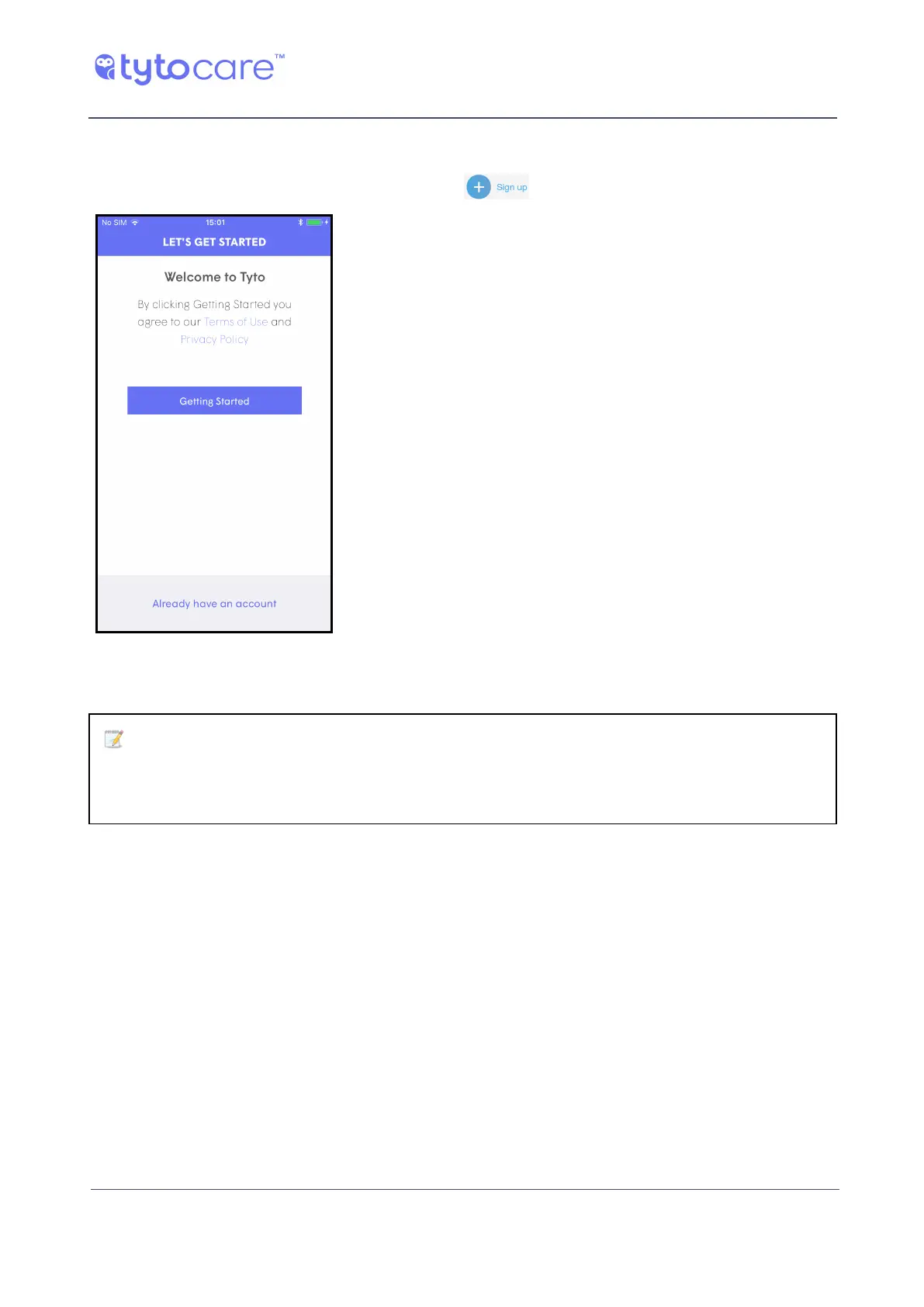
The first time you use the system, tap Sign Up on the bottom of the Login screen.
The system leads you through a series of screens asking
you to define a username and password, and to provide
additional information, as instructed by the App.
Organization Assignment:
Note: To assign your user to your health system, employer or other healthcare
organization, you need to enter the code you received from your organization
during the organization step in the registration process.
If you don’t know your organization code, contact your system administrator or TytoCare Support.
For certain organizations, you will also be requested to enter your personal identification number,
used to identify you in your health organization, e.g., MRD, SSO etc. This is needed to provide the
clinician with your medical record in your health organization.
After you tap Save, your user is created in TytoCare. You are automatically logged in to the system.
You can add additional patients later, by using the Add a patient button on the bottom of the
screen.



 To Next Page